_811205.png)
_e196d8.png)
_32b3d9.png)
_1c53fe.png)

A Suspension Issue You Really Don’t Want to Discover Mid-Drive
Most of us never give suspension parts a second thought – until something fails. Control arms, bushings, toe links: they do their job in the background, keeping your vehicle stable and predictable. But if a rear suspension part lets go while you’re moving at speed, the outcome is rarely good.
That’s exactly what seems to have happened with two Rivian R1S electric SUVs, which is now prompting a federal investigation in the US.
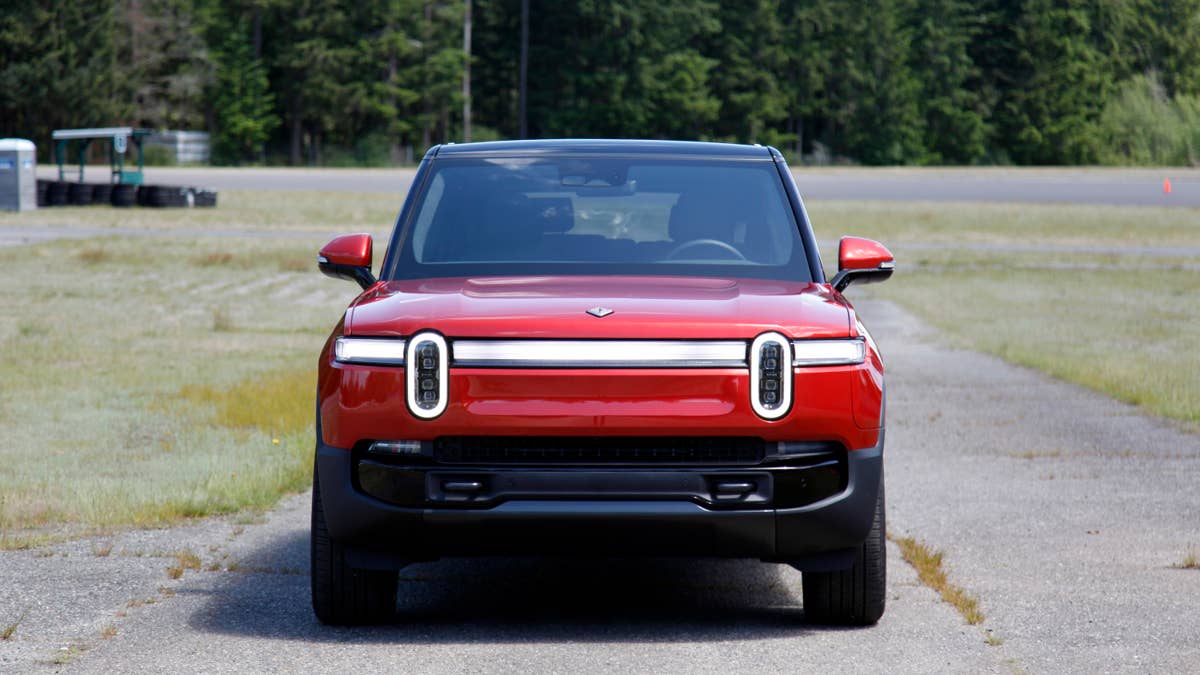
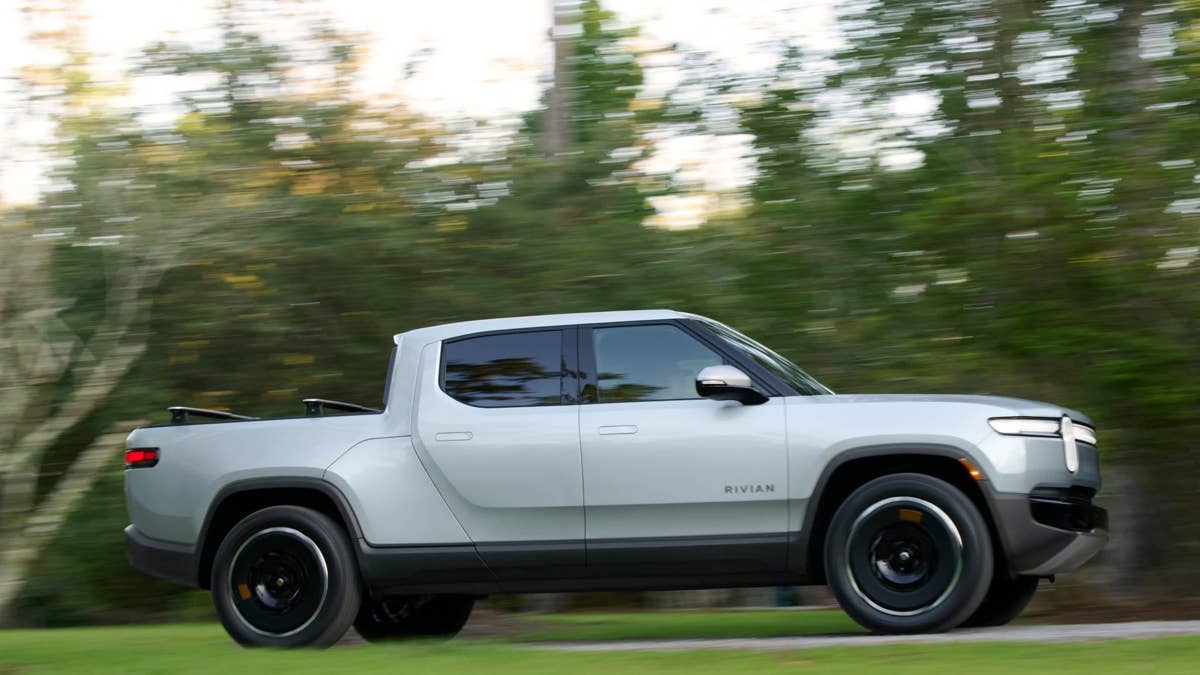
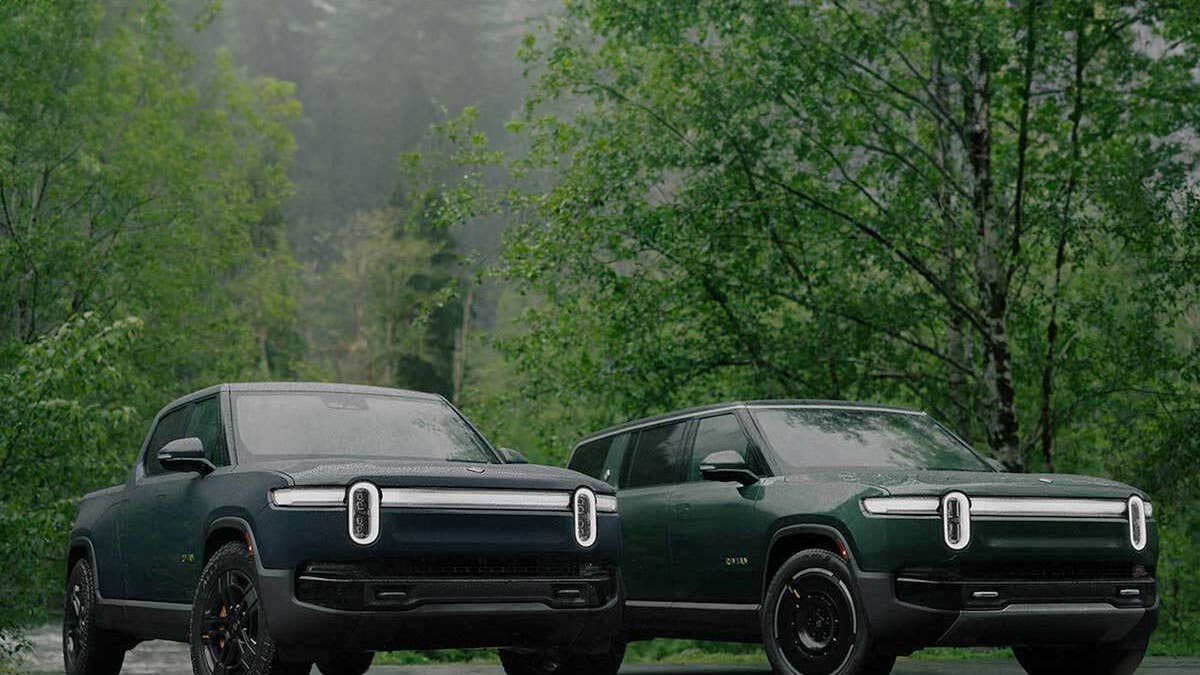
The National Highway Traffic Safety Administration (NHTSA) has launched a Preliminary Evaluation covering about 115,000 Rivian R1S and R1T models built from 2022 to 2025. The focus is on the rear toe link – a part that helps keep your wheels aligned and the vehicle stable. Investigators say this component might separate, which could cause the vehicle to suddenly change direction.
Two Incidents, One Crash
According to NHTSA’s Office of Defects Investigation, there were two owner complaints involving left rear toe link separation in 2023 and 2024 Rivian R1S models. In both cases, the reported failure happened while the vehicles were being driven, allegedly causing them to swerve across multiple lanes of traffic.
One of the incidents reportedly ended in a collision involving another vehicle and a roadside barrier. No injuries or fatalities have been reported so far.
Investigators found a fractured bolt at the heart of both cases. This bolt is supposed to hold the toe link assembly together, but it failed in both vehicles. Interestingly, the two Rivians had different backgrounds – one had been serviced before, the other had been in a previous collision. Still, both ran for months and thousands of miles without any obvious warning signs before the failures happened.
Of note, Rivian updated its service procedures for the toe link in March 2025, then extended new repair guidance to certain vehicles with a recall in January 2026. Still, the investigation aims to look at the issue after these two new incidents.
Rivian
Investigation First, Recall Maybe Later
Right now, this is still just an investigation. A Preliminary Evaluation means the government is taking a closer look to see if there’s a bigger safety issue and if a recall is needed. NHTSA plans to check how the rear toe link holds up to different road conditions and service work, compare evidence from both incidents, and decide if Rivian’s updated repairs are enough.
If you own an R1S or R1T that might be affected, there’s no need to panic, as it’s unclear if every unit is affected. However, it’s smart to pay attention to anything odd from the rear suspension. If you notice changes in alignment, strange steering, odd noises, or instability, don’t ignore them. Check for open recalls, keep up with Rivian’s service updates, and note anything unusual while the investigation is ongoing.
Rivian
Join the conversation
You can post now and register later. If you have an account, sign in now to post with your account.