_811205.png)
_e196d8.png)
_32b3d9.png)
_1c53fe.png)

The Community for Real Enthusiasts
WELCOME TO
GEAR CRUSHERS
Where builds get serious. Join thousands of gearheads sharing mods, track days, tech breakdowns, and the kind of knowledge you won't find in a manual.
48K
Members
312K
Posts
9.4K
Build Threads
1.2K
Online Now
FEATURED THIS WEEK

Build Tech
SINGLE TURBO SWAPS: WHAT THE FORUMS WON'T TELL YOU
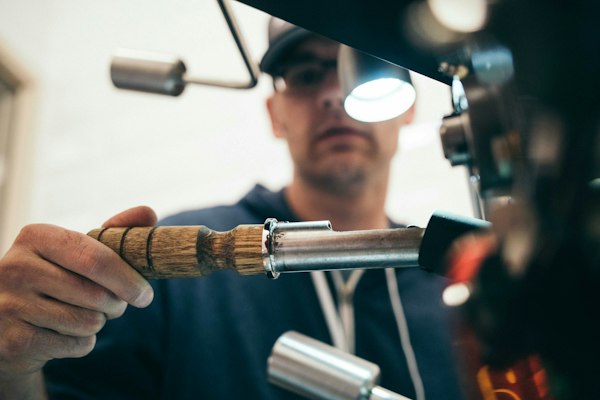
Track Day
Your First Autocross: Gear, Setup, and What to Expect
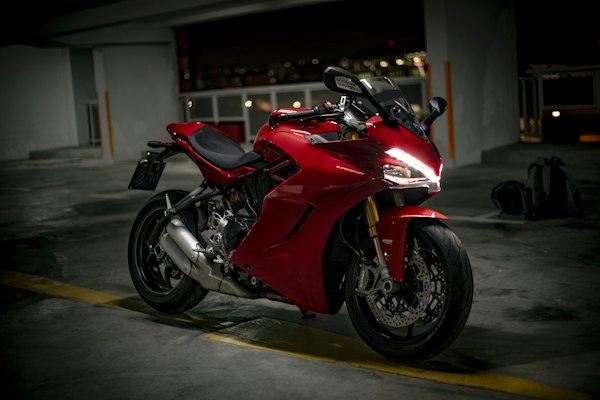
Suspension
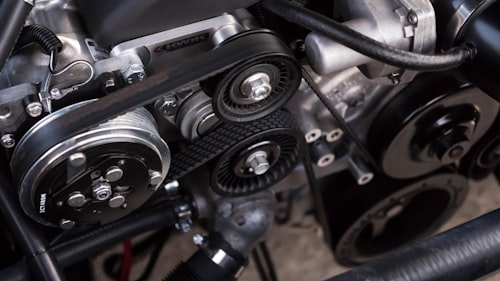
Coilovers vs. Springs: The Real Cost Breakdown for Daily Drivers
TOP ARTICLES

01
Brakes
Big Brake Kits: Do You Actually Need More Than Stock?
Most street builds don't need a BBK — here's what the data actually shows and when it makes sense to upgrade.
02
Tuning
Street Tune vs. Dyno Tune: Which Is Worth the Money?
A proper dyno tune can unlock 30–80hp you're leaving on the table. Here's how to find a shop that won't burn your motor.

03
Wheels
Wheel Sizing Deep Dive: Offset, Width, and Why It Matters for Handling
Running the wrong offset doesn't just look bad — it kills your steering feel and eats bearings. Here's the guide.

04
Maintenance
Oil Weight and Viscosity: Stop Following the Owner's Manual Blindly
If you're running a high-mileage or modified engine, the stock oil recommendation may be actively hurting you.
FORUM CATEGORIES
LATEST DISCUSSIONS
Anyone running a standalone ECU on a 2JZ street car? Tuning experience?
43 replies
2 min ago
NC Miata suspension rebuild — stock or Tein Flex Z for a mixed street/track use?
28 replies
14 min ago
Show me your intercooler plumbing — share your setup pics in here
91 replies
31 min ago
Brake fade at the track — pads, fluid, or both? What's actually causing it
17 replies
1 hr ago
OBD-II logging: best free software that actually works in 2025?
36 replies
3 hrs ago