_811205.png)
_e196d8.png)
_32b3d9.png)
_1c53fe.png)

Spatial Computing Hits The Auto Industry
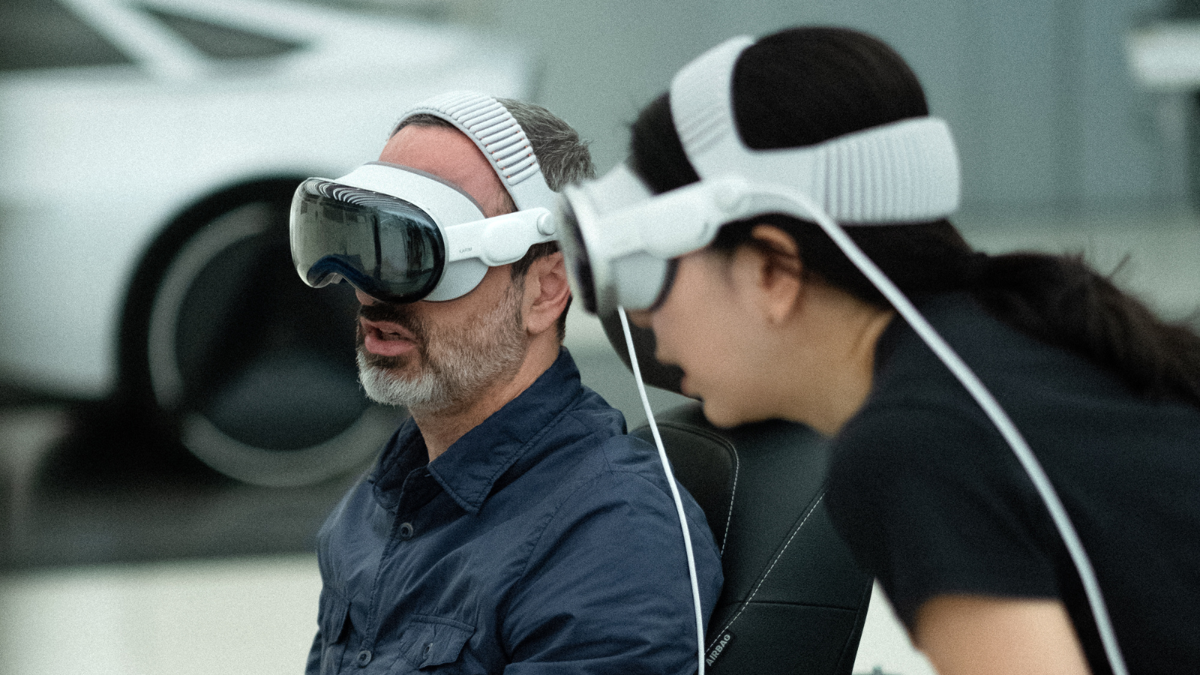
The Apple Vision Pro is undeniably a cutting-edge technology that can significantly enhance viewing experiences, enabling features like watching Formula 1 with multiple camera angles simultaneously and even viewing a 3D representation of the track. But with a starting price of $3,499, it is easy to see why the device remains a niche product, though Kia has found a valuable use for it.
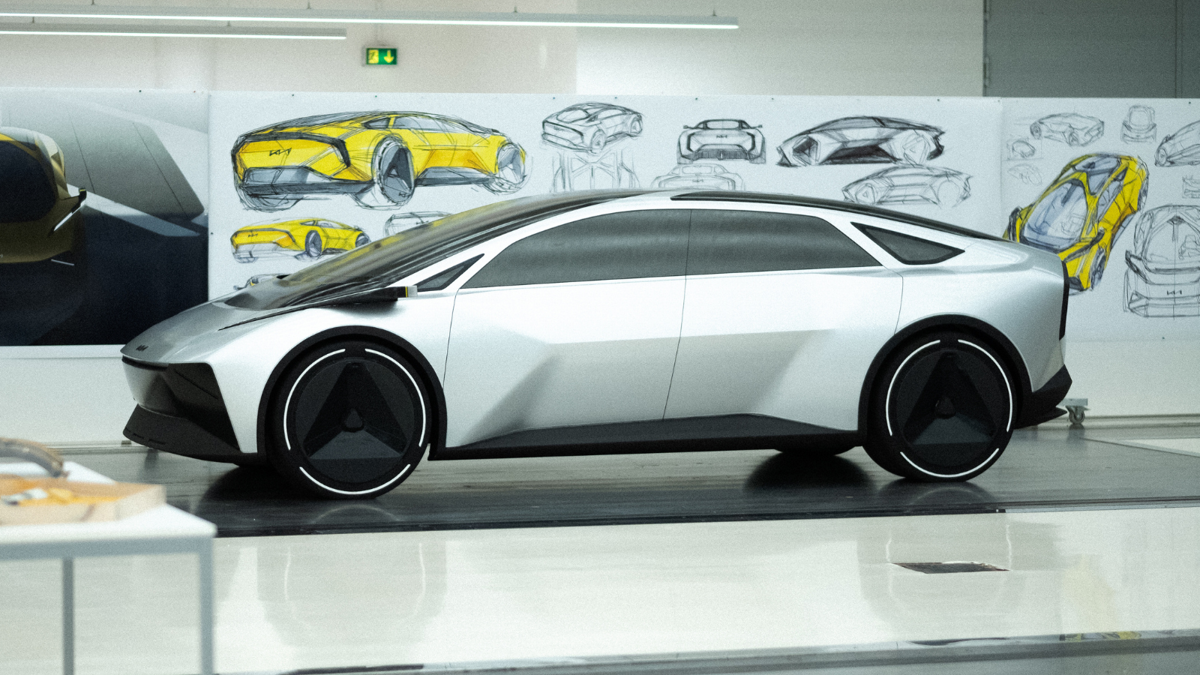
Kia used the Apple Vision Pro to help design the Vision Meta Turismo, an all-electric concept that could preview a future Stinger successor, while also demonstrating how spatial computing technology could become a game-changer in the automotive design process. The Korean marque claimed that “what has taken months in the past can be reduced to a matter of weeks or even days.”
The Virtual Advantage
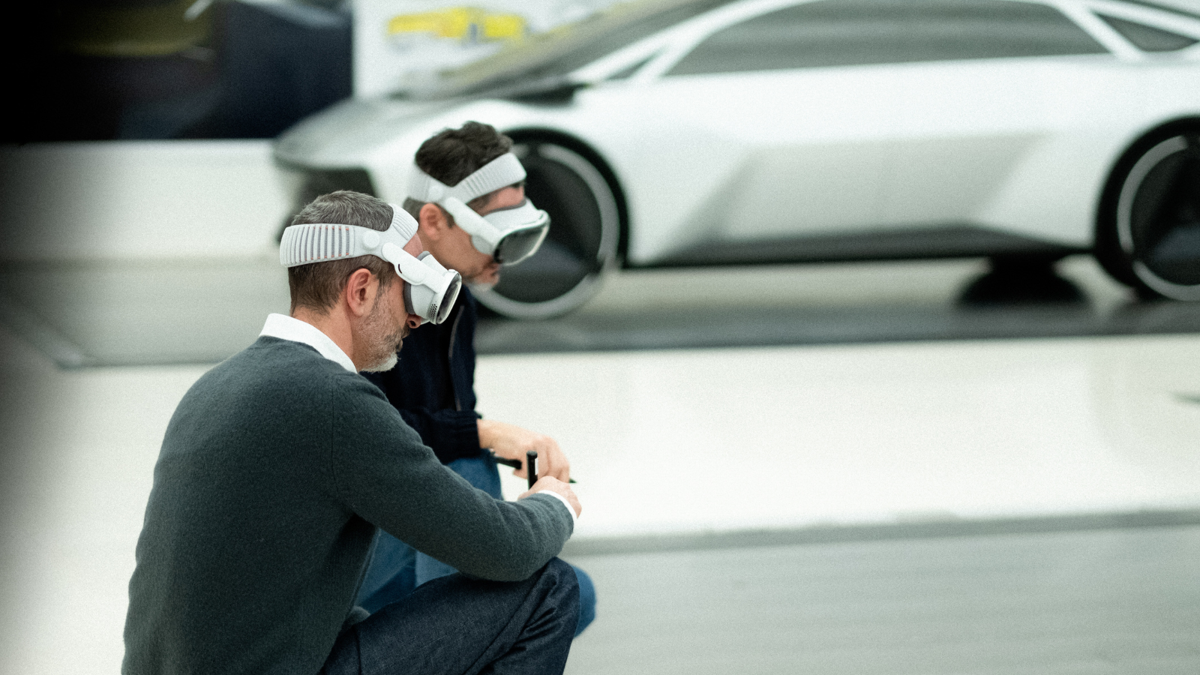
Using a virtual model, designers no longer have to rely solely on traditional clay models and physical prototypes, which can take longer to produce than displaying a vehicle in a virtual environment. Designers can also collaborate from anywhere in the world, working together in a shared virtual space and making distance less of a limitation.
Amid concerns that advanced technologies such as AI could replace human jobs, Kia says immersive technologies are not intended to replace traditional design methods but to extend them. The company stated that the technology serves as an enabler rather than a designer, helping reduce the time between concept development and evaluation. In turn, that efficiency could give design teams more room to work on multiple projects at once.
Karim Habib, executive vice president and head of Kia Global Design, said, “It’s been fascinating to see this digital technology impact and transform what was a very physical design and modeling process. Apple Vision Pro has really enhanced and elevated our ability to evaluate our designs.”
Empowering The Designers
The use of the Apple Vision Pro will not necessarily improve Kia’s designs themselves, but it should streamline the workflows behind them. For a brand already known for interesting design choices, the technology is a fitting development. One example is the PV5, a modular electric van that has won several design awards. Others are more polarizing, including the Tasman, a body-on-frame midsize pickup with rugged proportions and modern design cues, though it is not sold in the U.S.
As for the Vision Meta Turismo, the concept embodies the next chapter of the brand’s “Opposites United” design language. Production remains uncertain, however, as developing a high-performance EV can be costly, particularly in the U.S., where tariffs and changing market conditions have already contributed to delays for models such as the EV6 GT, which was pushed back indefinitely for the 2026 model year.
Join the conversation
You can post now and register later. If you have an account, sign in now to post with your account.