_811205.png)
_e196d8.png)
_32b3d9.png)
_1c53fe.png)

BMW Wants Buyers To Just Ask
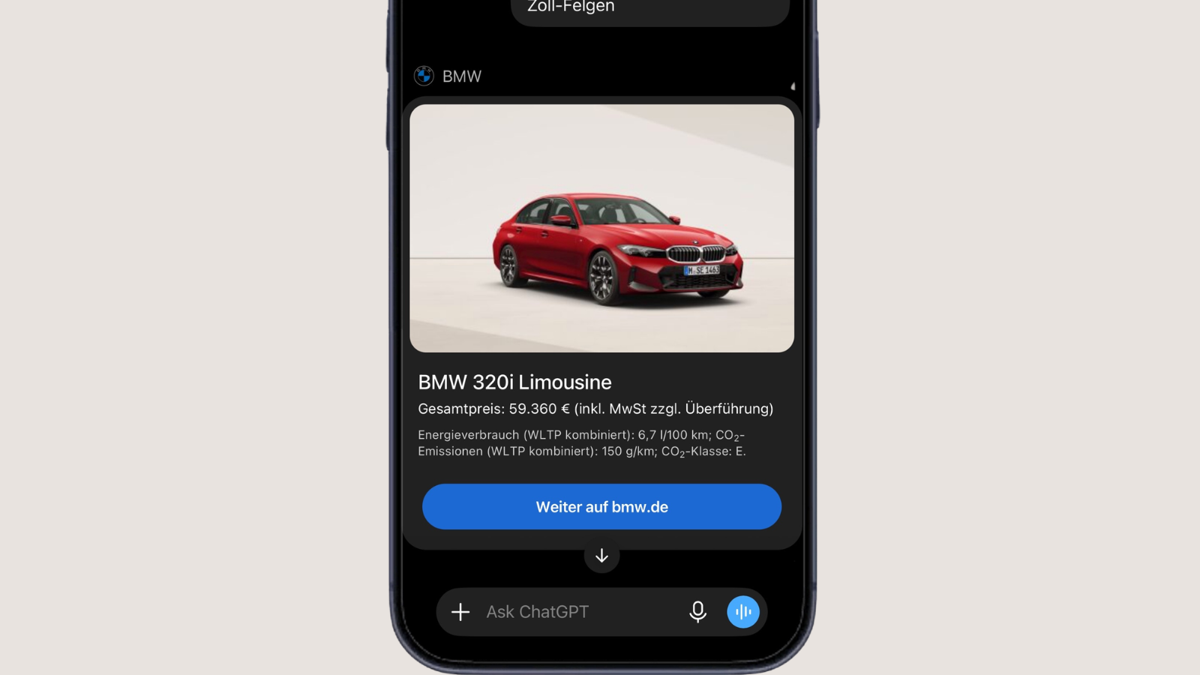
BMW has a long list of models, from its X-badged SUVs to all-electric vehicles in the i lineup, which can make browsing them through the online configurator overwhelming. That is why the Bavarian automaker has announced a new vehicle configurator powered by OpenAI’s ChatGPT, allowing prospective buyers to talk their way into their next BMW instead of clicking through endless menus.
According to the press release, the feature – claimed to be a first among automakers – can be accessed through the BMW plugin in ChatGPT. It is designed to let customers configure vehicles through a “natural conversation,” with requirements ranging from spaciousness and ground clearance to the powertrain. The plugin can also suggest suitable models and configurations, allowing users to compare them more easily.
Configuring For The Long Haul
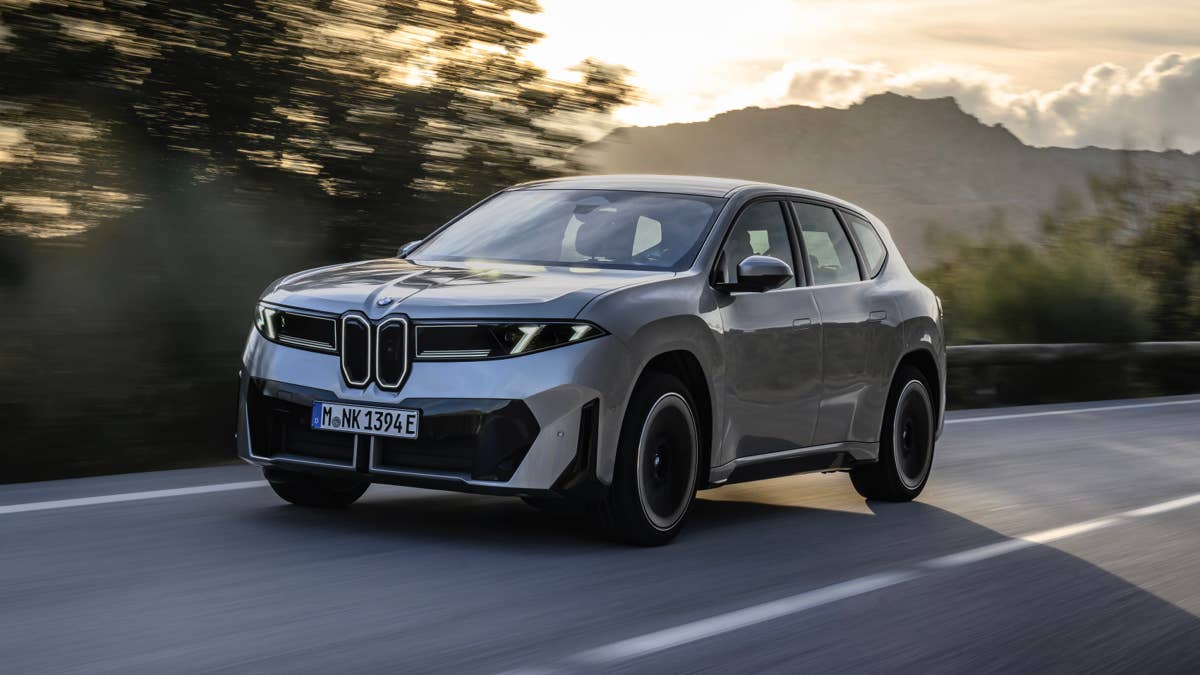
The new plugin can consider more complex details, such as the running costs associated with certain models. It could, for example, explain that EVs generally require less maintenance than combustion-powered alternatives because electric powertrains have fewer moving parts. One of the brand's newest EVs is the iX3, essentially an all-electric counterpart to the X3.
After users settle on their preferred configuration, the plugin can show them similarly equipped vehicles in stock.
Potential trade-offs, however, could include fewer visual customization options than a conventional configurator. Natural-language requests can also be ambiguous, potentially causing misunderstandings or inaccurate information. If a question goes beyond its database, BMW says ChatGPT can access up-to-date information from the internet, provided the relevant functions are available and enabled.
BMW
BMW’s ChatGPT Showroom
The press release did not provide a market-by-market availability list. However, BMW said the plugin can be found by searching for “BMW” under ChatGPT’s “Plugins” menu on desktop and mobile devices. The automaker describes it as a “new digital channel through which people can engage with the brand.”
Through this new digital channel, prospective buyers can learn more about BMW’s offerings, including its entry-level models in the U.S., the 2 Series and X1. There is also the high-performance M lineup, including the M3, M4, and M5 Touring. The most powerful among these is the XM Label, which produces 738 horsepower from a 4.4-liter twin-turbo V8 plug-in hybrid powertrain.
Beyond car sales, BMW is also expanding its use of artificial intelligence inside its vehicles with the Alexa+ AI. The advanced voice assistant can answer general-knowledge questions and control certain vehicle functions through natural dialogue. It competes with AI-based in-car systems such as Tesla’s Grok and Rivian Assistant.
ChatGPT
Join the conversation
You can post now and register later. If you have an account, sign in now to post with your account.