_811205.png)
_e196d8.png)
_32b3d9.png)
_1c53fe.png)

Ford has initiated a recall of over 740,000 vehicles related to a rollaway risk. The recall affects certain versions of the F-150 pickup and Explorer/Expedition SUVs, along with the Lincoln Navigator and Aviator. Even though Ford emerged as the top mass market brand for initial quality in a new JD Power study, the recalls are still piling up in 2026. It's possible that Ford could break its own annual recall record at this rate, and this newest rollaway issue adds thousands of vehicles to the list of recalled models.
Ford Rollaway Recall Explained
Ford
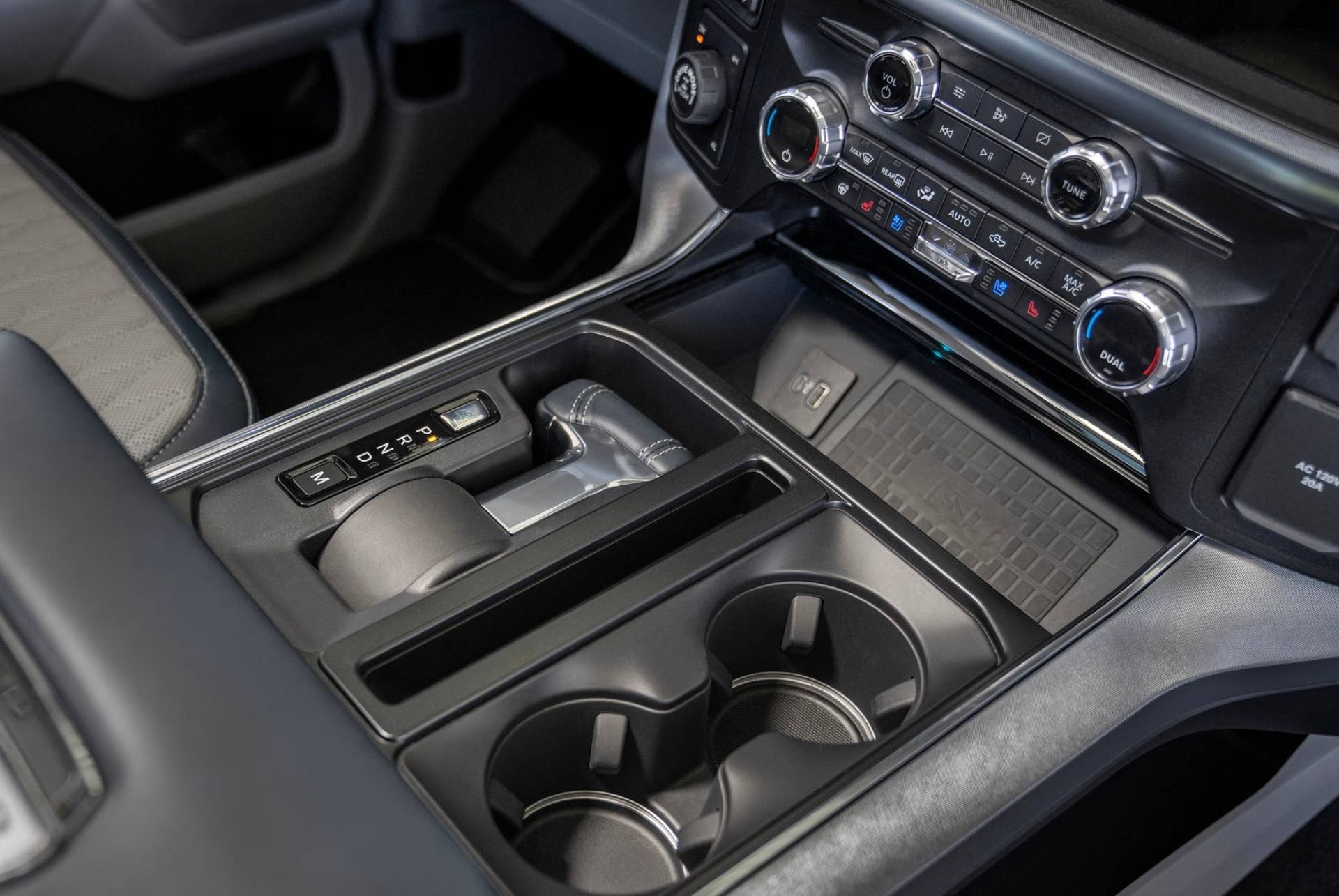
In the recall report published by the National Highway Traffic Safety Administration (NHTSA), Ford states that the transmission parking pawl may temporarily engage when the vehicle is in motion. This could damage park system components and result in the vehicle rolling away when parked, which could increase the risk of a crash. The following models and model years are affected:
- 2018-2021 Ford Expedition
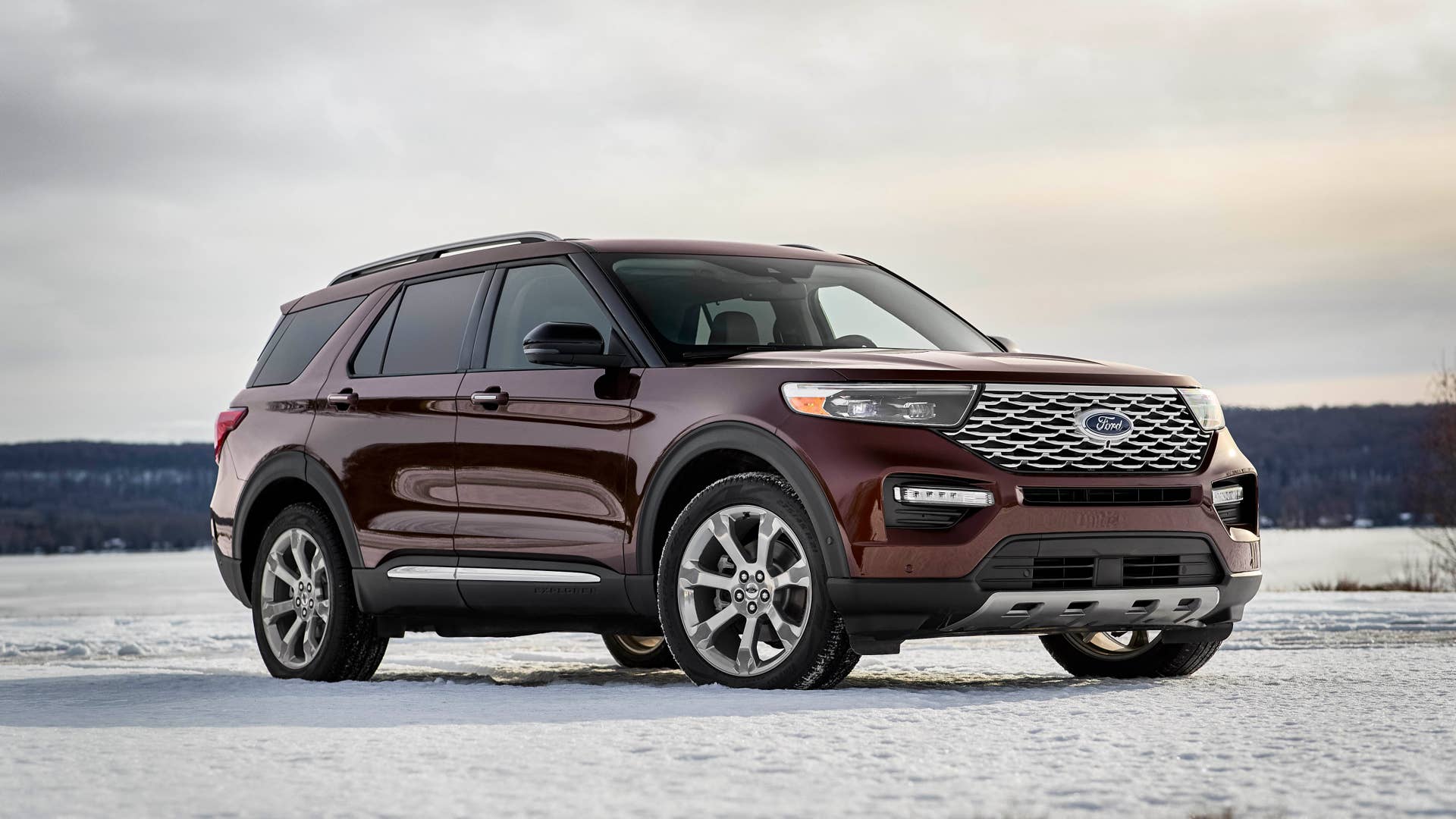
- 2020-2021 Ford Explorer
- 2021 Ford F-150
- 2020-2021 Lincoln Aviator
- 2018-2021 Lincoln Navigator
In total, the recall involves 741,195 models, with the highest number of affected models being the Explorer (313,147 units). Ford is already aware of 24 allegations of property damage and nine alleged injuries related to this issue.
Owners of affected Ford or Lincoln vehicles will have to visit a dealership to have the software of the Powertrain Control Module (PCM) updated. If dealers find signs of park system damage, the necessary components will be replaced. Both fixes will be done at no charge to customers.
Related: Ford Is Tearing Down Engines Every Day To Fix Its Recall Problem
What Owners Should Do Now
Ford
Ford will begin sending out interim owner notification letters from August 3, 2026, and this process will conclude on August 7. Following that, owners should look out for remedy notification letters; these will be sent out in phases throughout the second quarter of 2027, as Ford anticipates the remedy being available in April 2027. This is a long way off, especially considering that a few injuries and some property damage have already been reported. The timeline suggests that Ford has a significant job on its hands to secure the necessary parts and dealership readiness for the repairs.
Ford’s customer service can be contacted on 1-866-436-7332 for more information, using the recall number 26S48. Owners can also use their Vehicle Identification Numbers to check if their vehicles are involved in the recall. This can be done on the NHTSA’s website.
If the problem does affect a vehicle prior to the remedy being available, drivers may notice a wrench light in the instrument cluster. The electronic park brake will apply automatically if the transmission range sensor does not reach the park position upon selecting Park. The risk of a rollaway can be further minimized by not parking on an incline or decline, if possible.
This recall adds to over 11 million vehicles already implicated in 2026 recalls for Ford. The automaker has promised quality improvements for some time now, but older models remain troublesome for the brand.
Related: Ford Learned The Hard Way That AI Can’t Replace Veteran Engineers
Join the conversation
You can post now and register later. If you have an account, sign in now to post with your account.