_811205.png)
_e196d8.png)
_32b3d9.png)
_1c53fe.png)

Open-Air Freedom
The Ford Bronco is all about open-air freedom. Just like its arch-rival, the Jeep Wrangler, the boxy SUV lets you peel off the roof and get that wind-in-your-hair, bugs-in-your-teeth experience. It’s a huge selling point, but there’s always been one big question: where do you stash those roof panels once you’ve gone topless?
Ford’s been tinkering with solutions for years. We’ve seen patents for all sorts of clever ways to stow away those panels without leaving them in your garage. Now, the Blue Oval is cooking up yet another idea.
Ford Authority first caught wind of a fresh patent that lays out a roof system where the panels don’t just come off – they stack together and hitch a ride on the Bronco itself. Ford filed this one with the USPTO back in December 2024 (patent no. 20260158886, if you’re the curious type), and it went public on June 11, 2026.
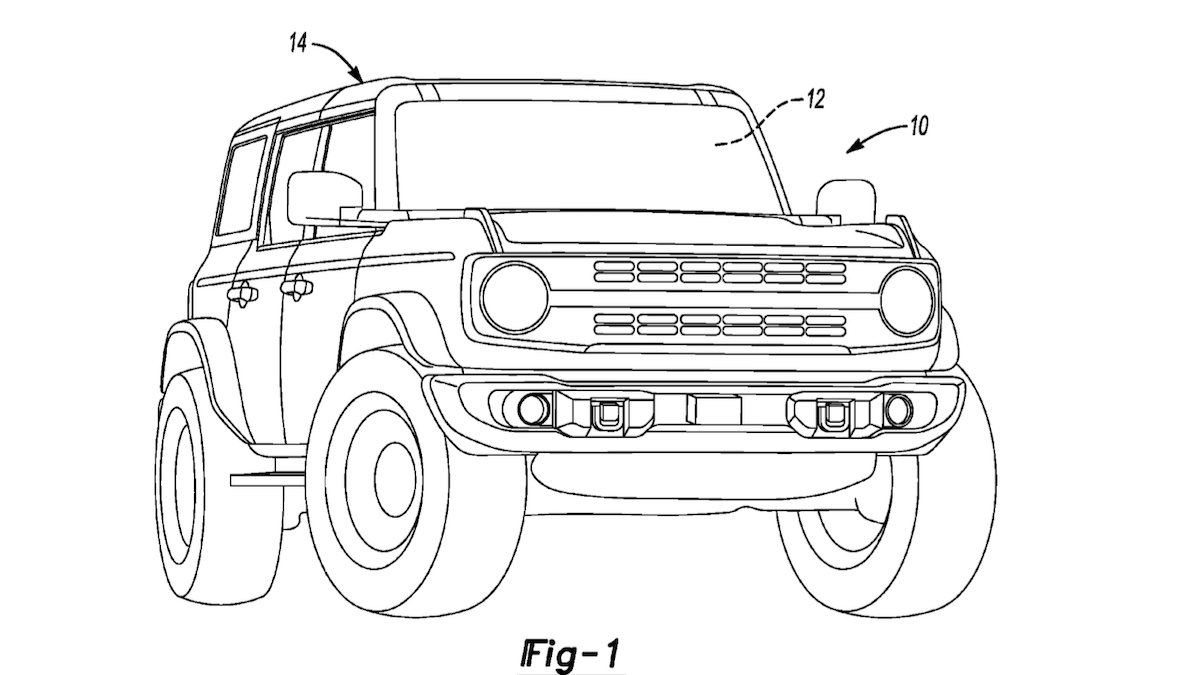
USPTO
A Different Way to Handle Removable Roof Panels
One look at the patent drawings and, yep, that’s a Bronco. The sketches show a chunky SUV with several roof sections covering a gaping opening. But instead of just popping the top and tossing the panels aside, Ford’s latest idea is all about how those pieces play together once they’re off the truck.
Each roof panel comes with little feet underneath and matching slots up top. Take them off, and they nest together like a set of automotive Russian dolls – no more juggling loose panels or cramming them into the trunk. No fancy tools or power gadgets needed here – the panels pop off by hand and lock together so they won’t rattle around while you’re bouncing down the trail.
Ford’s plan also throws in a set of crossbars that clamp onto the roof rails. These bars have their own feet and slots, so they lock the stacked panels in place. So basically, your roof panels become a neat little package riding up top, not hogging your cargo space or gathering dust in the garage.
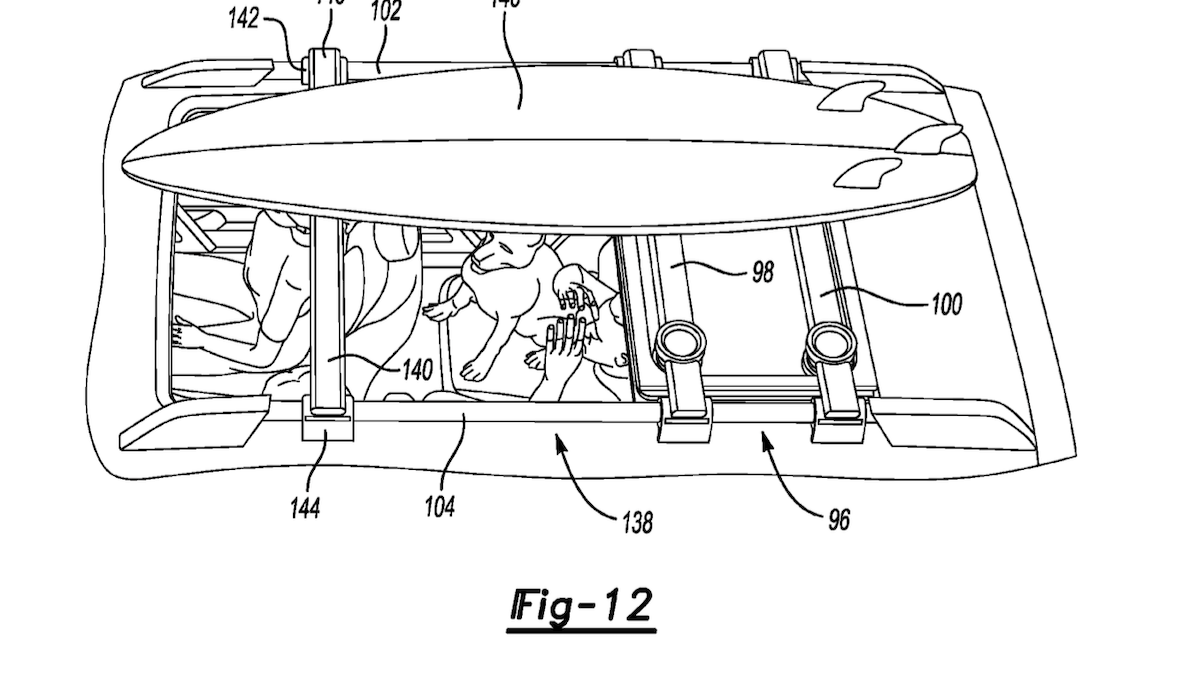
USPTO
Practical Benefits, But No Production Guarantees
If you’re the type who loves to pop the roof off your Bronco every chance you get, this could be a game-changer. No more choosing between open-air fun and figuring out where to stash the panels – the patent hints at a way to keep everything with you, wherever you roam.
Of note, the patent drawings show the roof rack still in action, even with the panels stacked up there. One sketch even has extra gear strapped above the panels, so Ford clearly wants you to keep hauling your toys along for the ride.
Of course, just because Ford filed a patent doesn’t mean you’ll see this on the next Bronco. Automakers love to lock down wild ideas that never leave the sketchbook. This roof concept actually makes sense and solves a real headache, but for now, it’s just another clever idea waiting in the wings.
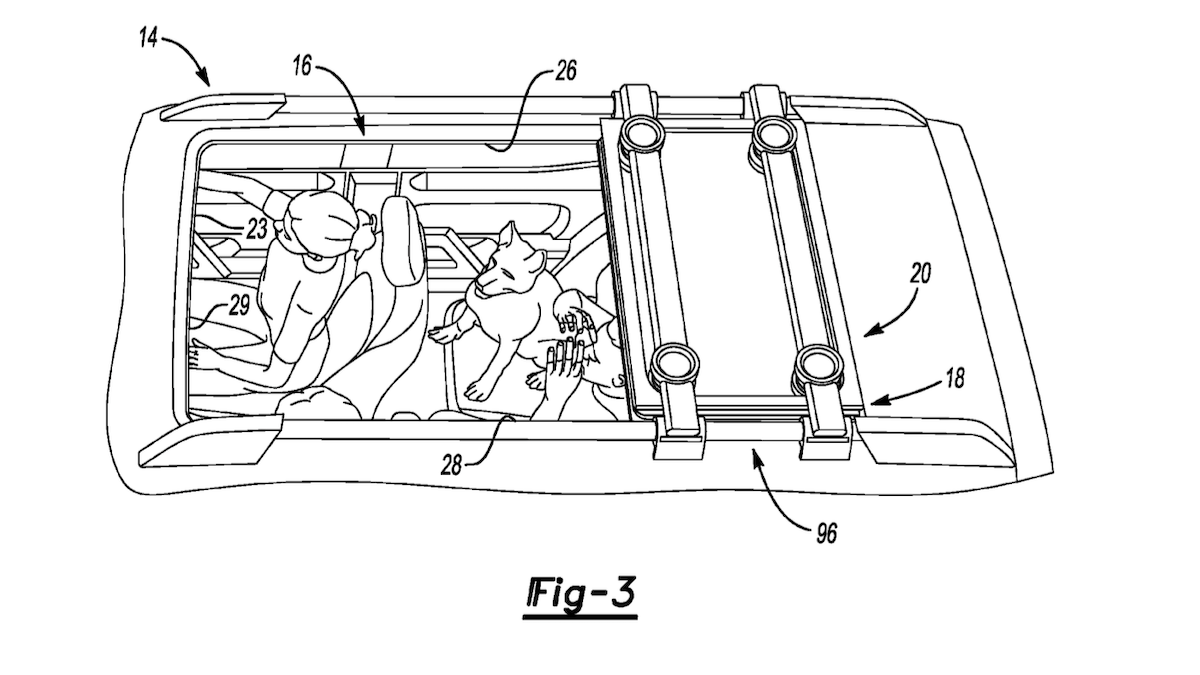
USPTO
Join the conversation
You can post now and register later. If you have an account, sign in now to post with your account.