_811205.png)
_e196d8.png)
_32b3d9.png)
_1c53fe.png)

Ford's Got Another Case of Parts Taking Flight
It hasn't been long since Ford had to round up over 36,000 Bronco Raptors for fender flares that liked to go solo on the highway. Now, the spotlight moves from the off-road Bronco to the family-friendly Explorer, which is apparently also having trouble keeping its parts attached.
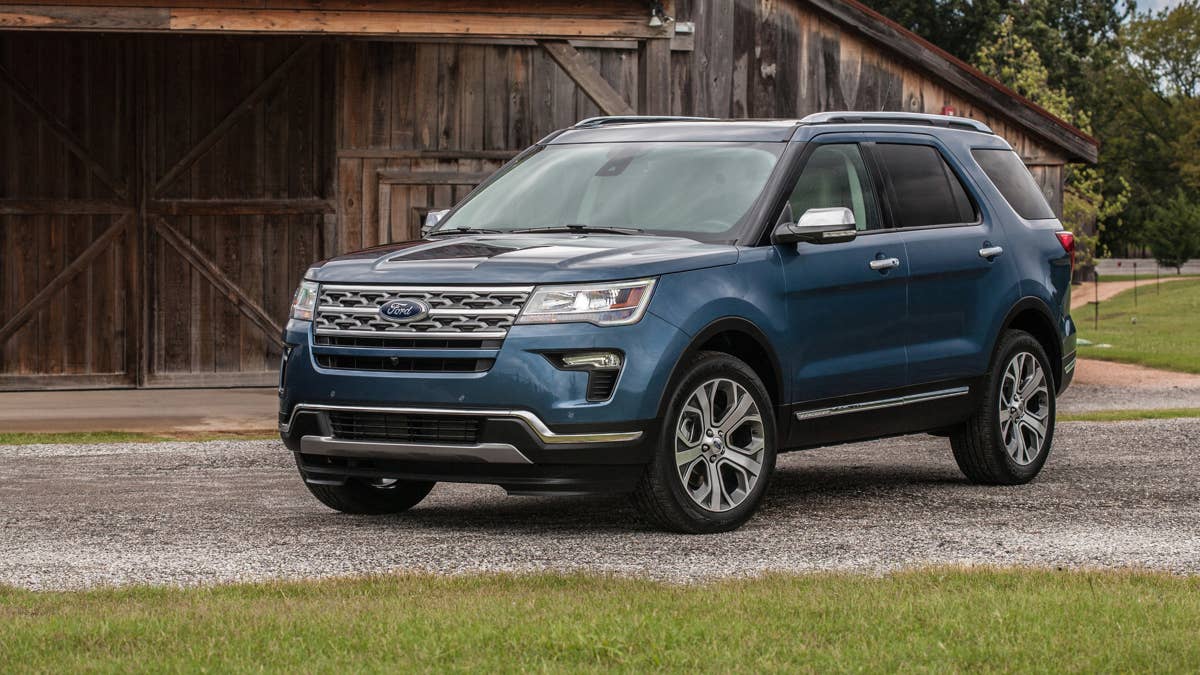
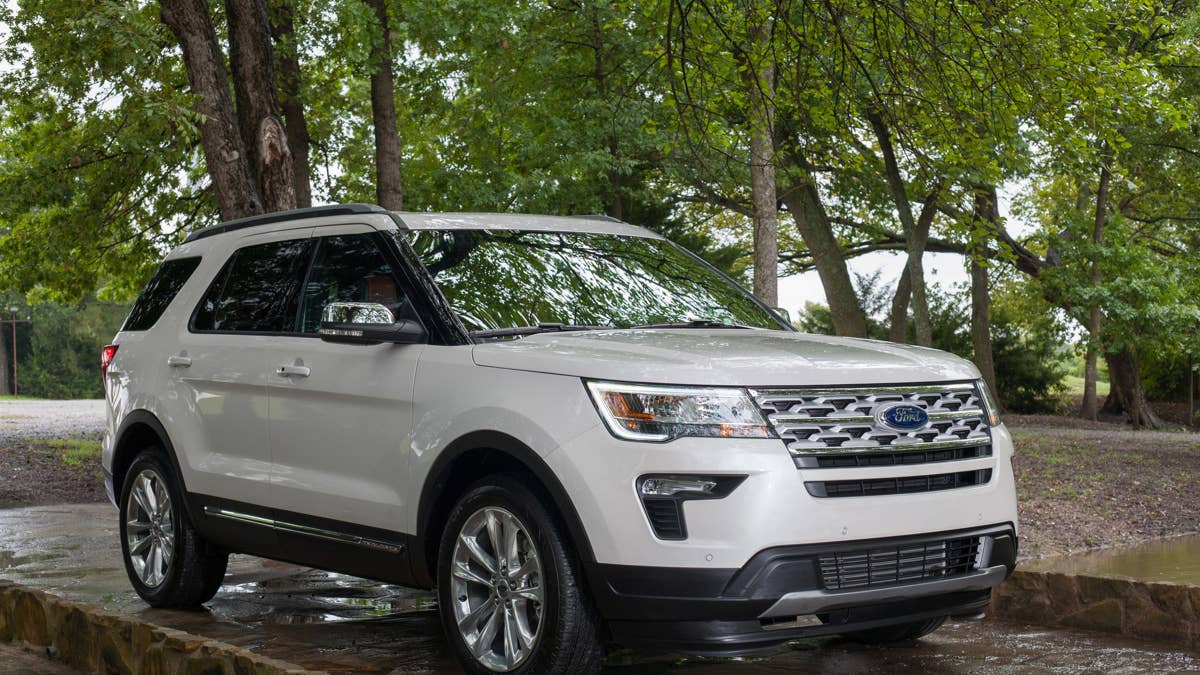
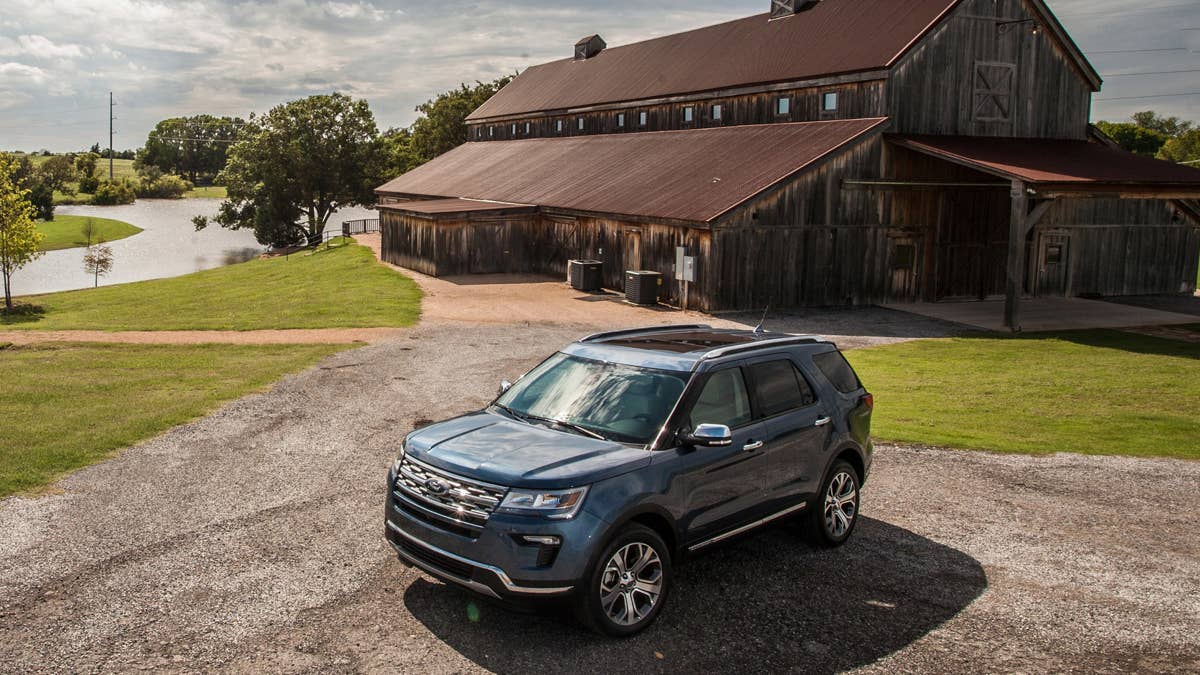
Ford is now recalling 288,314 Explorer SUVs from the 2016 to 2019 model years. The culprit? Roof rail covers that slowly work themselves loose, eventually deciding to part ways with the car while you're cruising down the road.
Official NHTSA documents say this recall targets only Explorers that either missed out on an earlier fix or received a different repair. Ford figures only about 1% of these SUVs actually have the problem, but they're calling in the whole crowd just to be safe.
Ford
Why The Roof Rail Covers Can Come Loose
Flying trim pieces on Explorers aren’t exactly new. This time, Ford blames the issue on earlier repairs that used epoxy glue, which turned out to be a bit of a gamble depending on how well it was slapped on. Sometimes, damaged clips weren't swapped out, or the glue job just didn't stick the way it should.
Even Explorers that never got the glue treatment aren't off the hook. Ford discovered that over time, heat and everyday wear can make the roof rail covers lose their grip, letting the clips wiggle loose. The first warning signs? More wind noise, some squeaks and rattles, or maybe a gap you can spot before the trim finally makes its escape.
The latest round of scrutiny kicked off when NHTSA reached out to Ford in March 2026 about 46 complaints from owners dealing with loose or missing roof rail covers – even on vehicles that had supposedly been fixed before. Ford's own review found that Explorers patched up with plastic push-pin fasteners back in 2021 were holding strong, but the ones relying on glue were still at risk.
If a roof rail cover decides to bail while you're driving, it turns into a flying hazard for everyone else on the road and could cause a crash. Ford says no one's been hurt so far, but they have heard about one alleged accident involving a car that got the glue fix.
Ford
What Owners Should Expect Next
Ford plans to send out letters to affected owners, telling them to bring their Explorer to a Ford or Lincoln dealer for a free checkup.
First, techs will check if your Explorer already has the new push-pin fasteners. If so, you're good to go. If not, the dealer will swap out any busted clips or covers and lock everything down with four extra plastic push pins per side. Ford says this fix is way tougher than the old glue method, and it won't cost you a dime.
Dealers have already been notified. Meanwhile, owners should watch their mailboxes for letters between August 24 and 28, with final fix notices coming in late September. You can now also check your VIN to see if your Explorer made the recall list.
Ford
Join the conversation
You can post now and register later. If you have an account, sign in now to post with your account.