_811205.png)
_e196d8.png)
_32b3d9.png)
_1c53fe.png)

Honda Odyssey's camera problems won't go away
Honda has recalled over 300,000 Odyssey minivans for a malfunctioning rearview camera display. At over 205 inches in length, the Odyssey is one of the larger vehicles on the market, so drivers will naturally rely on the rearview camera even more than they would in a smaller vehicle. This recall is an expansion of a previous recall for a similar camera issue, and Honda has already received over 1,600 warranty claims for the fault. Here’s everything Odyssey owners need to know.
Related: Honda Lawsuit Says One Camera Defect Can Disable Key Safety Features
Honda Odyssey Rearview Camera Recall
Honda
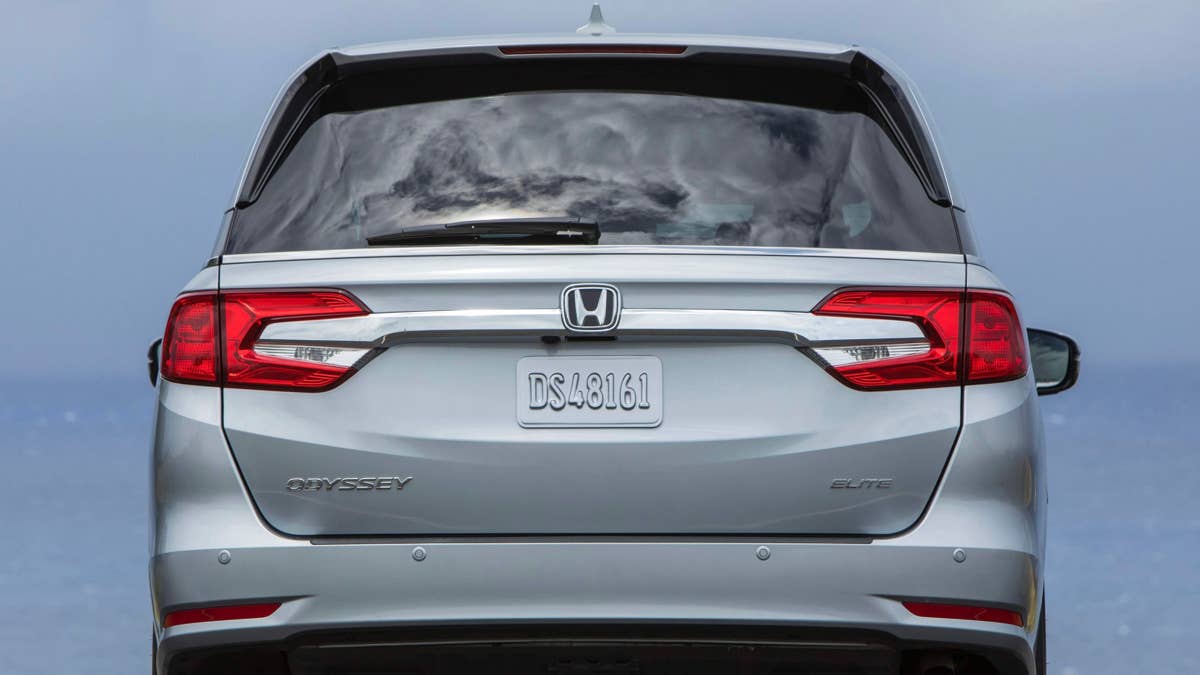
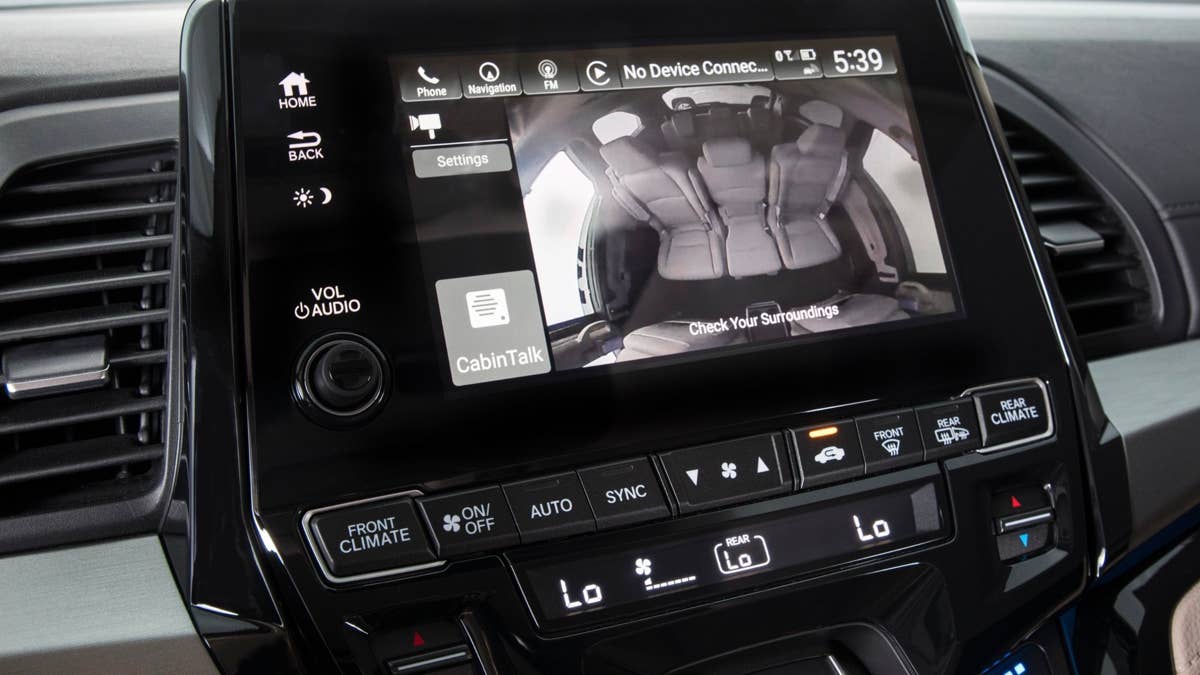
According to the recall report on the National Highway Traffic Safety Administration’s (NHTSA) website, water can enter the rearview camera assembly of certain Odyssey minivans. This can result in the printed circuit board (PCB) corroding, eventually causing the rearview camera image to be blank when the driver selects reverse gear.
Two causes have been identified for the flaw, including an inadequate specification for the rearview camera housing boss hole. The mounting screw may also be misaligned during assembly, which can also lead to the camera display failing.
Honda
In total, 325,588 Odyssey minivans between the 2018 and 2020 model years have been recalled. Honda’s new remedy entails replacing the Magna rearview cameras with Sony units, which must be done at an authorized dealership.
This recall expands upon a previous recall (number 20V438); the original remedy for these models was not sufficient. Some 2018 Odysseys that went through a previous Magna camera update will also need to be assessed again and potentially be equipped with the new Sony cameras.
Related: Honda Prologue And Acura ZDX Recall Warns Rear Camera Could Go Black
What Owners Can Do Now
Honda
Honda will mail owner notification letters on August 24, 2026. Anyone with a 2018, 2019, or 2020 Odyssey can use their Vehicle Identification Number to confirm if their model is impacted in the recall; this can be done via the NHTSA website from July 9. The number for this recall is HOX.
Honda’s customer service can also be reached at 1-888-234-2138 for more information. In the meantime, Odyssey drivers should exercise greater caution when reversing if the rearview camera fails.
Rearview camera recalls have become common as manufacturers battle with hardware issues and software bugs related to this federally mandated device. In 2026 alone, Porsche, Audi, Volvo, and Tesla have all faced recalls of thousands of models due to camera glitches.
Some Odyssey owners are now facing the extra inconvenience of needing multiple repairs for the same problem, but the switch to an entirely new supplier should resolve the problem once and for all.
Related: Tesla Recalls 219,000 Cars After Rear Camera Fails for Up to 11 Seconds
Join the conversation
You can post now and register later. If you have an account, sign in now to post with your account.