_811205.png)
_e196d8.png)
_32b3d9.png)
_1c53fe.png)

Talking to your Honda just got easier
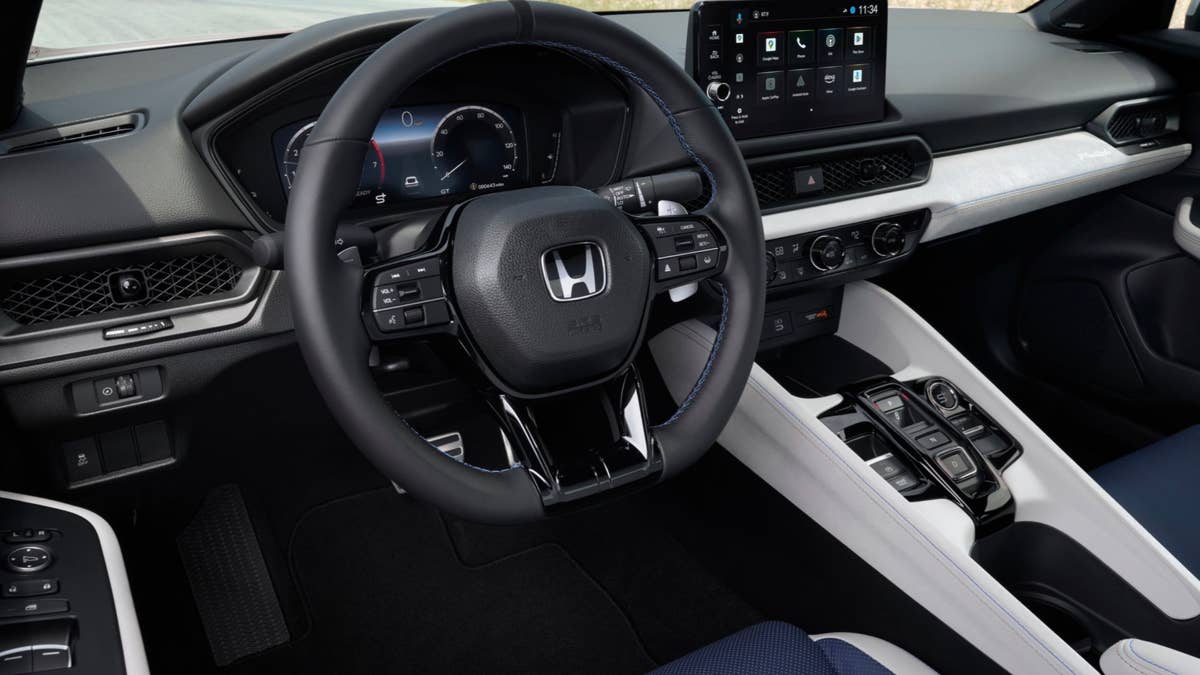
For a younger, tech-savvy generation of drivers, talking to your vehicle has become the norm. In some cases, it’s almost a necessity if you don’t want to go digging through a maze of menus on a touchscreen. Honda has given seven of its most popular models a welcome tech boost with the addition of Google Gemini, a smart AI assistant that enhances the hands-free voice experience. The assistant can handle many nuanced requests, but there’s a catch: It’s only available in models equipped with Google built-in.
Related: Android Auto Gets YouTube, Gemini, And Its Biggest Maps Upgrade In Years
Google Gemini Comes To Honda Vehicles
Honda
Gemini is a seamless upgrade to Google Assistant. It can engage in conversational interactions with the driver and maintain context, even for different conversations that haven’t occurred all at once. Over time, the assistant improves and comes to recognize more nuanced requests, elevating it above a traditional voice command system.
Gemini can assist with tasks like summarizing the latest news, planning a weekend getaway, finding a specific type of restaurant nearby, or assist with brainstorming for an upcoming meeting—all with your hands on the steering wheel and eyes on the road. It also understands more conversational requests, whereas ordinary voice control systems required greater specificity.
"Connected technology is no longer a convenience for Honda customers – it's an essential part of the driving experience," said Jessika Laudermilk, assistant vice president of Honda National Auto Sales. "The integration of Google Gemini reflects our commitment to providing technology that enhances every journey to help Honda drivers stay informed, connected, and productive."
What Models Are Compatible With Google Gemini?
Honda
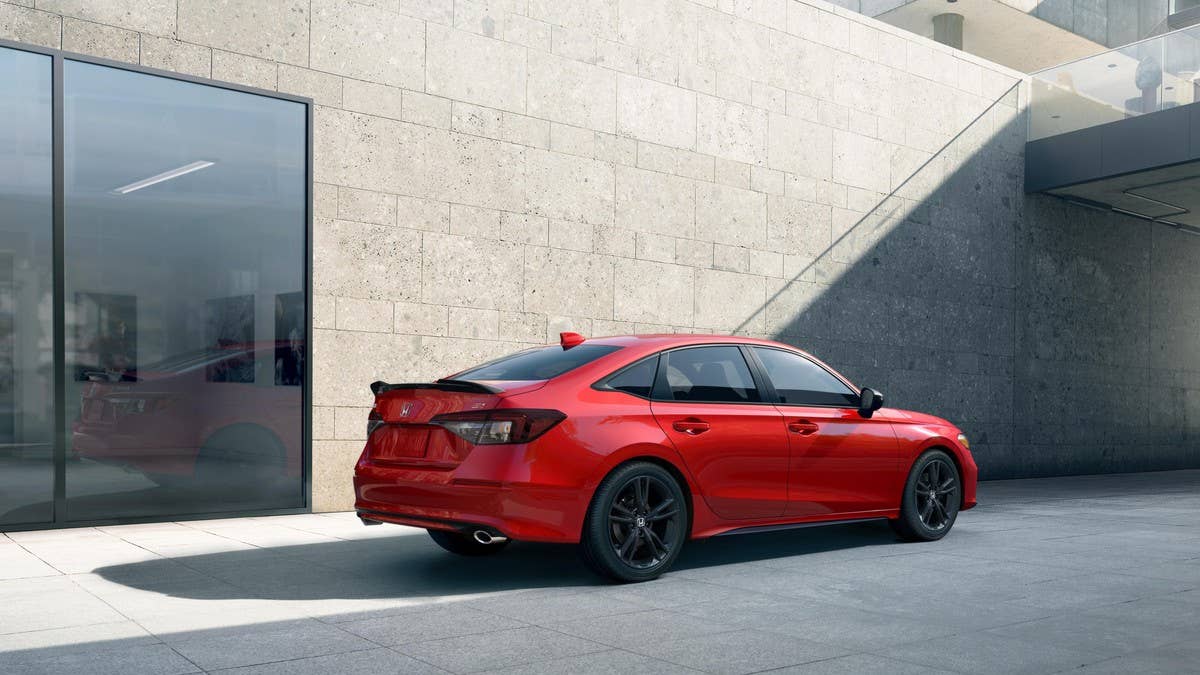
Unfortunately, only the upper trim levels of certain Hondas will be able to benefit from the inclusion of Gemini, as Google built-in is a requirement. Here’s the list of models.
Model Year | Model | Trim |
2023 – Current | Accord | Touring Hybrid |
2025 – Current | Civic Sedan | Sport Touring Hybrid |
2025 – Current | Civic Sedan | Si |
2025 – Current | Civic Hatchback | Sport Touring Hybrid |
2024 – Current | Prologue | All trims |
2026 – Current | Pilot | All trims |
2026 – Current | Passport | All trims |
2026 – Current | CR-V | Sport Touring Hybrid |
2026 – Current | Prelude | All |
The Civic Sedan has five trims including the Si, but the lower three are all locked out of the Gemini update. You would have to spend at least $31,495 on the Si or $32,395 on the Sport Touring Hybrid to access the update.
The Honda Ridgeline pickup and Odyssey minivan are notable from being excluded, but Honda will likely add this feature to its entire lineup in the years ahead.
Honda Evolves Without Compromising Usability
James Ochoa
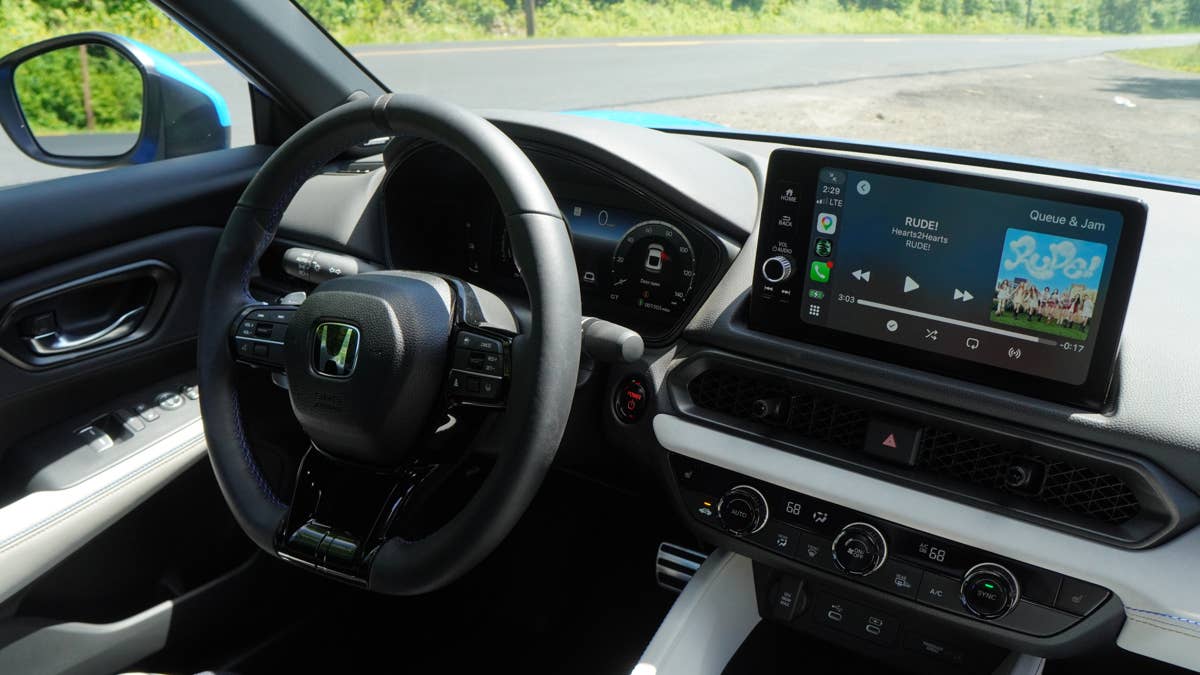
What’s admirable about Honda’s tech evolution is that the Japanese brand has continued upgrading its vehicles without making the cars feel alienating or difficult to interact with. Climb into a Prelude, one of the automaker’s newest models, and you’ll still find physical controls for the climate control system. Even the digital instrument cluster has legible, rounded dials. The tech is there, but it’s not remotely gimmicky. Whether you’re on older driver wanting nothing more than a quick way to adjust music and climate settings or a younger driver that wants the fully connected experience, Honda’s lineup doesn’t force you to choose.
That contrasts with many other brands, which have largely eradicated the familiar user interface for huge screens, finicky touch-sensitive controls, and even air vents that can’t be adjusted by hand. Mazda, for instance, went in an entirely new direction with the CX-5, abandoning its logical and tactile controls for one of the segment’s largest screens.
With Gemini on board, Honda has shown that integrating the latest tech doesn't have to come at the expense of usability.
Join the conversation
You can post now and register later. If you have an account, sign in now to post with your account.