_811205.png)
_e196d8.png)
_32b3d9.png)
_1c53fe.png)

Mazda Continues to Defend the CX-5’s Button-Free Cabin
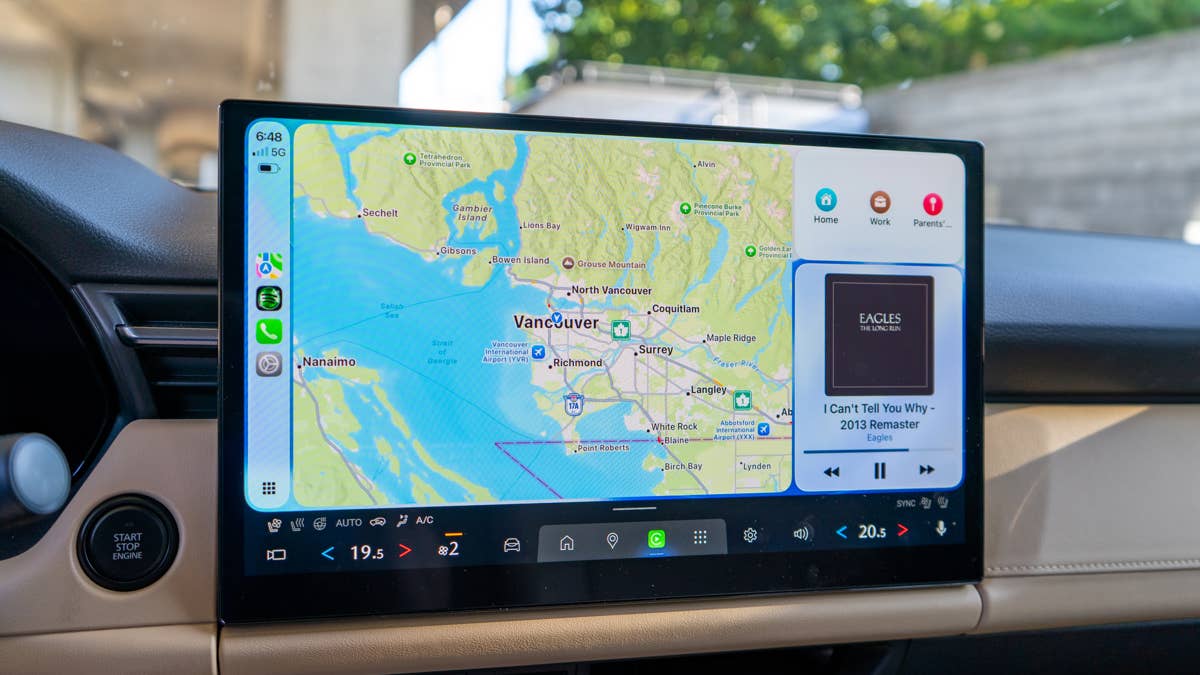
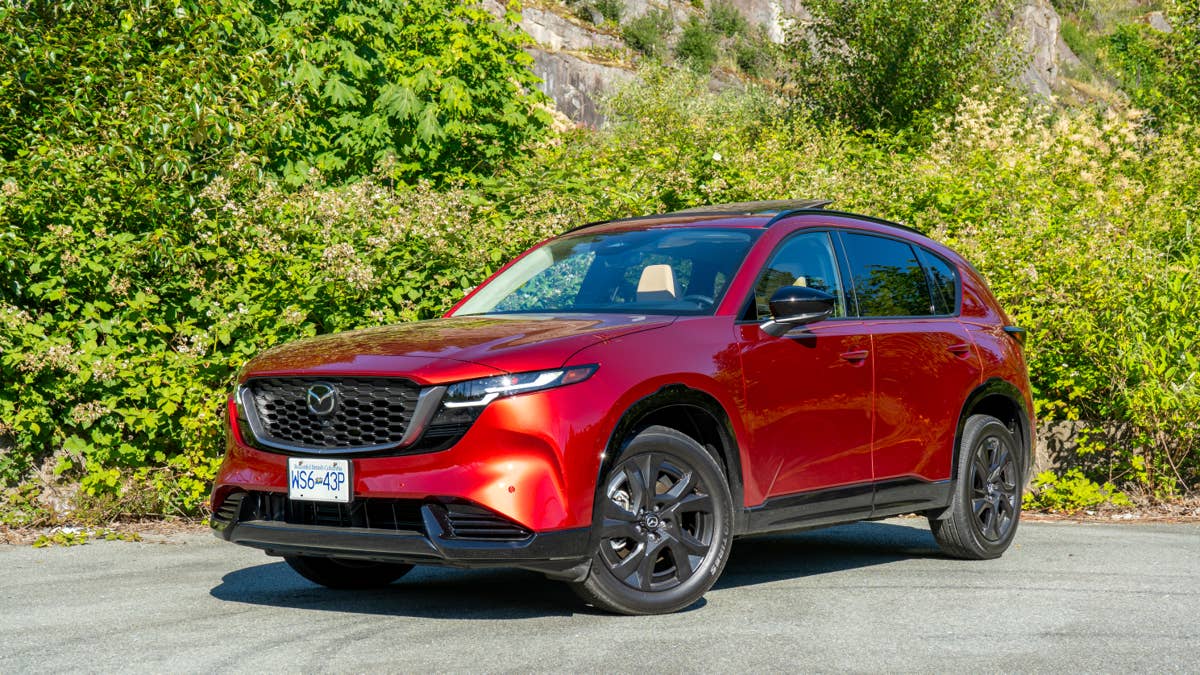
Forget the styling, platform, or what’s under the hood – the real headline with the all-new Mazda CX-5 is its dashboard.
As soon as Mazda pulled the wraps off its latest CX-5, the internet zeroed in on one thing: almost every physical button had vanished, replaced by a massive touchscreen. The move left plenty of folks scratching their heads, especially since other brands are busy bringing buttons back.
This isn’t the first time Mazda’s caught flak for its touchscreen obsession. The company has already defended the setup, claiming it’s all about usability and using it like a smartphone. Now, Mazda is doubling down.
In a recent interview, Mazda executives explained why they believe the new layout can actually help reduce driver distraction rather than increase it.
Cole Attisha
Mazda Says the Screen Keeps Drivers Looking Forward
Speaking to Australian publication Drive, Mazda CX-5 program manager Koichiro Yamaguchi said the positioning of the new infotainment display played a major role in the company’s decision.
Yamaguchi pointed out that old-school climate buttons usually sit low on the dash, forcing drivers to look down and away from the road. By sticking the touchscreen up high, Mazda says you don’t have to glance as far.
“Air conditioning, you can operate with a finger, and if we have to put the physical button, that will be at the lower position,” Yamaguchi said through a translator. He also claimed that hunting for the right button among a sea of lookalikes is just another way to get distracted behind the wheel.
To Mazda’s credit, the most important climate controls – temperature, fan speed, and airflow – are always pinned to the bottom of the screen, no matter what menu you’re in. According to Mazda, this setup should mean your eyes spend less time wandering from the road than with a traditional button layout.
Cole Attisha
Mazda Going Against the Grain
Mazda’s stance is a bit of an outlier right now. Volkswagen has admitted its customers are fed up with touch-everything interiors and is bringing back real buttons. Hyundai says it’s sticking with physical controls too, all in the name of user-friendliness.
That leaves Mazda, along with Tesla and most Chinese brands, as one of the last holdouts still championing the all-digital cabin. But the brand isn’t slamming the door on change just yet. Yamaguchi hinted that if enough customers push back, Mazda might rethink things.
“Of course,” he said when asked whether Mazda would be open to revisiting the touch-only layout. “How customers use these things, their preferences,” would help inform that decision.
For now, Mazda seems pretty sure its giant touchscreen is the way forward. But if drivers don’t warm up to it, this button-free experiment might not stick around for long.
Cole Attisha
Join the conversation
You can post now and register later. If you have an account, sign in now to post with your account.