_811205.png)
_e196d8.png)
_32b3d9.png)
_1c53fe.png)

If everything goes according to plan, the first crewed lunar landing since 1972 will take place in early 2028 as part of NASA’s sequential Artemis program.
While the trickiest part is getting to the Moon again, one should not underestimate the importance of the lunar rovers for this endeavor, as they will be used not only to explore Earth’s natural satellite but also to help build the Moon Base, “America’s and humanity’s first outpost on another celestial world,” as NASA Administrator Jared Isaacman described it.
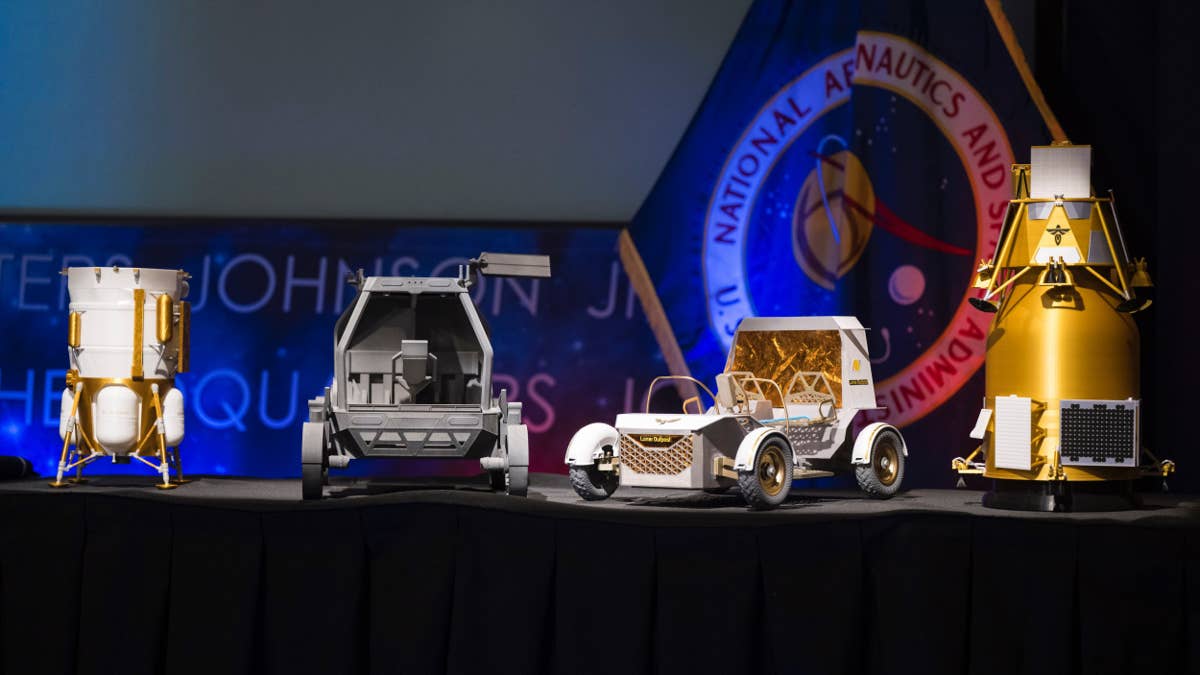
The Moon Base Event held in late May at NASA’s headquarters in Washington gave the world a better idea of what the agency is preparing when it comes to lunar rovers. That’s because the agency announced new contracts for lunar rovers for crew to drive and uncrewed cargo landers bound for the Moon.
“Every mission, crewed and uncrewed, will be a learning opportunity as we return to the lunar surface, build the infrastructure to stay, and master the skills required to live and operate in one of the most demanding and dangerous environments imaginable,” said Isaacman.
NASA Picked Two Different Lunar Rover Projects Worth $220 Million Each
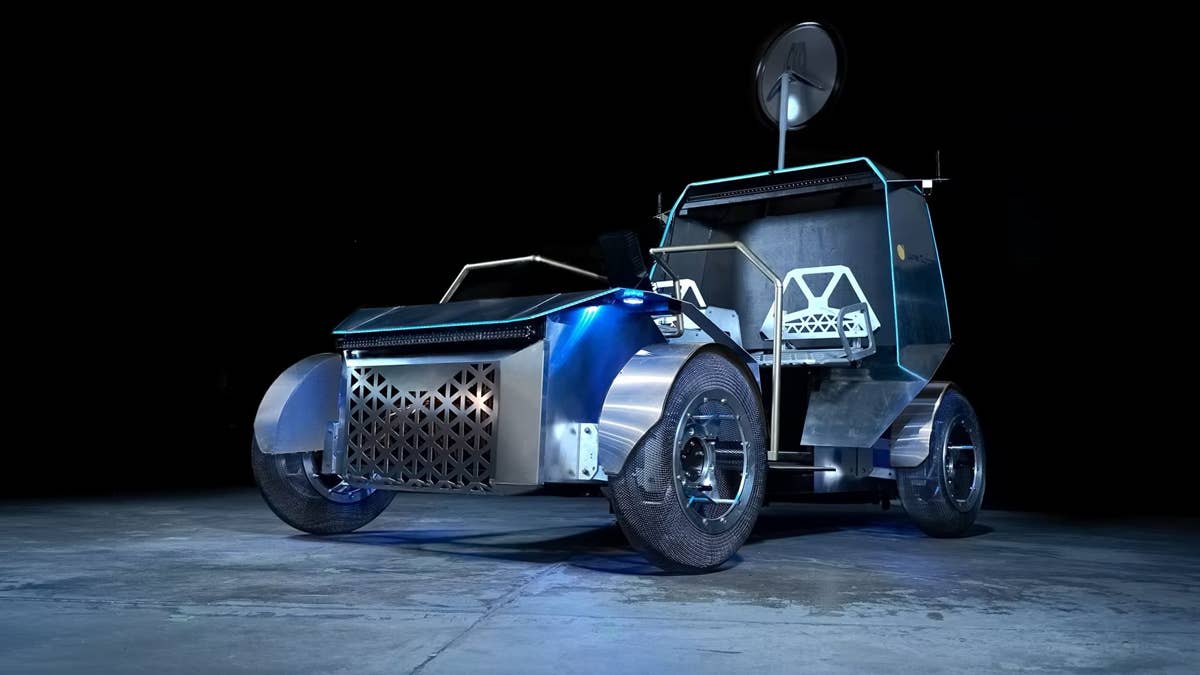
Lunar Outpost
The two finalists for the lunar rover contracts are Astrolab and Lunar Outpost, which were awarded $219 million and $220 million, respectively, to build and deliver the first phase of Lunar Terrain Vehicles (LTVs).
Lunar Outpost’s Pegasus rover and Astrolab’s CLV-1 (Crewed Lunar Vehicle) look similar as both clearly take inspiration from side-by-side vehicles. Each vehicle tips the scales at around a ton—not that light for our planet, but light enough on the Moon where 1 ton feels like 333 pounds—and is designed to carry two astronauts.
The rest of the specs won’t blow anyone away, as the top speed is 6 miles per hour for the Pegasus and 9 miles per hour for the CLV-1 on a flat lunar surface, and the rovers can tackle 20-degree inclines on the surface of the Moon.
As you can imagine, both rovers are all-electric and can be driven either by astronauts onboard or remotely operated from Earth; if need be, they can also navigate autonomously.
How Are They Different?
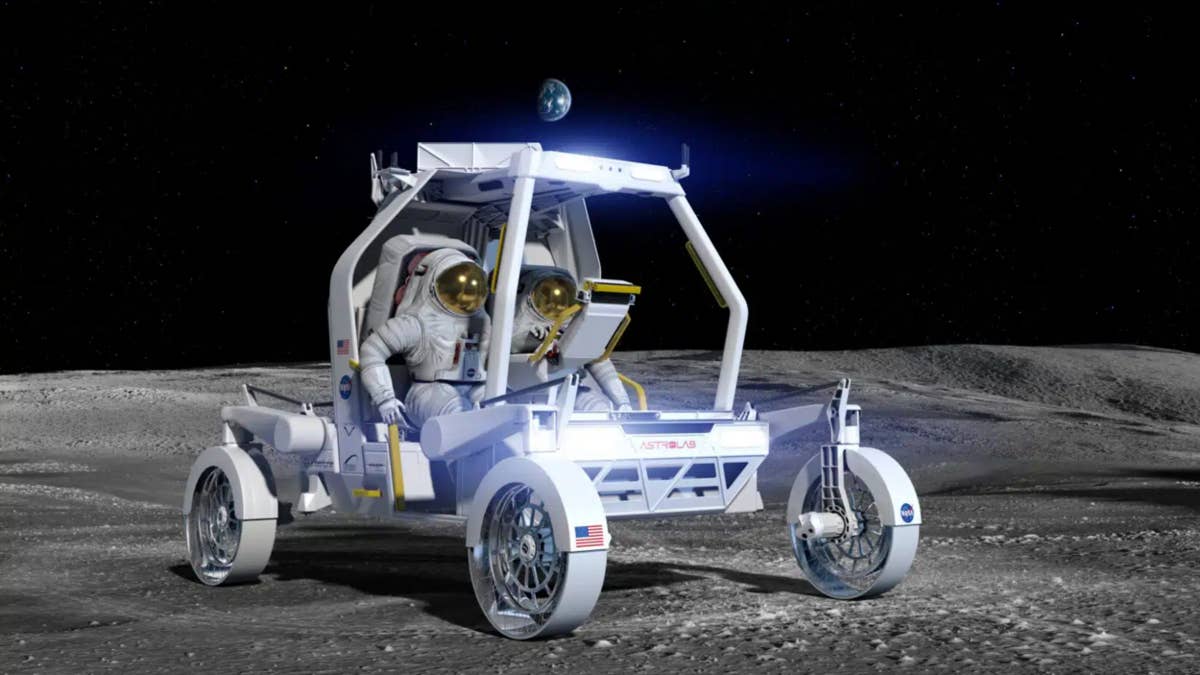
Venturi Astrolab
There are some differences between them. Astrolab’s CLV-1, which is adapted from the company’s FLEX architecture, can transport astronauts, carry supplies, and support remote operations. It also comes in a compact stowed configuration that helps NASA save space during transportation.
Lunar Outpost’s Pegasus, which is a lighter, mission-ready evolution of its Eagle rover designed to meet NASA’s updated crewed LTV requirements, incorporates Apollo‑heritage technologies and is powered by GM batteries that enable a driving range of 560 miles.
Both rovers will need to prove themselves in harsh conditions, as the Moon’s surface features dust that is very sharp and abrasive—Apollo astronauts described it as powdered glass—while the temperature variations are massive and there’s no atmosphere, among other things.
It goes without saying that one technical failure can become critical in an environment so hostile to human life, so Astrolab and Lunar Outpost need to pull out all the stops to deliver rovers that are as reliable as possible and more robust than they may look.
Join the conversation
You can post now and register later. If you have an account, sign in now to post with your account.