_811205.png)
_e196d8.png)
_32b3d9.png)
_1c53fe.png)

Nissan's Baby Armada Has Finally Arrived
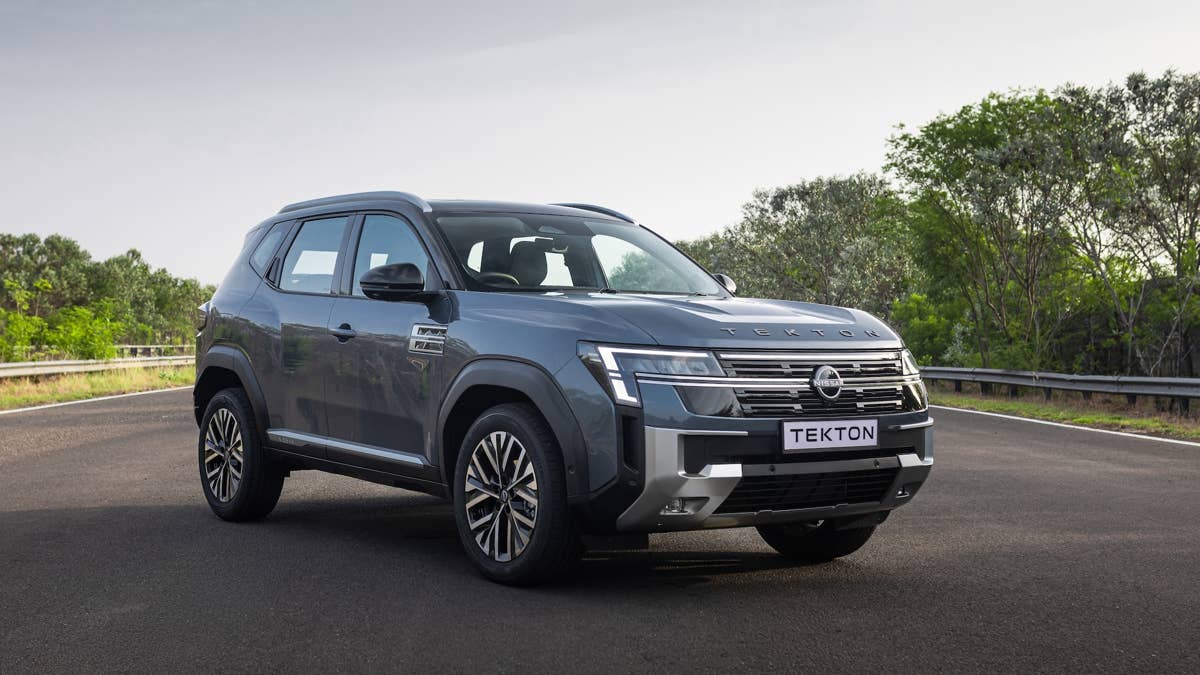
After its teaser and announcement last year, Nissan has finally pulled the covers off the all-new Tekton at its global debut in India. This compact SUV is the latest move in Nissan's comeback playbook, offering buyers a more wallet-friendly alternative to the hulking Patrol – better known as the Nissan Armada if you're in North America.
The Tekton is a key player in Nissan's 'One Car, One World' push. Co-developed with Renault and rolling off the Alliance's Chennai plant, this SUV is set to launch in about 50 markets across the Middle East and Africa. It's another sign that India is quickly becoming one of Nissan's global strongholds.
Slotting into the very competitive C-segment SUV class, the Tekton was shaped by feedback from thousands of buyers across India, the Middle East, and Africa.
NIssan
Familiar Styling with Premium Features Inside
No surprises here – the production Tekton sticks close to what Nissan teased earlier. The real headline is the styling, which borrows heavily from the Patrol and Armada playbooks rather than Nissan's smaller, softer crossovers.
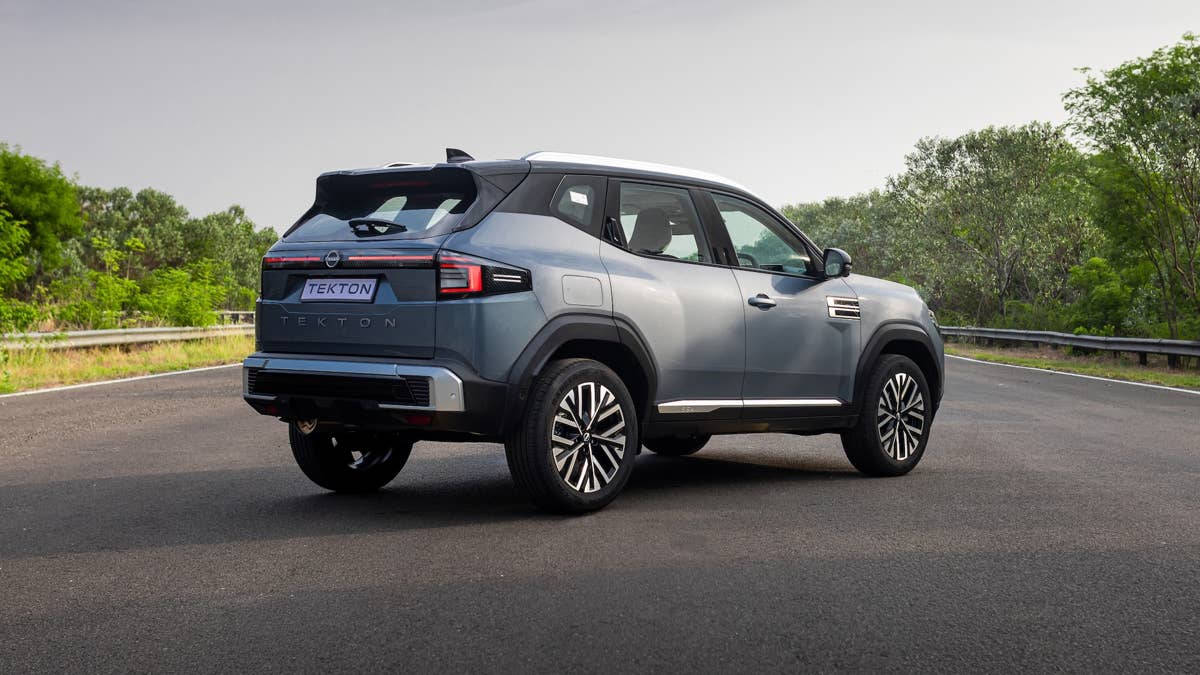
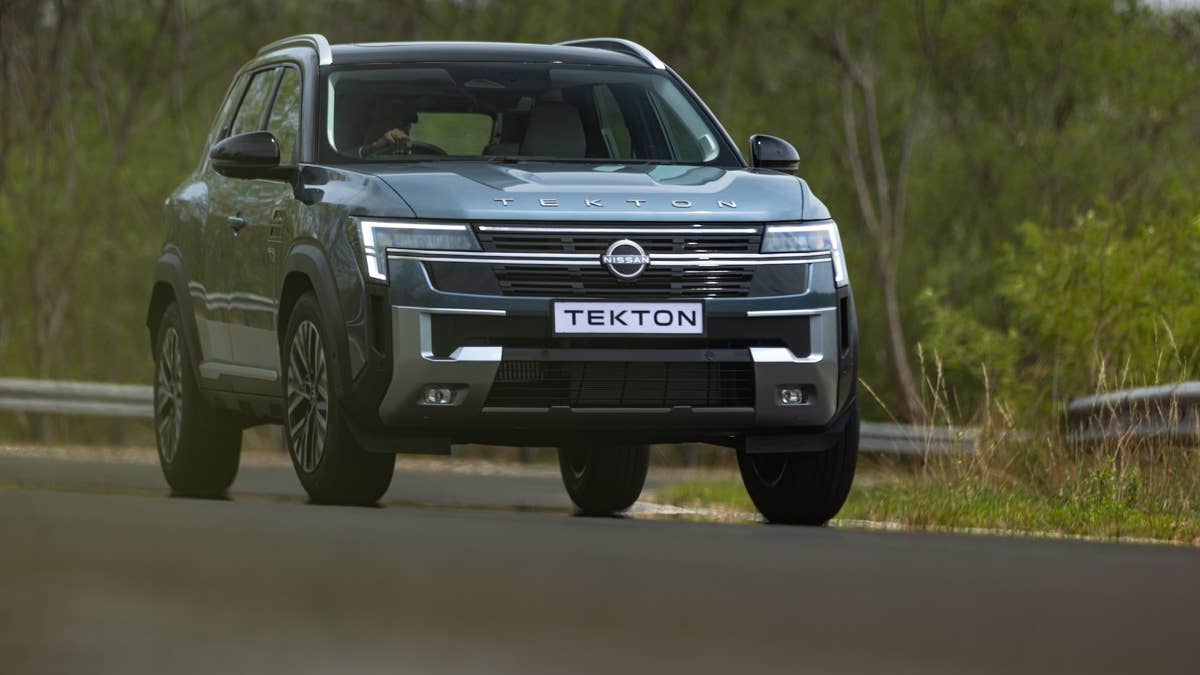
Up front, the Tekton sports a tall nose, sculpted hood, and those signature C-shaped LED lights, all anchored by a wide grille that makes it look bigger than it really is. Muscular fenders and upright lines carry the tough-guy vibe down the sides, while mountain-inspired trim on the doors adds a bit of flair. Out back, a full-width LED light bar spans the tailgate, with 'Tekton' spelled out loud and proud in the middle.
Inside, Nissan has dialed up the luxury beyond what you'd expect for this segment. There's a panoramic sunroof, ventilated front seats, dual-zone climate, and plenty of cargo room. The digital cockpit is all about Google Built-in, with Maps, Assistant, and Play baked right in. Safety tech is well covered, too, with adaptive cruise control, emergency braking, lane-keep assist, blind-spot warning, and six airbags on board.
Nissan
Will It Reach America? Probably Not
Beneath that Armada-inspired skin, the Tekton is very much a family affair with Renault and Dacia. It rides on the Alliance's CMF-B platform – the same bones you'll find under the latest Nissan Kicks and a handful of other global models.
Under the hood, you've got two turbocharged gas engines to pick from: a 1.0-liter three-cylinder or a beefier 1.3-liter four-cylinder good for up to 161 horsepower and 207 lb-ft of torque. Nissan is keeping quiet about transmission options for now, but given the shared platform, expect some familiar gearboxes depending on where you live.
For now, the Tekton is locked in for India and export markets across the Middle East and Africa. No word yet on a US launch – Nissan's already got the Rogue, Kicks, Pathfinder, and Armada holding down the fort stateside.
Nissan
Join the conversation
You can post now and register later. If you have an account, sign in now to post with your account.