_811205.png)
_e196d8.png)
_32b3d9.png)
_1c53fe.png)

How Many Inches?
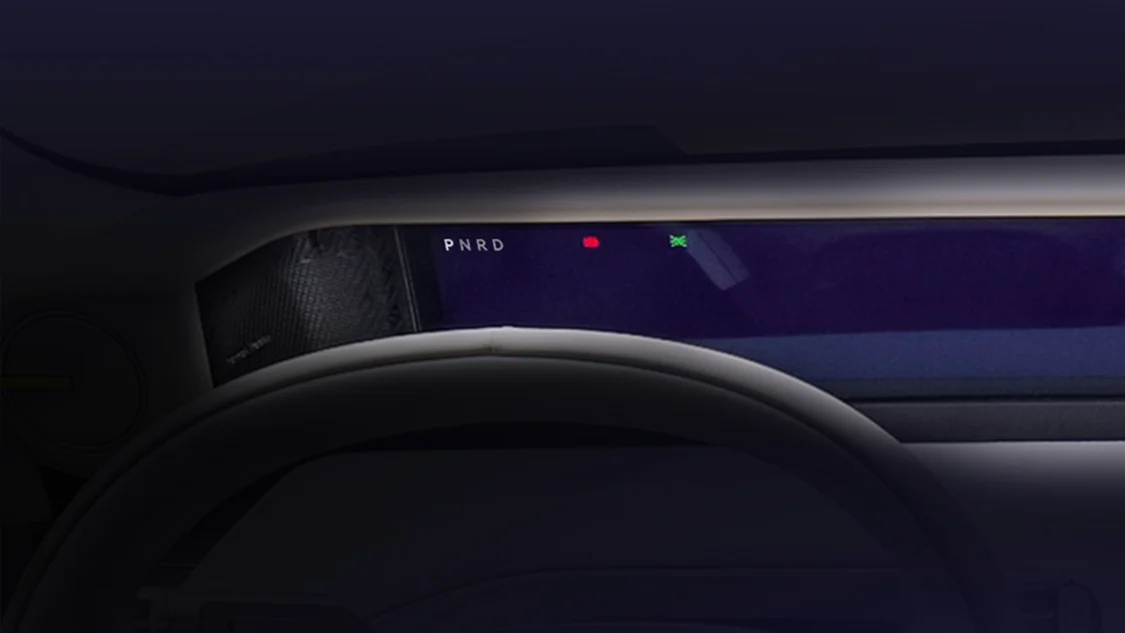
The Chery Jaguar and Land Rover partnership is doing a big-screen teaser for its newest "revived" model, the Freelander 8. The numbers alone are enough to turn heads: 46.3 inches is the equivalent of an average-sized TV nowadays, and the Chery JLR Freelander packs that into its dashboard.
However, when you look at it, it's not as crazy as it sounds, since the 8K panoramic screen spans 46.3 inches across a very wide space, similar to how BMW does it with its Panoramic Vision screens in its latest crop of EVs. The Freelander 8's teaser photos highlight the screen, which the brand dubs the "Panoramic Intelligent Display."
We already have a good idea of what the Freelander 8 will look like thanks to the Concept 97 that the brand showcased. Its displays were in full view, so when the Freelander 8 is officially unveiled, it should be close to, if not similar to, the concept's execution.
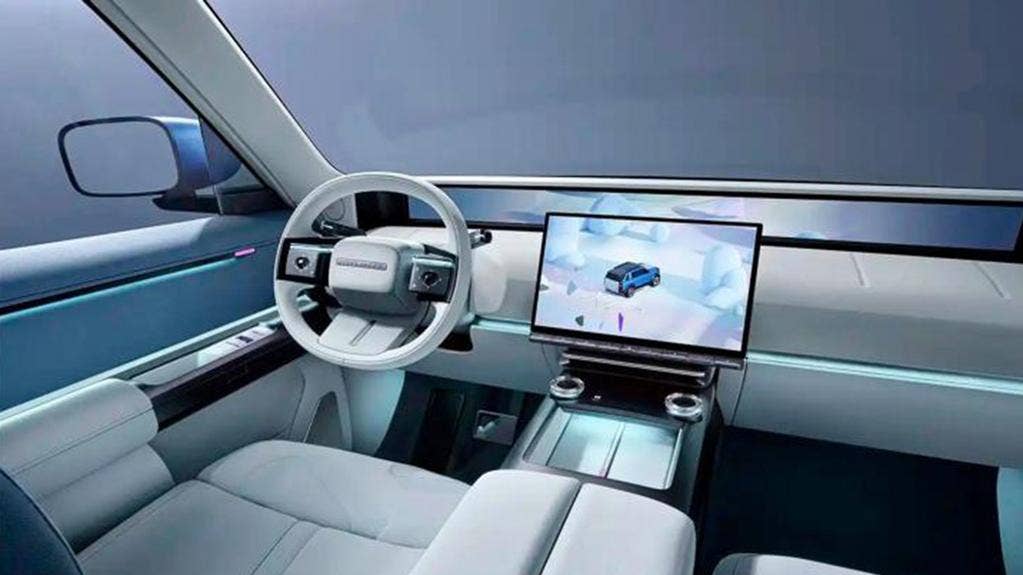
Chery JLR
Panoramic Intelligent Display
Coming in at a staggering 46.3 inches diagonally, you'd think it was the biggest screen in a car to date. However, that honor goes to Mercedes with its 56-inch Hyperscreen found in the EQS Sedan and EQS SUV. The record is closely followed by the Cadillac Celestiq and Escalade IQ, which both sport a massive 55-inch display.
So it's safe to say that Chery hasn't totally lost its marbles, and there is a healthy amount of dashboard still present in the teaser photos, at least as far as we could pick out. Although there is still a main infotainment display positioned underneath the 46.3-inch display.
As for the other dimensions, the Panoramic Intelligent Display has a width of 1.2 meters (47.24 inches). It doesn't offer additional height, which is why it doesn't measure up to the other behemoths. However, it is one of the widest so far and has one of the highest resolutions we've seen, with an 8K display. The company claims that it is up to four times higher than the standard 4K screens we're seeing in cars today. On top of that, the brightness can reach up to 1,000 nits.
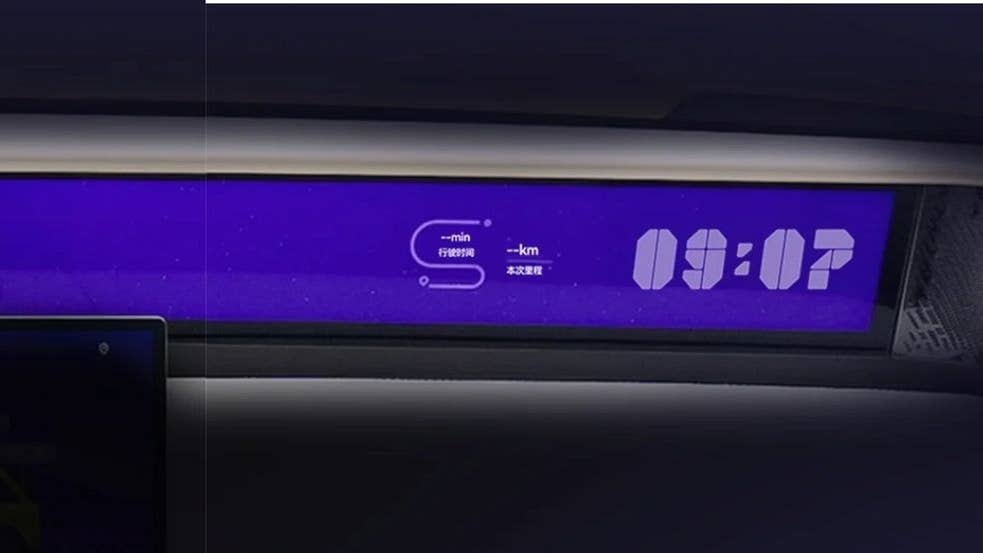
Chery JLR
The Freelander 8
The Freelander 8 will come with this screen, as told by Chery Jaguar Land Rover and as reported by Car News China.
The Freelander brand aims to deliver a rugged yet high-tech driving experience, drawing on the historic experience of Jaguar and Land Rover, and is made in China by the Chery Group. The brand name is a callback to one of Land Rover's old models, and the spin-off birthed this Freelander 8 model, set to debut in the second half of 2026.
What you can expect from the Freelander 8 is a range-extended vehicle, with a 1.5-liter turbocharged internal combustion engine mated to an electric motor that draws power from a 60.331 kWh battery. Its total power output is rated at 553 horsepower, and with battery power alone, it can achieve up to 137 miles (221 kilometers) of pure-electric range.
Click
Chery JLR
Join the conversation
You can post now and register later. If you have an account, sign in now to post with your account.