_811205.png)
_e196d8.png)
_32b3d9.png)
_1c53fe.png)

Tech influencer Marques Brownlee (a.k.a. MKBHD) has become one of the first people to not only get an up close look at Slate Auto’s electric truck but also ride in it and drive it, making him one of the first people outside the company to do so.
The 2027 Slate Truck, which is a fully modular, $25,000 electric pickup truck/SUV, brings a lot of fresh ideas in the U.S. auto market.
To keep the price low, all Slate Trucks come from the factory in Slate Gray paint; if you want a different paintjob, you have vinyl wraps that can take care of that after the purchase. The same goes for the interior, where the seats come in a gray cloth upholstery; if you want something different, you can opt for seat covers.
Buy Now, Customize Later
This economical approach extends to most aspects of the vehicle like, for instance, the body styles. You can have the Slate Truck as a pickup—the so-called blank Slate—but also as an SUV thanks to modules that bolt into the truck to transform it into a sports utility vehicle. And the cool thing about that is owners can attach those parts themselves in their garage.
Slate offers an optional rear roll cage complete with airbags, a second row of seats, and two different roof panels—a Fastback or a Squareback version.
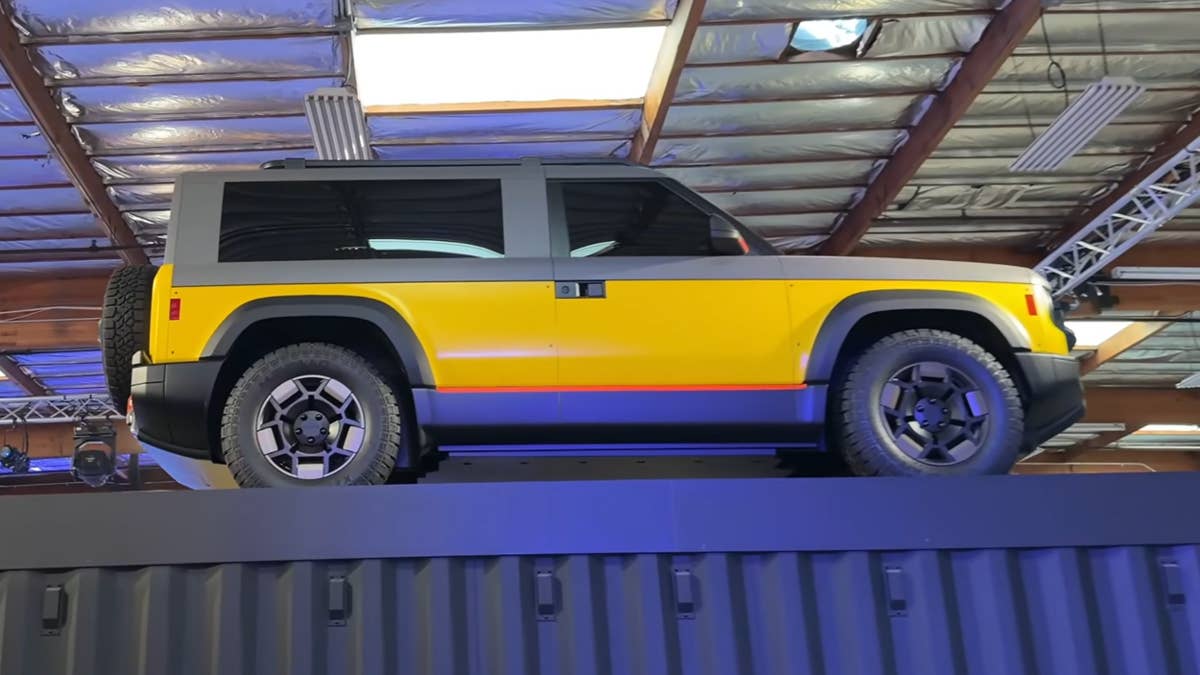
Of course, the Slate Truck might be too spartan for some buyers as it lacks basic amenities like power windows, central display, and speakers. Still, you can add those later, and for many people that would make sense as it would allow them to swallow the purchase price more easily and upgrade the vehicle later on when they have more money.
For example, a full vinyl wrap will set you back $500-$700, which is not bad at all.
Quicker Than Its 181-HP Powertrain Would Have You Believe
Slate Auto
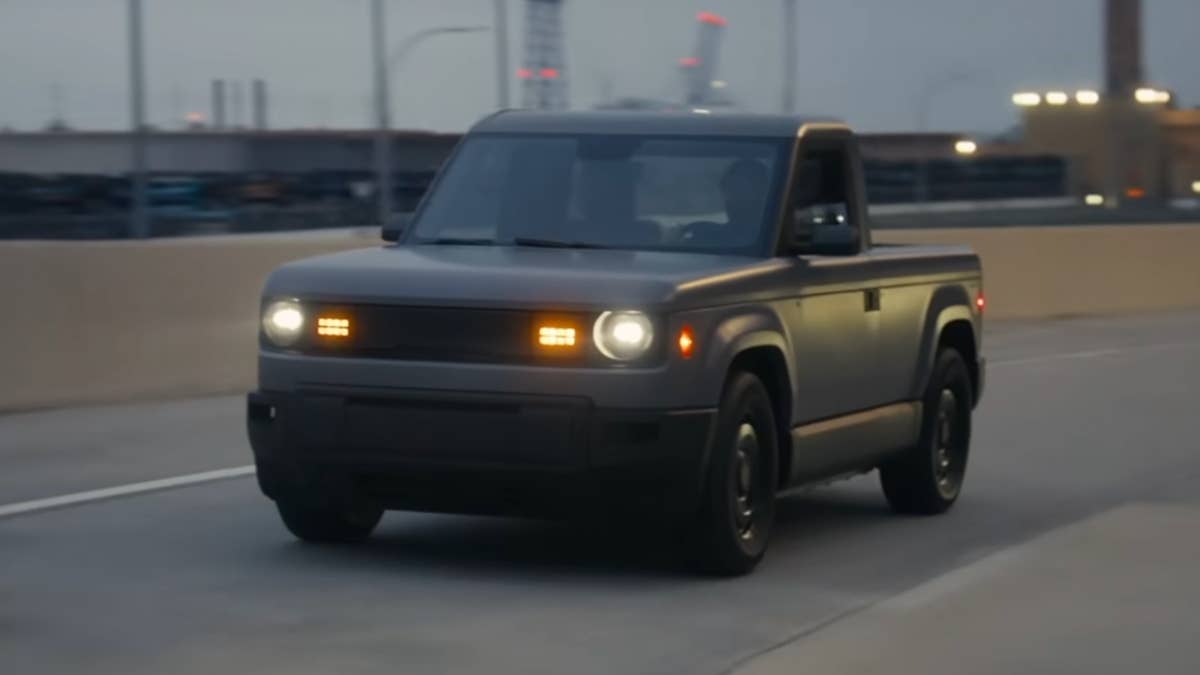
So what about the way the Slate Truck drives? MKBHD said he was surprised of how peppy the near-production prototype felt on the road (the official 0-60 mph time is 8 seconds) considering its rear motor puts out 181 horsepower and 194 pound-feet of torque.
That’s not a lot for a truck, but don’t forget the Slate pickup is compact and not that heavy at 4,084 pounds (1,836 kilograms), so the torque figure feels more than adequate. The one-pedal driving experience was very confident, the reviewer also noted. Actually, the Slate Truck starts in full-on one-pedal driving mode by default, and you can’t change that via settings. Still, MKBHD said it’s tuned very nicely, similar to Tesla EVs.

The suspension was a little firmer than what the reviewer expected, but not too bad, swallowing bigger bumps nicely but struggling a bit with smaller road irregularities.
In conclusion, Marques Brownlee reckons a lot of people will be interested in the Slate Truck, especially fleet buyers. After all, $25,000 will buy you a single-cab compact truck with a 5-foot bed and a lockable front trunk that can house 7 cubic feet of stuff, as well as 205 miles of range from a 65-kWh LFP battery pack and plenty of customizing options further down the road. What’s not to like?
Join the conversation
You can post now and register later. If you have an account, sign in now to post with your account.