_811205.png)
_e196d8.png)
_32b3d9.png)
_1c53fe.png)

Tesla started building its Cybercab earlier this year, a two-seater autonomous vehicle that we’ve learned more about in dribs and drabs over the last few months. Now, thanks to a new document published by the Environmental Protection Agency (EPA), we have a lot more information about the specifications of this potentially groundbreaking vehicle. Unlike Tesla’s existing robotaxi fleet, the Cybercab promises completely autonomous commuting—it doesn’t even have a steering wheel or pedals. The newly shared specs reveal an EV with a lot less power than the average Tesla EV, but also a lot less weight.
Tesla Cybercab Specifications
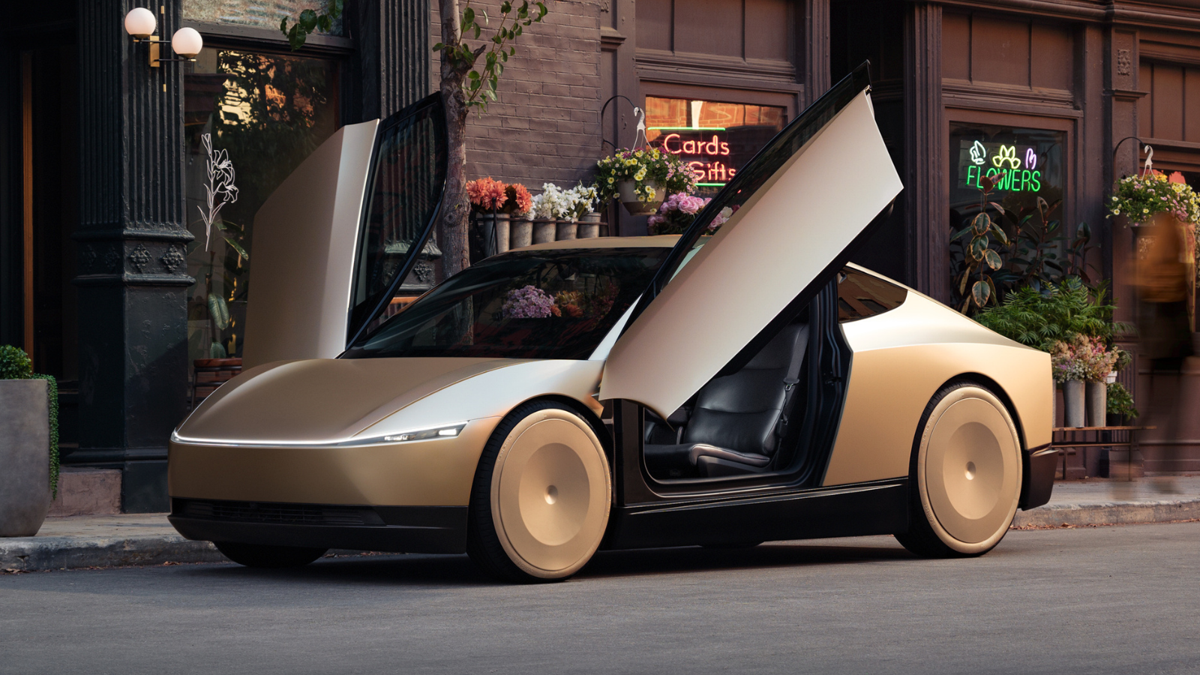
By seating only two occupants and not requiring major driver controls, the Tesla Cybercab’s specification sheet reads a lot differently compared to most other Teslas. Here’s a look at the key figures in the EPA document:
- Front-wheel drive
- 219 horsepower
- 48-kWh battery capacity
- Equivalent All Electric Range: 418 miles
- Curb weight: 3,113 pounds
At just over 3,100 lbs, the Cybercab is over 600 lbs lighter than the next-lightest Tesla, which is the Model 3 with rear-wheel drive. That likely comes down to a more compact footprint, an extremely minimalist cabin without traditional controls, and the small battery. The output of 219 hp may not sound like much, but it gives the Cybercab a similar power-to-weight ratio as a first-generation Subaru BRZ. We doubt anyone will want to go much quicker in a fully autonomous vehicle, anyway.
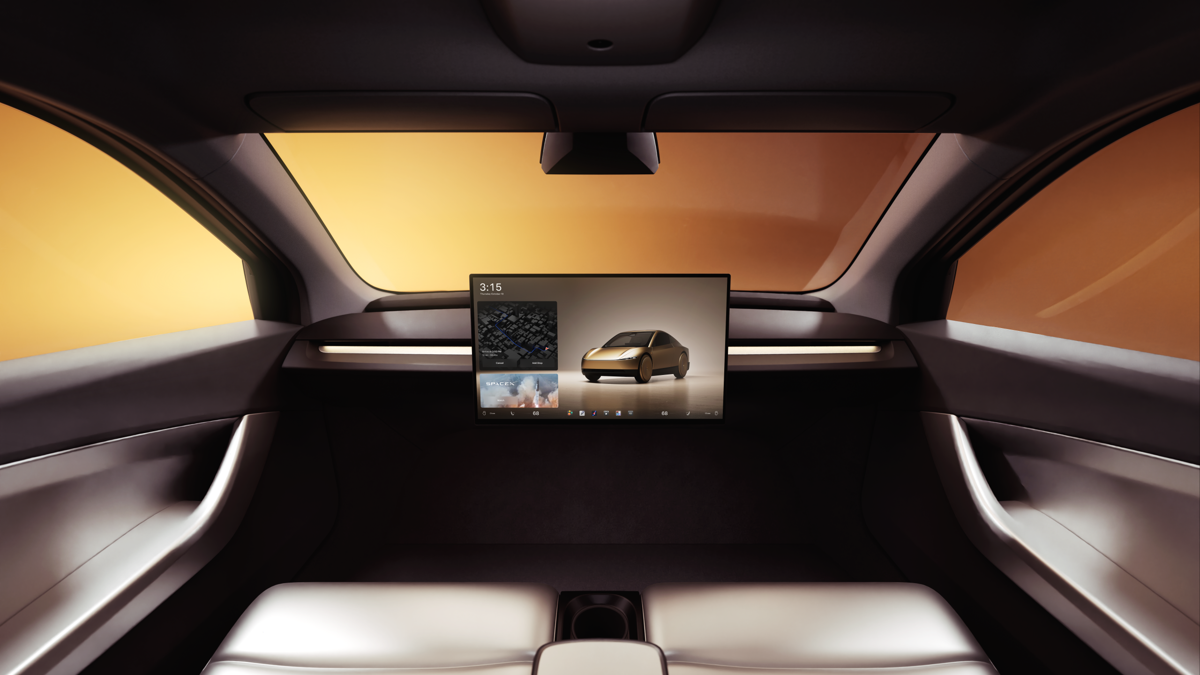
Tesla
The range of 418 miles is the Equivalent All Electric Range, which is under perfect lab-test conditions. The real-world figure that will be on the window sticker is estimated to be much lower, at around 293 miles, according to InsideEVs.
The other piece of information in the EPA document that caused some confusion is a section that states the “drive mode while tested” was “all-wheel drive,” but it’s widely understood that this is a front-wheel-drive EV.
Related: Tesla Cybercab Could Cost Just 2.6¢ Per Mile To Run
Why It Matters
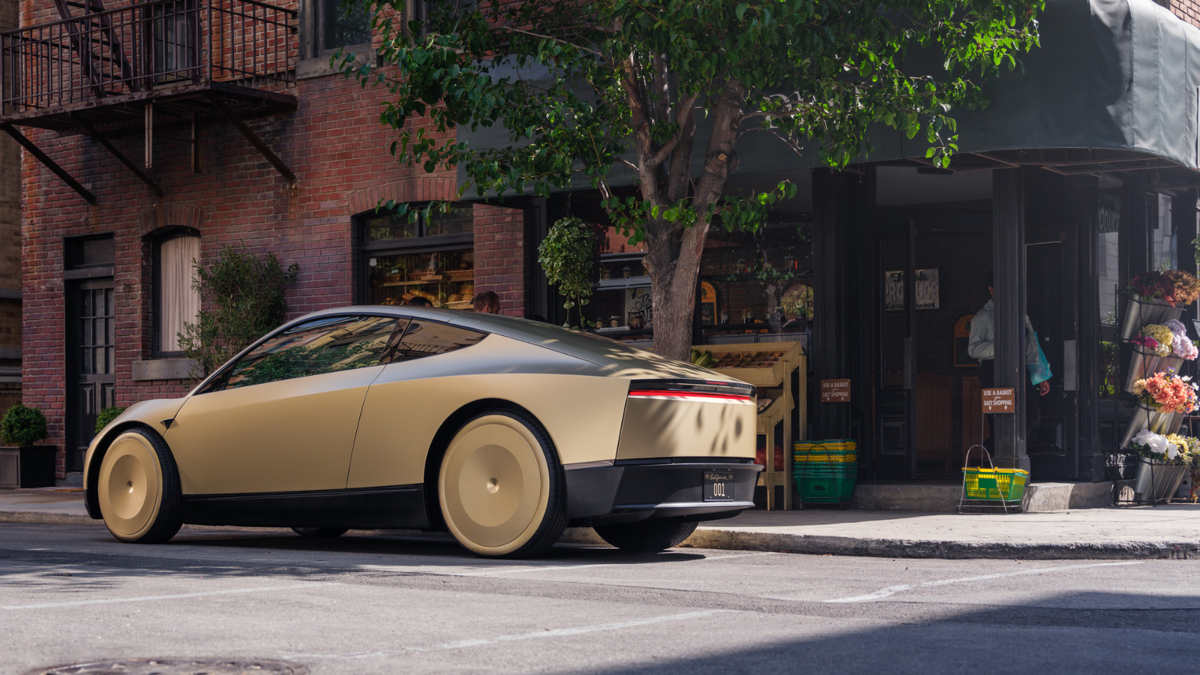
If Tesla can get the Cybercab to customers for the promised $30,000 starting price, it will be a revolutionary mode of transportation for many. While robotaxis from various companies are already on the road, these are not for sale to individuals. The Cybercab could dramatically improve mobility for people who can’t drive, be it due to a disability or simply having no desire to drive a conventional vehicle.
However, while the specs look promising, big questions remain over how close the company is to full autonomy. Tesla’s lineup only offers Level 2 self-driving that requires constant driver supervision, and even many of its robotaxis require human supervision. The leap from that to the fully autonomous Cybercab is enormous. The fact that we don’t have an official on-sale date, along with Tesla’s long history of missed production deadlines, leave me reluctant to get too excited about the Cybercab just yet.
Related: Production-Ready Tesla Cybercab Hits Showroom Floor In San Jose
Join the conversation
You can post now and register later. If you have an account, sign in now to post with your account.