_811205.png)
_e196d8.png)
_32b3d9.png)
_1c53fe.png)

The Growing Fight Over Vehicle Data
Recent concerns over data privacy in connected-car services have led to legal action and regulatory scrutiny. For instance, General Motors was sued for allegedly sharing driver data with third parties, including insurers, which allegedly used the information to raise premiums or deny coverage based on a driver's behavior behind the wheel.
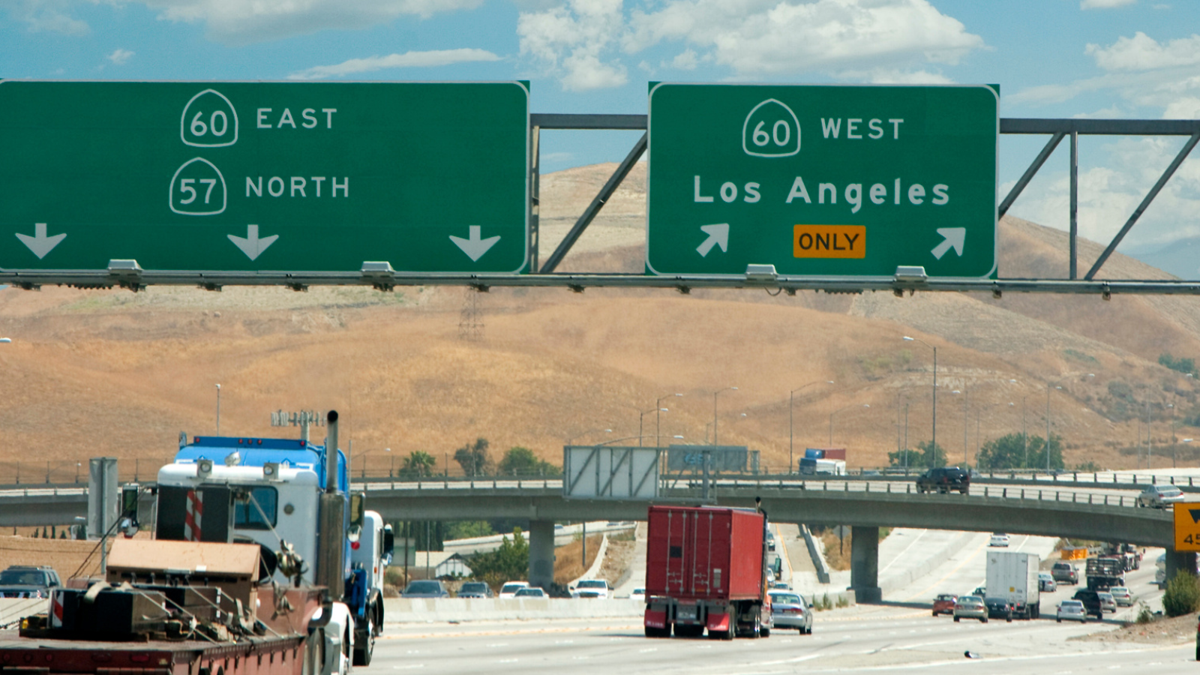
Connected services like GM's OnStar can track a vehicle's location, which can be useful in emergencies but also raises privacy concerns. But vehicle location data isn't collected exclusively through these platforms. A lawsuit reported by ClassAction.org alleges that Motorola Solutions' automatic license plate reader (ALPR) network in California shared identifiable vehicle and location data with federal and out-of-state agencies without drivers' notice or consent.
MCCAIG/Getty Images
The Roads Have Eyes
The lawsuit alleges such practices violate California's Automated License Plate Recognition (ALPR) Privacy Act, which regulates how ALPR data is collected, stored, shared, and protected. It also claims Motorola's AI-powered ALPR cameras can capture and analyze license plate data at speeds of up to 150 mph, including in the dark.
The complaint says the data is used to “flag a vehicle of interest.” It also cites an April 2026 revelation that the UC Merced Police Department had shared ALPR data with several federal agencies, including Customs and Border Protection, IRS Criminal Investigation, and the U.S. Secret Service. More concerningly, the lawsuit alleges that unauthorized parties were able to access real-time data from Motorola's ALPR systems over the open internet.
While ALPR systems are primarily intended to assist law enforcement and improve public safety, that purpose could be undermined if the allegations are proven true. Unauthorized access to the data could potentially expose sensitive information about drivers, including where they live, work, or frequently travel.
GMC
Privacy In The Age Of Smart Tech
The lawsuit seeks to represent anyone in the U.S. whose license plate or other identifying information was allegedly captured by Motorola's California ALPR cameras during the applicable period.
Together with recent connected-car privacy lawsuits, including one accusing Toyota of unlawfully sharing driver data with third parties such as Progressive, the case underscores growing scrutiny over how driver and vehicle information is handled. As cars become more advanced, especially with the broader rollout of data-heavy driver-assistance systems, questions over vehicle data collection and access will likely become even more important. The silver lining, at least, is that vehicle data practices are now facing growing pressure for accountability.
Toyota
Join the conversation
You can post now and register later. If you have an account, sign in now to post with your account.