_811205.png)
_e196d8.png)
_32b3d9.png)
_1c53fe.png)

The Toyota bZ has been called a very reliable EV, but a new recall may call that assessment into question. The National Highway Traffic Safety Administration has announced a new recall for the 2026 bZ, its Subaru Solterra twin, and the Lexus RZ, all of which may experience an unexpected loss of drive power, potentially leaving drivers stranded and at risk of a crash. The issue affects tens of 20,991 EVs, and unfortunately, the issue cannot be resolved by an over-the-air update, so affected owners will need to visit a dealer for a fix.
Toyota, Subaru, and Lexus EVs Have Faulty ECUs
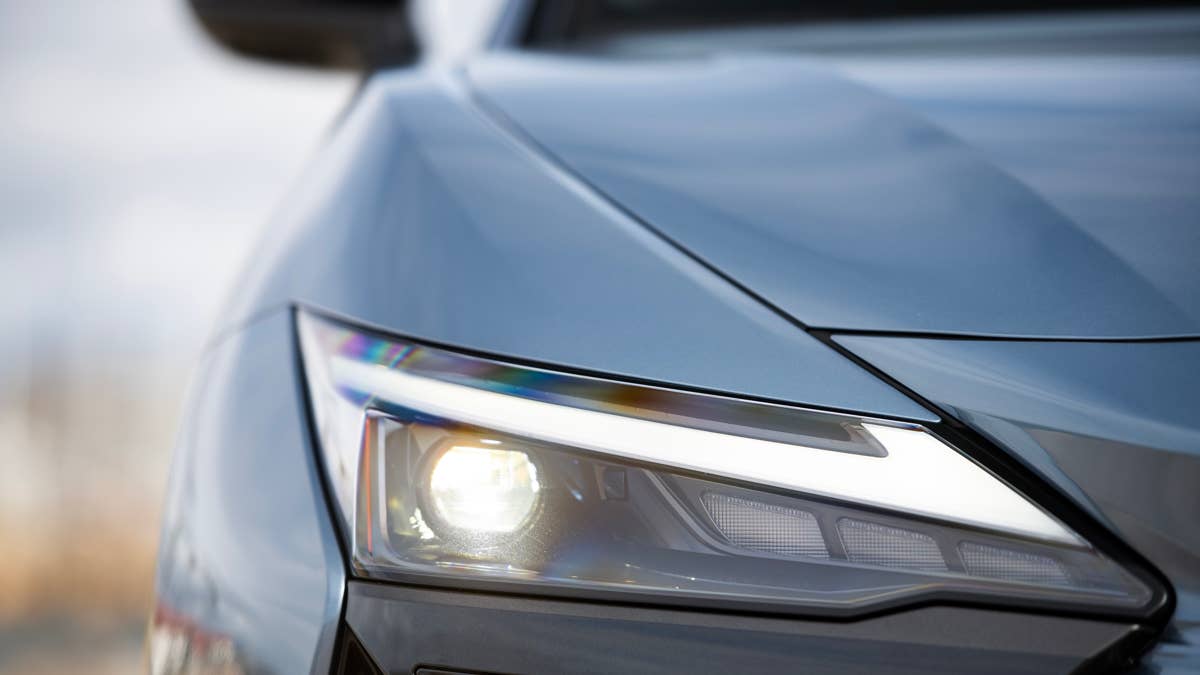
Lexus
The NHTSA recall report tells us that the affected Toyota bZ, Subaru Solterra, and Lexus RZ EVs have an issue with the ECU that controls the battery. This has two integrated circuits, and one of these can immediately overwrite data that the other had just written to. If this happens, the memory can fail an operational check, and if it does this multiple times, a warning message - "EV System Malfunction" - shows up on the driver cluster, along with "multiple malfunction indicator lamps" for various systems. Next, the electric drive system shuts down, and the car stops driving. The good news is that the power steering and power-assisted brakes will still work, allowing you to pull over safely. The bad news is that this malfunction occurs "at any driving speed," so it could occur while you're in the left lane on the freeway.
Related: The Most Reliable Toyota Models In 2026, And Why RAV4 Is Missing
Basically, both the monitoring integrated circuit and the battery control integrated circuit are trying to use the same memory address location, and that makes the ECU freak out. Interestingly, Toyota discovered this problem in a completely different car with a combustion engine, "during development testing of a new plug-in hybrid electric vehicle model." We'd like to believe Toyota was working on a RAV4-based pickup, but the automaker didn't reveal much more. What it did say was that testing of numerous EVs with similar software, conducted in April of this year, revealed that certain other vehicles had a difference in the cycling of the monitoring integrated circuit's write operation, so they didn't show the fault. As of earlier this month, Toyota is aware of no field technical report and only one warranty claim that may be related to the issue.
- 2026 Subaru Solterra: 4,757 units (production dates: September 17, 2025 - April 13, 2026)
- 2026 Toyota bZ: 11,495 units (production dates: June 2, 2025 - April 9, 2026)
- 2026 Lexus RZ: 4,739 units (production dates: April 24, 2025 - January 20, 2026)
What's Next for Owners of Recalled Toyota-Made EVs
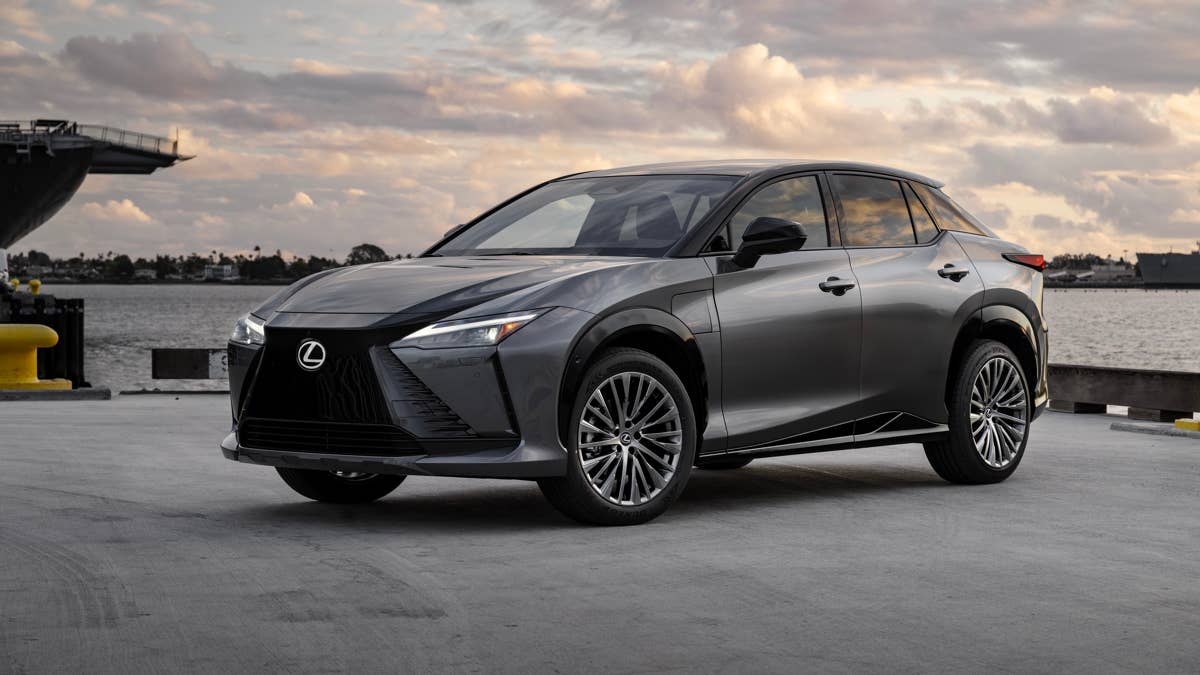
Lexus
As with any recall, a fix will be made available at no charge to the customer, but they'll have to visit a dealer for the ECU software update. Unfortunately, it appears that this software update is not yet ready, as Toyota plans to notify owners of the fix over August 3-17, and there's no indication of when VINs will be searchable on the NHTSA's site. We'd recommend avoiding the fast lane until then.
Join the conversation
You can post now and register later. If you have an account, sign in now to post with your account.