_811205.png)
_e196d8.png)
_32b3d9.png)
_1c53fe.png)

We are constantly told that robots will be able to perform all the menial tasks humans dread, like scrubbing floors, sorting packages in warehouses, transporting materials on factory floors, welding, painting, delivering food or supplies, and much more.
We’re also told that by letting robots do repetitive and boring work, we will be freed up for more complex work and more fun. But what happens if robots get a taste of our pleasant activities? Well, if we don’t pay attention, they might be taking over our favorite sports as well.
Now, don’t panic, we're just joking (at least for now). But the truth is robots have improved so much in recent years that they can even play football (or soccer as Americans call it)—without making a fool of themselves.
Boston Dynamics' Atlas Robot Imitates Soccer's Greatest Stars
Hyundai-backed Boston Dynamics has released a new video that shows its Atlas humanoid robot performing soccer moves with surprising accuracy and agility. It may look like a scene out of a sci-fi blockbuster, but it is very real.
Atlas is seen executing a series of complex soccer drills, like dribbling, passing and shooting the ball to score goals.
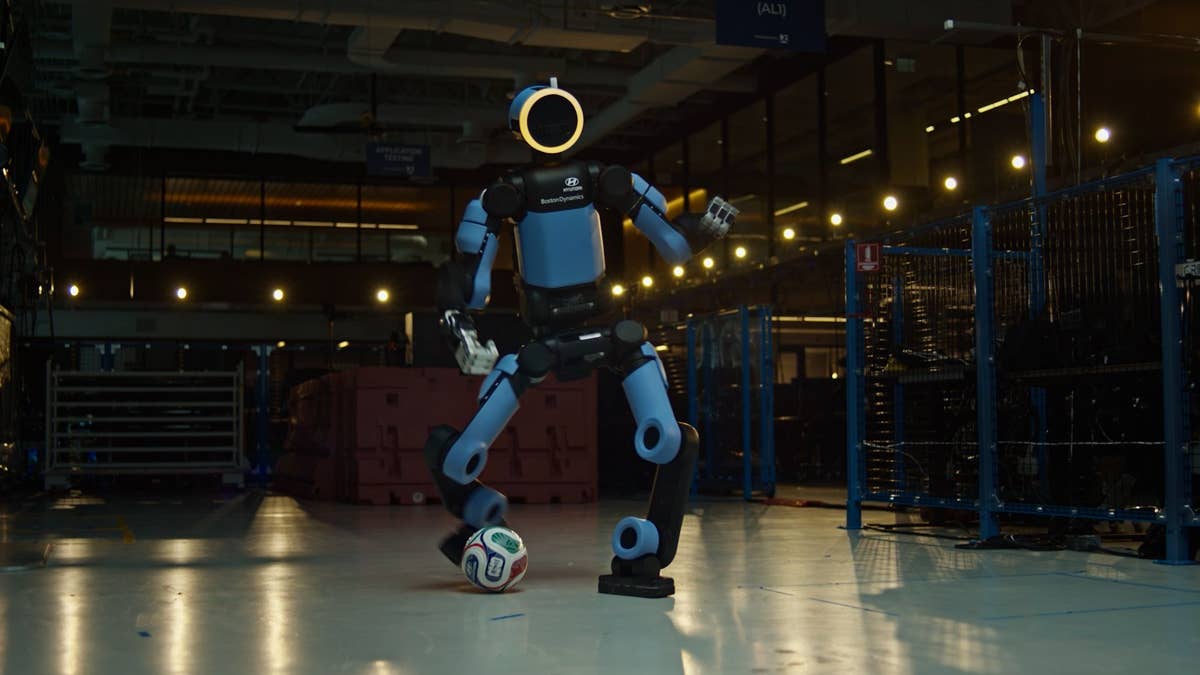
Hyundai Motor
Of course, Boston Dynamics has timed the release of this video to coincide with the FIFA World Cup that’s currently taking place in the U.S., Canada and Mexico. That’s because Boston Dynamics’ parent company Hyundai is a top-tier FIFA Partner of the competition and is deploying its largest-ever number of mobility and robotics solutions for the global tournament.
But training a robot to perform soccer routines is more than a marketing gimmick or a means to increase brand awareness.
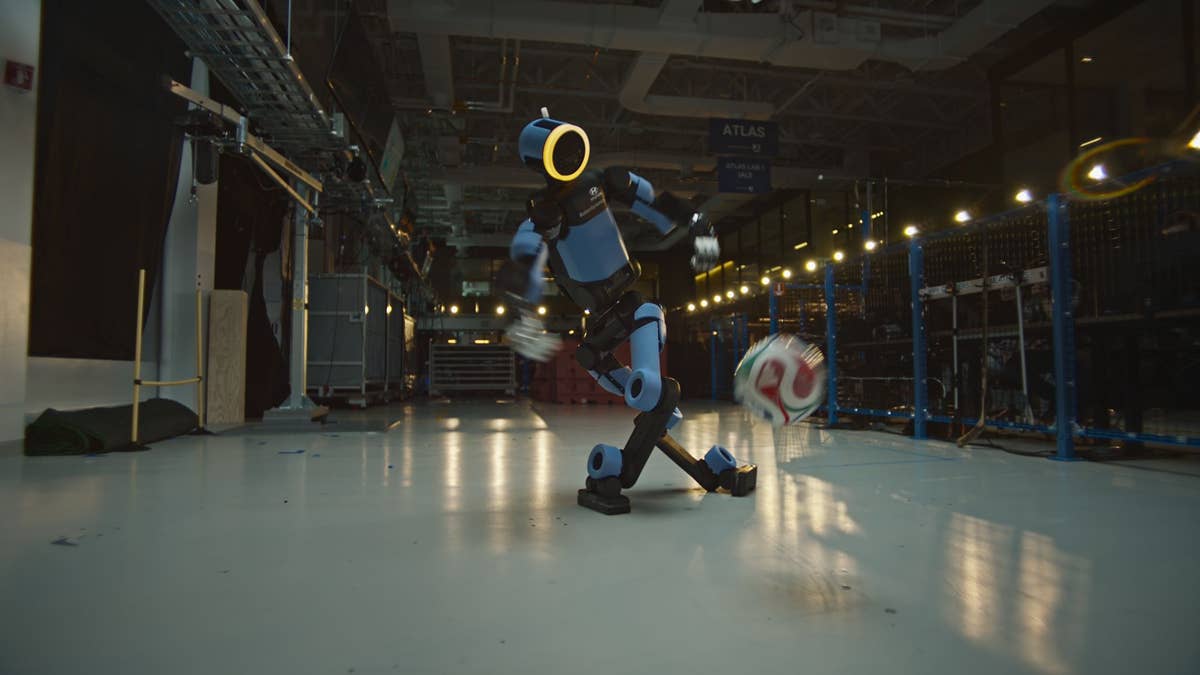
Hyundai Motor
Boston Dynamics researchers wanted to see if soccer could teach a robot to move more naturally, with the same dynamism and fluidity as a human player, and the answer was a resounding yes. Robots need to be challenged constantly, and it appears that soccer is a great way to really push the boundaries of robotics.
The video culminates with the humanoid robot performing a stunning “Ghost Rabona” move, which involves a feint and a cross-legged kick that would challenge even top human players. That’s actually what Los Angeles FC superstar and Hyundai global brand ambassador Son Heung-min said after watching the robot playing football and performing the rabona move.
https://www.youtube.com/shorts/3mZJmI0-pKE
Here's How They Taught The Robot To Do This
The display of robotic athleticism is part of Hyundai Motor’s “School of Football” campaign, which uses soccer as “a universal language to explore human-centered robotics through emotion and storytelling,” according to the carmaker. The heart of the campaign is a five-part episodic social film series that follows Atlas’ journey from curious observer to mastering the pitch.
Make sure you also watch the making-of film posted below that documents how it is possible to teach a machine play soccer like a pro. It involves recording the movements of a professional football player first, followed by a lot of AI learning and simulation, among other things.
Join the conversation
You can post now and register later. If you have an account, sign in now to post with your account.