_811205.png)
_e196d8.png)
_32b3d9.png)
_1c53fe.png)

With autonomous ride-hailing services like Waymo, Zoox, and Tesla becoming increasingly common across U.S. cities, it was only a matter a time until criminals found a way to integrate robotaxis into their illegal activities.
The first such documented use of a robotaxi to conduct a crime—in San Francisco at least—took place in January this year. A Waymo robotaxi acted as an unsuspecting getaway car for a burglar who broke into a yoga studio to steal yoga clothes.
Waymo Getaway Car Turns Unremarkable Burglary Into National News
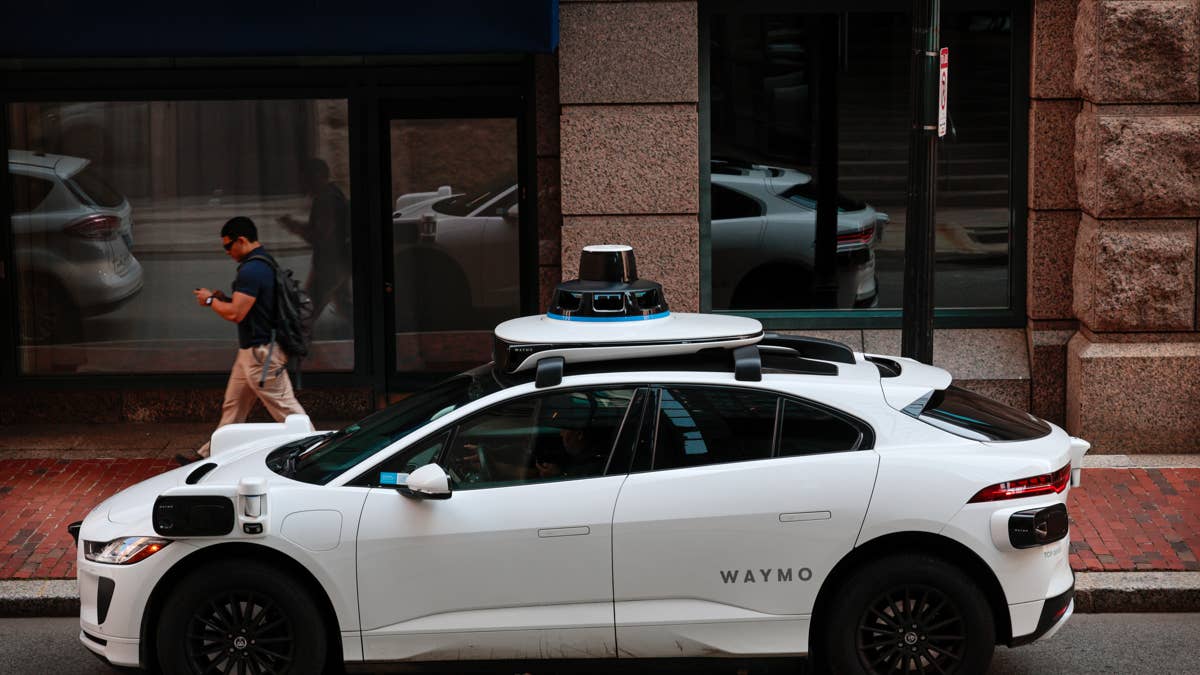
According to the San Francisco Chronicle, the burglar was in and out of the Hot 8 Yoga studio with an armload of activewear in under three minutes. He put the clothes in the car’s trunk, got inside and left in the self-driving Waymo vehicle.
While the break-in may seem like a relatively minor affair for San Francisco police, the department has still not made an arrest or publicly identified any suspect six months since the act took place.
The fact that the suspect has escaped in a Waymo robotaxi has made the burglary a novel case for SFPD, who said it was probably San Francisco’s first instance of such an escape. “I would think it would be easier to solve in a Waymo,” the case’s detective, Sgt. Tim Faye, told the SF Chronicle.
It’s quite surprising that the suspect has not been identified yet despite the fact that Waymo vehicles are outfitted with multiple high-definition cameras inside and out and require users to enter their credit card details in order to make a Waymo account and hail a ride.
The Case Sheds New Light On How Waymo Handles The Footage Captured By Its Cars
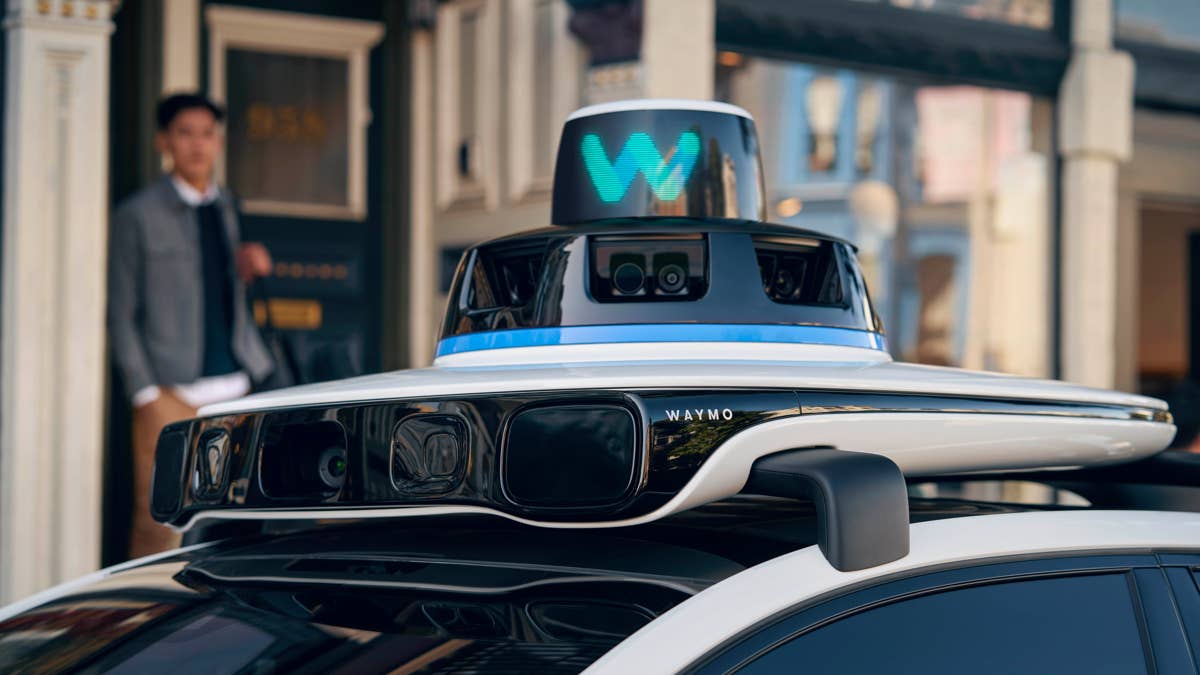
As TechCrunch points out, this case sheds some new light on how Waymo handles the footage captured by its cars. While the company does capture and store ride footage, it does not say how long it stores the data.
In this particular case, the data had been gone “by the time the search warrant was filed in April.” Furthermore, police weren’t able to identify the burglar using footage captured by the vehicle’s exterior cameras because the video material had been “blurred for privacy reasons.” The account information Waymo turned over to police as part of the search warrant “didn’t lead police to the suspect” either, according to the Chronicle.
So there you have it. A thief used a Waymo robotaxi to arrive at a yoga studio, robbed it blind, then fled the scene using the same autonomous ride-hailing vehicle. And despite concerns voiced by people worried about the long-term surveillance capabilities of Waymo vehicles, which are outfitted with multiple exterior and interior cameras, police couldn’t use the footage to identify the perpetrator.
Believe it or not, this was not the first crime committed with the help of a Waymo. Someone used a robotaxi as a getaway car after robbing a Los Angeles grocery store in January, but that person was almost immediately caught. According to KTLA, police cruisers went in pursuit of the Waymo vehicle, which pulled over, allowing officers to apprehend the suspect.
Join the conversation
You can post now and register later. If you have an account, sign in now to post with your account.