_811205.png)
_e196d8.png)
_32b3d9.png)
_1c53fe.png)

A new proposal could change how every new car behaves
Europe has spent years adding more technology to keep drivers safe, from automatic emergency braking to intelligent speed assistance. Now, lawmakers are reportedly considering taking that idea much further. According to Tech Times, future new cars could be required to use GPS speed governors capable of automatically preventing drivers from exceeding the posted speed limit. The proposal reportedly envisions combining satellite positioning with digital map databases and existing onboard sensors to determine the applicable speed limit before restricting acceleration. For decades, the speed limit was ultimately your decision. Under this proposal, your car could make it for you.
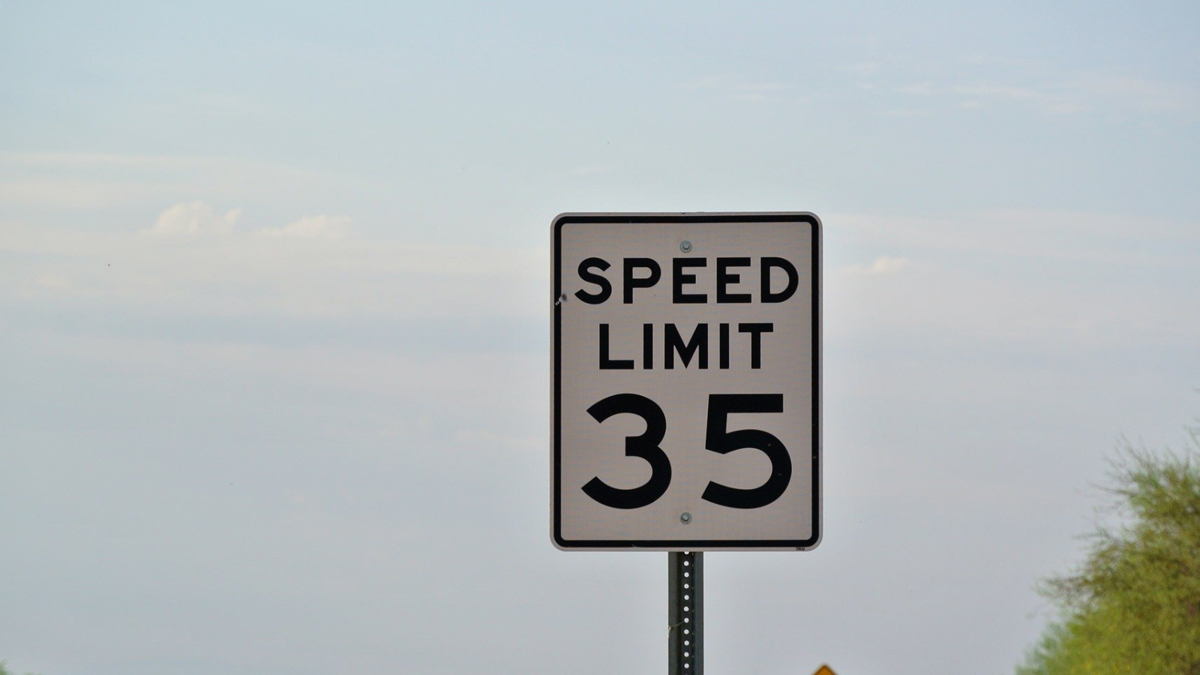
Intelligent Speed Assistance became mandatory on all new cars sold in the EU in 2024. Unlike today's ISA systems, which typically warn drivers or gently push back through the accelerator pedal before allowing an override, a GPS speed limiter would take a much firmer approach. Picture this: You're overtaking a slow-moving truck. You press the accelerator. The car refuses because the GPS believes you've already reached the speed limit.
Why Europe Wants It And Why Critics Are Worried
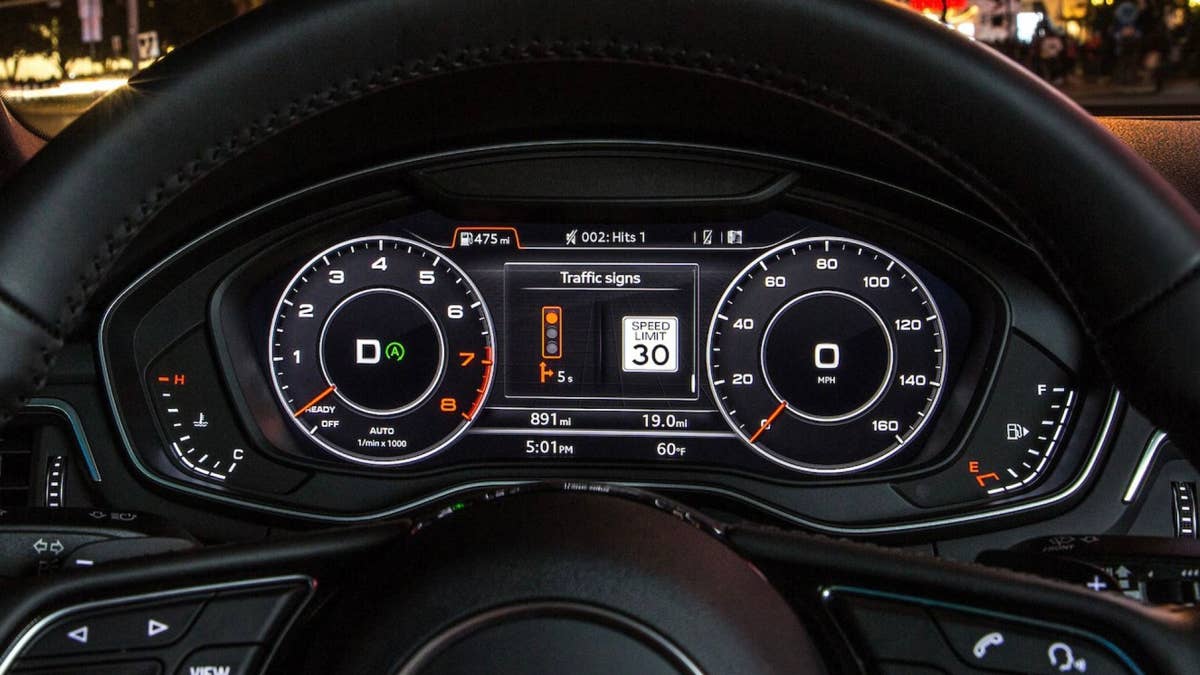
Audi
The thinking behind the proposal is easy enough to understand. As estimated 30 percent of fatal road crashes can be linked to speeding. European regulators have made no secret of their ambition to reduce road deaths dramatically over the coming decade. A system that physically prevents speeding could, at least on paper, eliminate one of the most common causes of serious accidents.
The real world, however, is rarely as tidy as policy can make it out to be. GPS maps can be out-of-date. Temporary construction zones can appear overnight. Speed limits can change without warning. Anyone who has used satellite navigation has probably seen it confidently insist a road is 35 mph when the sign outside says 50. Now imagine your car believing the map instead of your own eyes. A safety system is only as trustworthy as the information feeding it.
The Bigger Question is How Much Control Drivers Should Lose
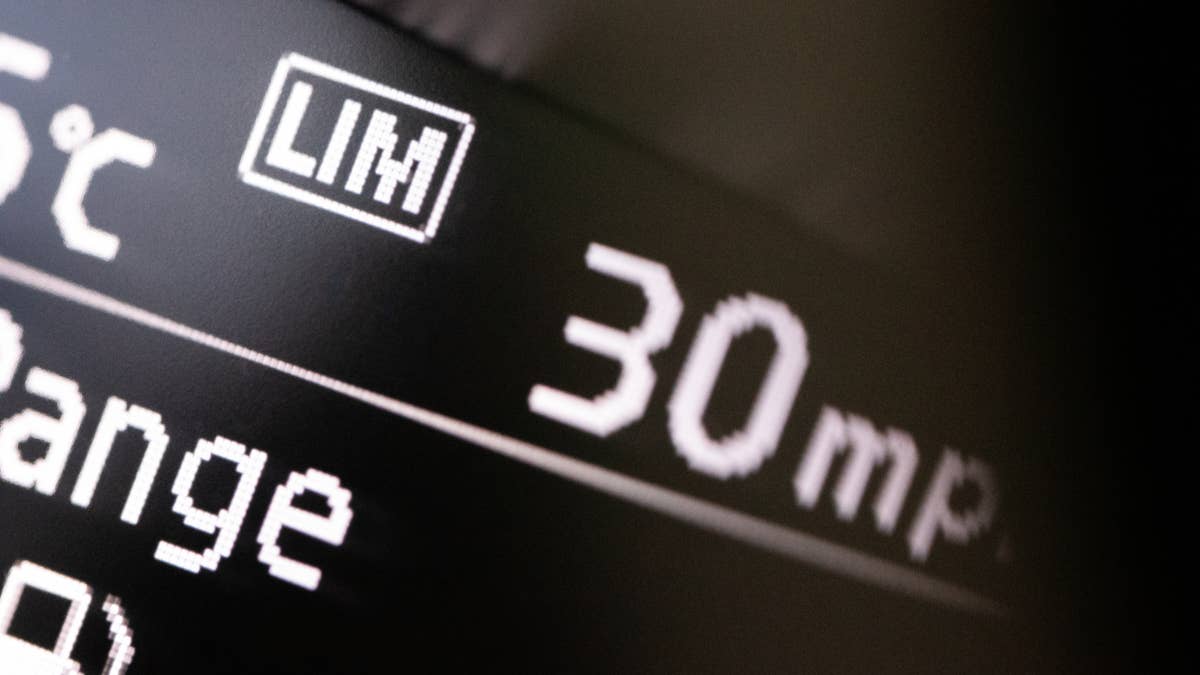
The proposal reflects a much bigger shift. Cars are no longer defined by hardware alone, with manufacturers adding features that can be updated remotely long after the vehicle leaves the factory. Once a car is permanently connected, introducing new driving restrictions becomes as much a software decision as a mechanical one.
For many buyers, that raises uncomfortable questions about where assistance ends and intervention begins. Automatic emergency braking steps in when a crash is imminent. Lane-keeping systems nudge you back between the lines. A GPS speed governor would go further by actively deciding how fast you're allowed to drive, regardless of what your right foot is asking for. Whether the proposal survives in its current form remains to be seen. If adopted, drivers may eventually find themselves buying cars where exceeding the speed limit is no longer a choice, but something the software simply refuses to allow.
Join the conversation
You can post now and register later. If you have an account, sign in now to post with your account.