_811205.png)
_e196d8.png)
_32b3d9.png)
_1c53fe.png)

This first edition of our third year is at the printers, and we couldn’t be more pleased with the exciting, varied, fascinating content:

Equipped: Coolers vs. Fridges for Overland Journeys
Artifact: An Evening with Fridtjof Nansen
Expedition: Diving in Antarctica for Science and Art
Greatest Explorers: Gino Watkins
Skills: Water Purification Setups for Your Vehicle
Cartografía: Darwin’s Andes Maps that Changed His View on Time and Evolution
Victualling: Tea, the Overlander, and the Volcano Kettle
Field Arts: Six Essential Tools You Need
Field Arts Share: Kirsten Carlson’s Antarctic Journals
Botany: A Superstore Tree That is Loved and Reviled
Subscribe by the end of July 5 to receive this issue in the mail. And bonus: subscribers have instant access to all digital issues, all years. Never stop being curious: Join us.
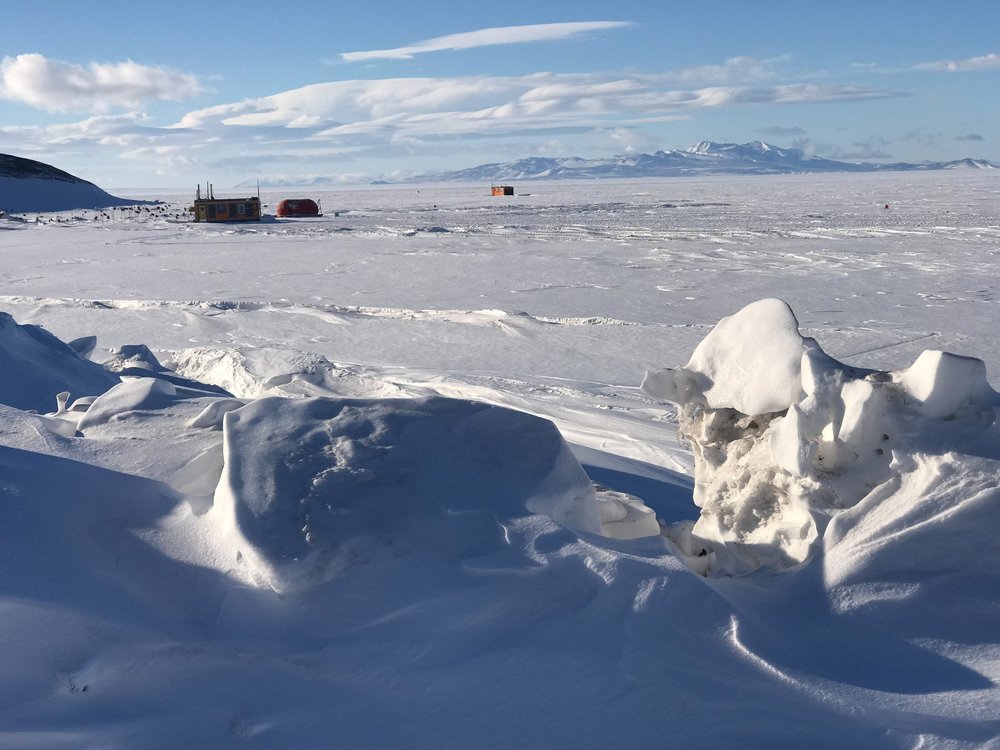
Dive hut, Antarcica, Ross Ice Shelf. Kirsten Carlson photo.
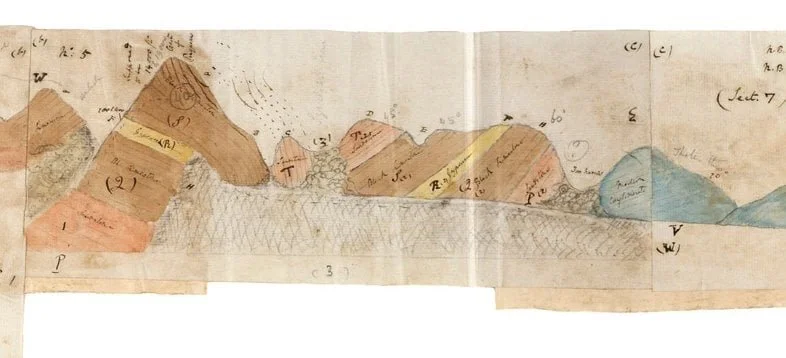
Hand-colored geologic map of a portion the Andes, in Charles Darwin’s pocket journal. Reproduced with permission from John van Wyhe, ed., 2002. The Complete Work of Charles Darwin Online, http://darwin-online.org.uk/
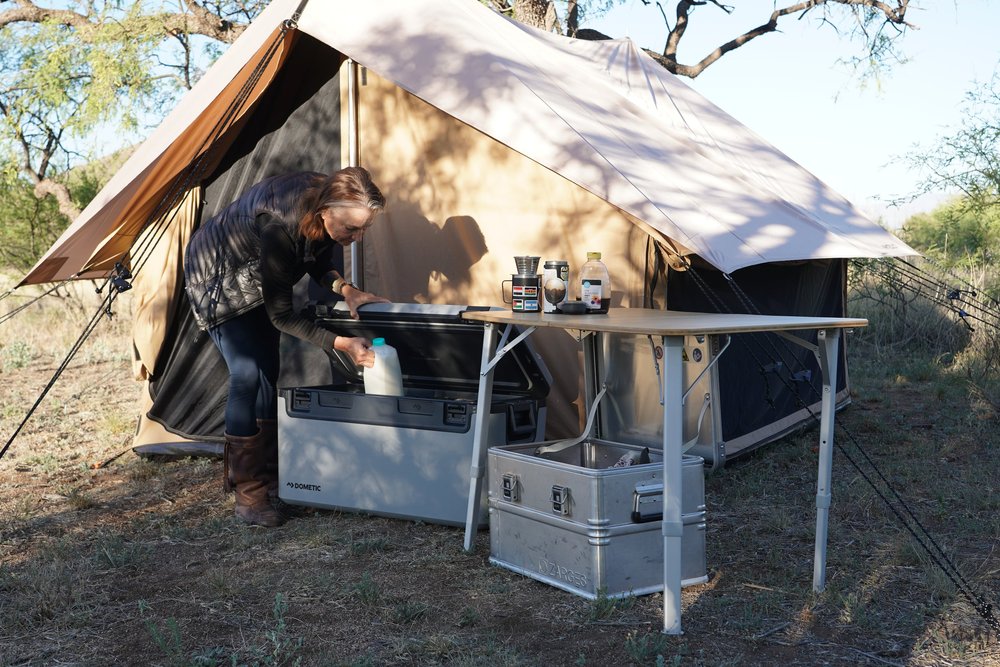
Dometic Recon 69L, Jonathan Hanson image.
Join the conversation
You can post now and register later. If you have an account, sign in now to post with your account.