_811205.png)
_e196d8.png)
_32b3d9.png)
_1c53fe.png)


The latest series from XOverland documents a massive 26,739-mile journey from Bozeman to Cape Town, spanning three continents, 35 countries, and 126 days on the road. Across three phases, a 13-person crew navigates everything from remote backroads to complex border crossings, all supported by a three-vehicle Toyota convoy built for long-haul expedition travel.
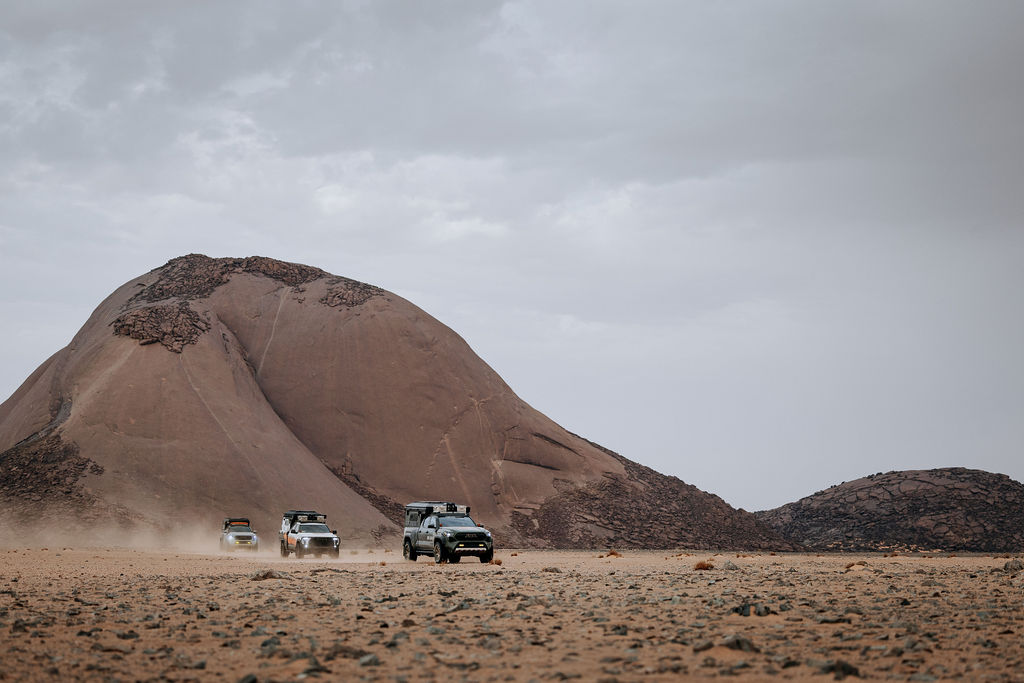
More than just distance, Milestones captures the full spectrum of global overlanding, blending diverse cultures, landscapes, and geopolitical realities into a single continuous route. It stands as the longest and most demanding expedition XOverland has undertaken, while also marking the completion of the team’s circumnavigation of the globe.
READ MORE: The 2026 Overland Expo Sourcebook Digital Edition is Here
Episodes 1 and 2 set the tone with a mix of cinematic storytelling and the real-world challenges that come with a journey of this scale. New episodes of Milestones: Global Expedition will premiere weekly on Thursdays from March 26 through May 21 on XOVERLAND’s YouTube channel and other streaming platforms.
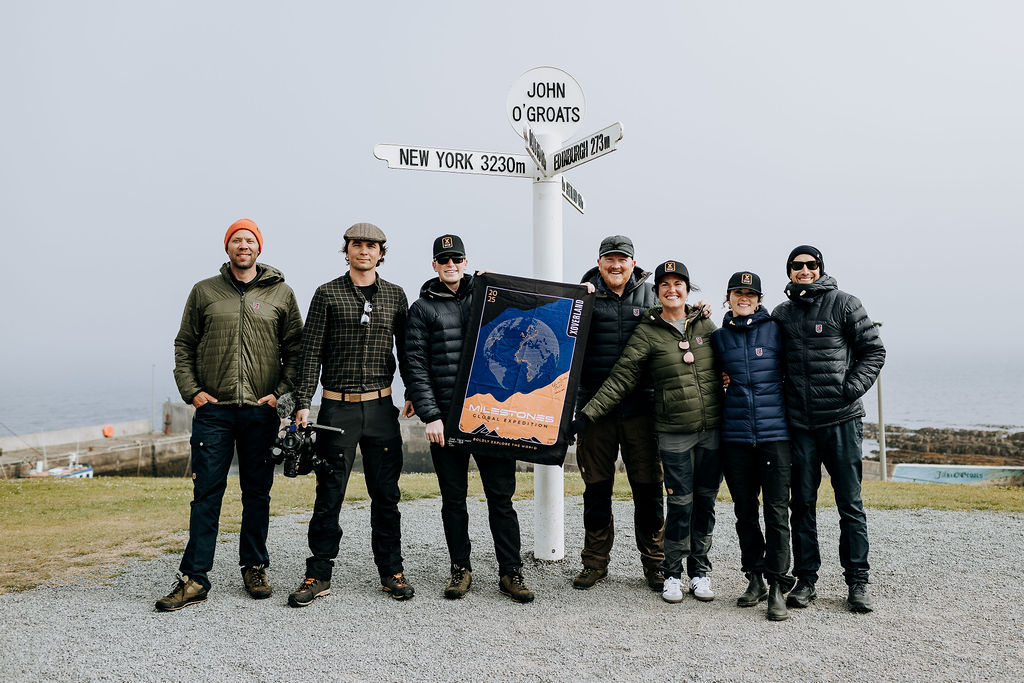
Fans can also catch the team in person at Overland Expo West, happening May 15–17 in Flagstaff.
Join the conversation
You can post now and register later. If you have an account, sign in now to post with your account.