_811205.png)
_e196d8.png)
_32b3d9.png)
_1c53fe.png)

Another popular platform is launching an end-of-year highlight reel. First came Spotify Wrapped, then Apple Music Replay, and now there is the YouTube Recap.
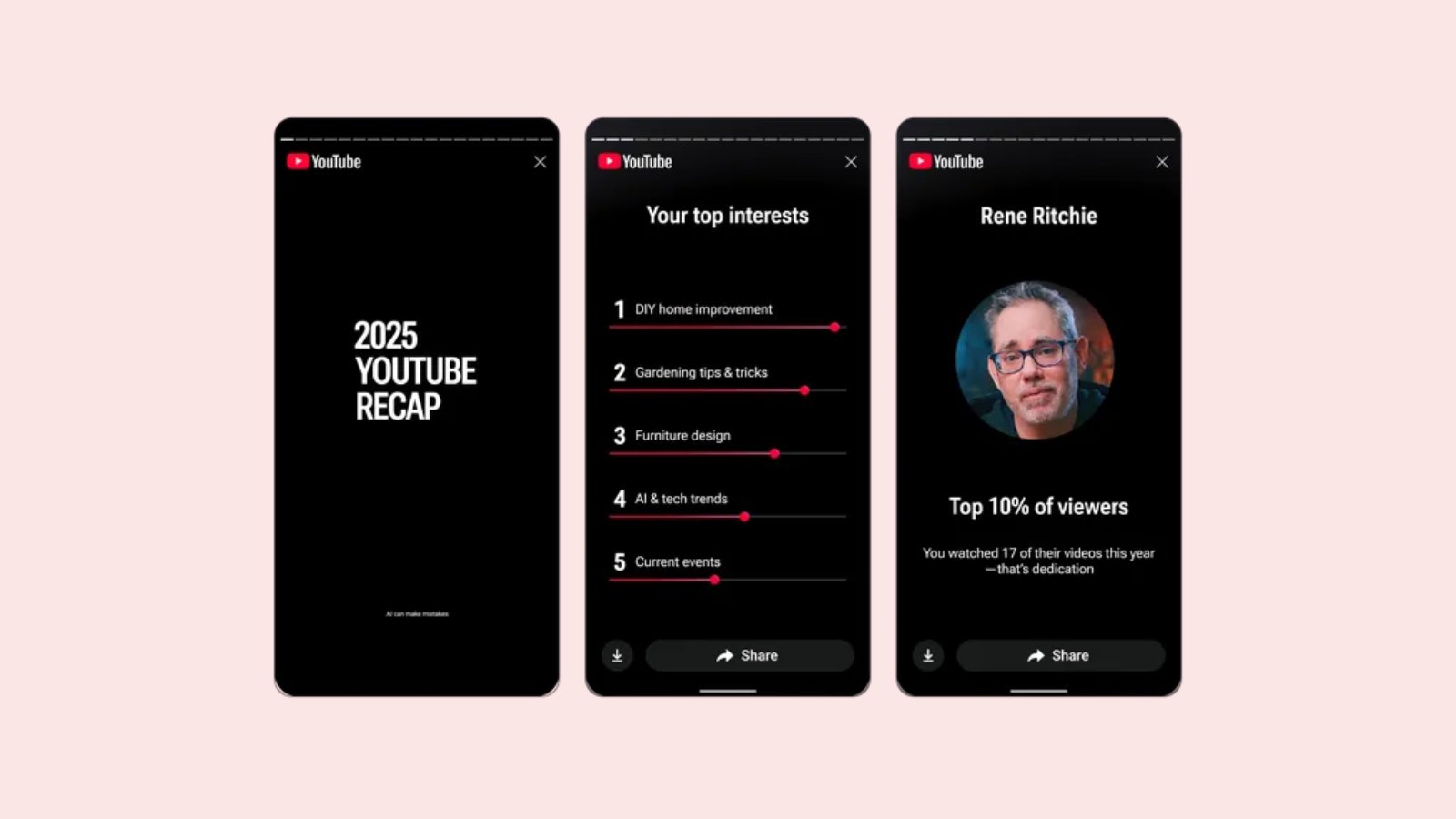
YouTube Recap highlights your viewing habits, top channels, personal interests, and more, based on your watch history. If you listened to a lot of music on YouTube in 2025, you can also see your top artists and songs of the year.
You can share your personal highlights on social media platforms like Instagram and TikTok.
YouTube Recap will be available starting today for users in the U.S. and Canada, and it will roll out in other countries this week. It can be accessed via YouTube's homepage on the web, or by tapping on the "You" tab in the iOS or Android app.
This article, "'YouTube Recap' Launching Today on iPhone and Web" first appeared on MacRumors.com
Discuss this article in our forums
YouTube Recap highlights your viewing habits, top channels, personal interests, and more, based on your watch history. If you listened to a lot of music on YouTube in 2025, you can also see your top artists and songs of the year.
You can share your personal highlights on social media platforms like Instagram and TikTok.
YouTube Recap will be available starting today for users in the U.S. and Canada, and it will roll out in other countries this week. It can be accessed via YouTube's homepage on the web, or by tapping on the "You" tab in the iOS or Android app.
Tag: YouTube
This article, "'YouTube Recap' Launching Today on iPhone and Web" first appeared on MacRumors.com
Discuss this article in our forums
Recommended Comments
Join the conversation
You can post now and register later. If you have an account, sign in now to post with your account.