Skip to content
View in the app

A better way to browse. Learn more.

hosang I.T.

A full-screen app on your home screen with push notifications, badges and more.

To install this app on iOS and iPadOS
  1. Tap the Share icon in Safari
  2. Scroll the menu and tap Add to Home Screen.
  3. Tap Add in the top-right corner.
To install this app on Android
  1. Tap the 3-dot menu (⋮) in the top-right corner of the browser.
  2. Tap Add to Home screen or Install app.
  3. Confirm by tapping Install.

ClickFix Scams

ClickFix Scams Target Computer Users Across Industries and Borders

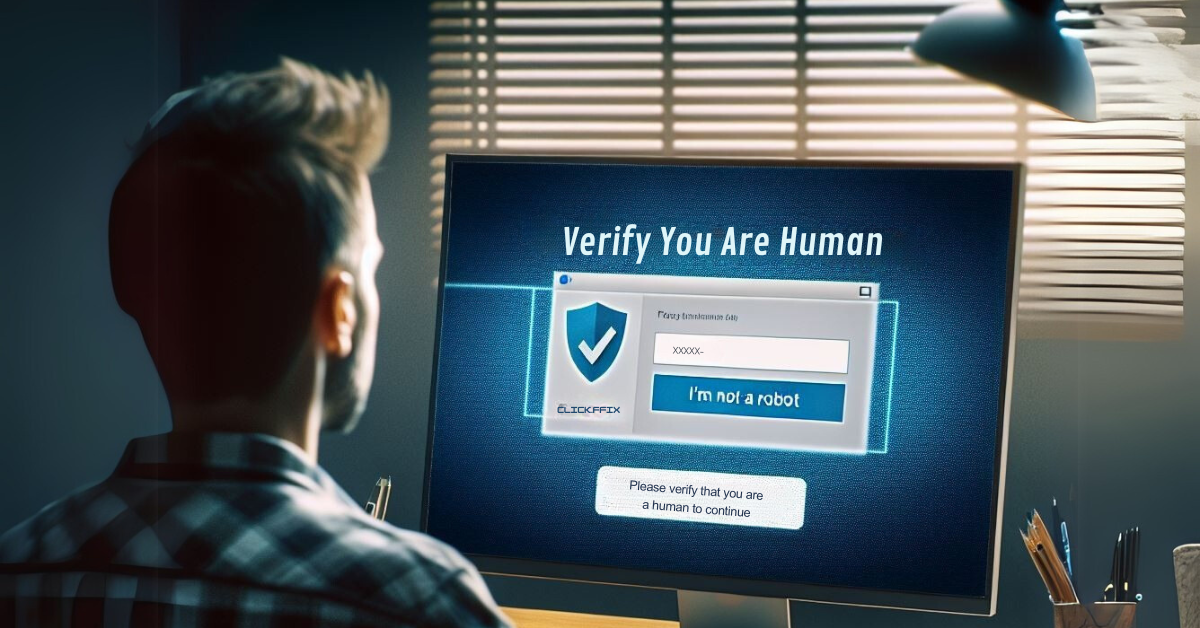
Fake CAPTCHA screens, document error alerts, and phony Facebook messages infect user PCs with data-stealing malware

A clever new cyberscam is wreaking havoc among businesses, hospitality venues, healthcare providers, and other organizations. The scam uses the psychology of social engineering to exploit our human desire to fix little computer problems ourselves, rather than calling IT or opening a ticket. Instead, a pop-up screen on your computer offers simple instructions to fix the document, reload the webpage, or simply prove you are not a robot. Sounds easy enough for the typical computer user, right?

In truth, the easy part is falling for the scam. And no computer user is safe.

__ptq.gif?a=2891305&k=14&r=https%3A%2F%2

View the full article

User Feedback

Recommended Comments

There are no comments to display.

Join the conversation

You can post now and register later. If you have an account, sign in now to post with your account.

Guest
Add a comment...

Account

Navigation

Search

Search

Configure browser push notifications

Chrome (Android)
  1. Tap the lock icon next to the address bar.
  2. Tap Permissions → Notifications.
  3. Adjust your preference.
Chrome (Desktop)
  1. Click the padlock icon in the address bar.
  2. Select Site settings.
  3. Find Notifications and adjust your preference.