_811205.png)
_e196d8.png)
_32b3d9.png)
_1c53fe.png)


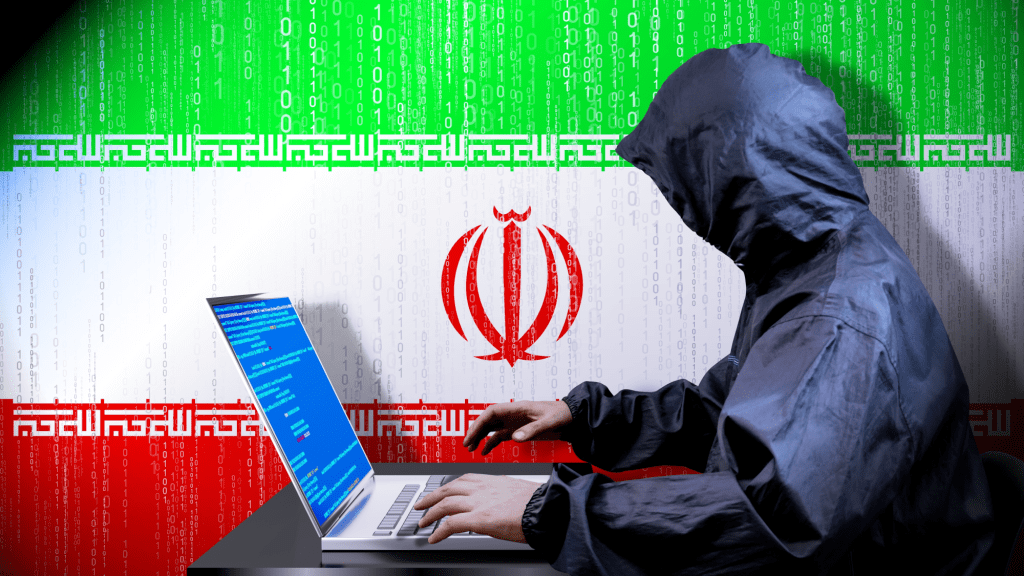
PX Media – shutterstock.com
Hacker haben nach Angaben der iranischen Justiz mutmaßlich Zugriff auf Daten eines bekannten Exilportals erlangt. Dabei seien große Menge an Daten erbeutet worden, darunter Schriftwechsel, Listen von Angestellten, Informanten sowie streng vertrauliche Daten, berichtete das Sprachrohr der iranischen Justiz, die Nachrichtenagentur Misan.
Bei dem Portal handelte es sich um die gut informierte Website Iranwire. Sie war am Dienstag zunächst nicht wie gewöhnlich erreichbar. “Derzeit führen wir planmäßige Wartungsarbeiten durch. Wir sind so bald wie möglich wieder online”, hieß es dort. In den sozialen Medien war das Medium jedoch weiter aktiv. Auf der Plattform X berichtete Iranwire am Dienstag weiter, ohne einen Hacker-Angriff zu melden.
In ihrem Bericht schrieb Misan, die Hackergruppe “Handala” sei für den mutmaßlichen Angriff verantwortlich. Dieselbe Gruppe soll hinter einem Cyberangriff auf den Direktor der US-Bundespolizeibehörde FBI, Kash Patel, vor wenigen Tagen stecken. (dpa)
Recommended Comments
Join the conversation
You can post now and register later. If you have an account, sign in now to post with your account.