_811205.png)
_e196d8.png)
_32b3d9.png)
_1c53fe.png)

In September, Apple and the NFL announced that Puerto Rican rapper and singer Bad Bunny will headline the Apple Music Super Bowl LX Halftime Show on Sunday, February 8. The performance will take place at Levi's Stadium, in Santa Clara, California.
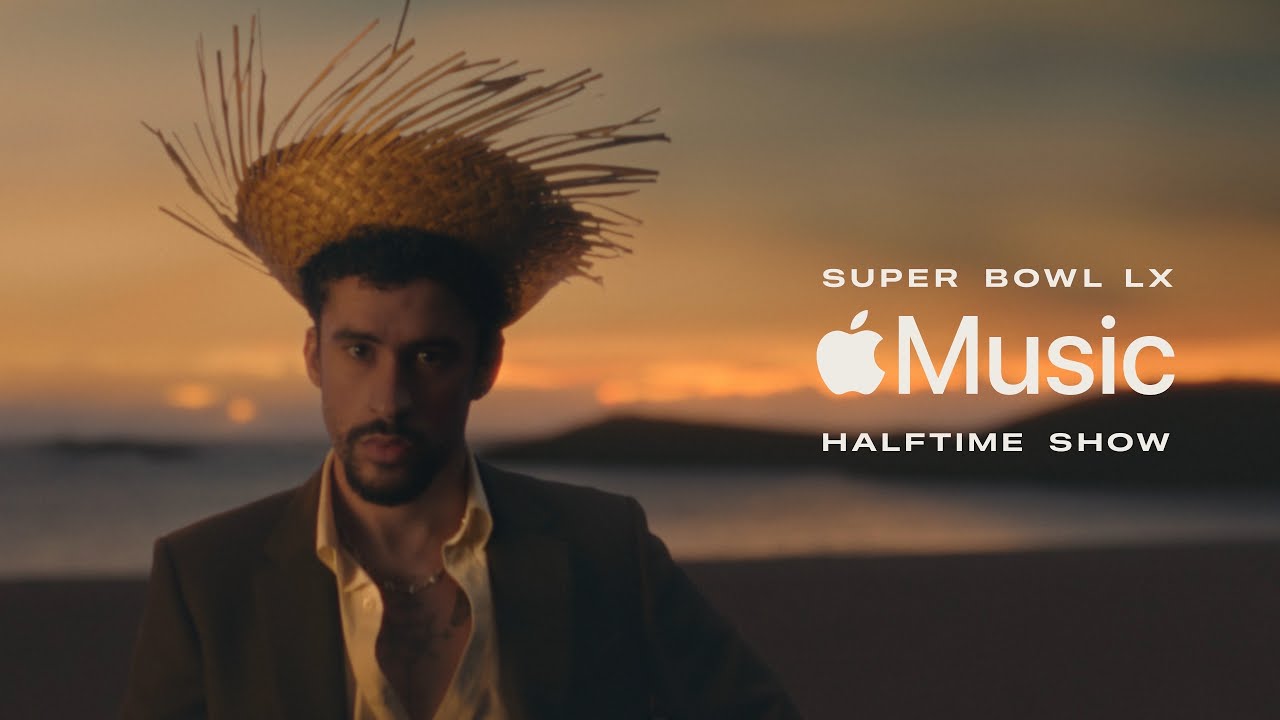
Super Bowl LX will air on NBC and stream on Peacock and NFL+, with live coverage set to start at 6:30 p.m. Eastern Time. Bad Bunny's performance will likely begin around 8 p.m. to 8:30 p.m. Eastern Time, depending on how the game progresses.
Apple Music today shared the official trailer for the Super Bowl LX Halftime Show:
Bad Bunny is one of the biggest Latin music artists of all time, with many chart-topping hits. He was named Apple Music's Artist of the Year for 2022.
Apple Music has sponsored the Super Bowl Halftime Show since 2022, with previous performers including Rihanna, Kendrick Lamar, and others.
This article, "2026 Apple Music Super Bowl LX Halftime Show: Watch the Trailer Now" first appeared on MacRumors.com
Discuss this article in our forums
Super Bowl LX will air on NBC and stream on Peacock and NFL+, with live coverage set to start at 6:30 p.m. Eastern Time. Bad Bunny's performance will likely begin around 8 p.m. to 8:30 p.m. Eastern Time, depending on how the game progresses.
Apple Music today shared the official trailer for the Super Bowl LX Halftime Show:
Bad Bunny is one of the biggest Latin music artists of all time, with many chart-topping hits. He was named Apple Music's Artist of the Year for 2022.
Apple Music has sponsored the Super Bowl Halftime Show since 2022, with previous performers including Rihanna, Kendrick Lamar, and others.
Tags: Apple Music, Super Bowl
This article, "2026 Apple Music Super Bowl LX Halftime Show: Watch the Trailer Now" first appeared on MacRumors.com
Discuss this article in our forums
Recommended Comments
Join the conversation
You can post now and register later. If you have an account, sign in now to post with your account.