_811205.png)
_e196d8.png)
_32b3d9.png)
_1c53fe.png)

Air France today announced that passengers can now watch select Apple TV shows for free during its long-haul flights, with more than 45 hours of content available. This is referring to the streaming service known as Apple TV+ until last year.
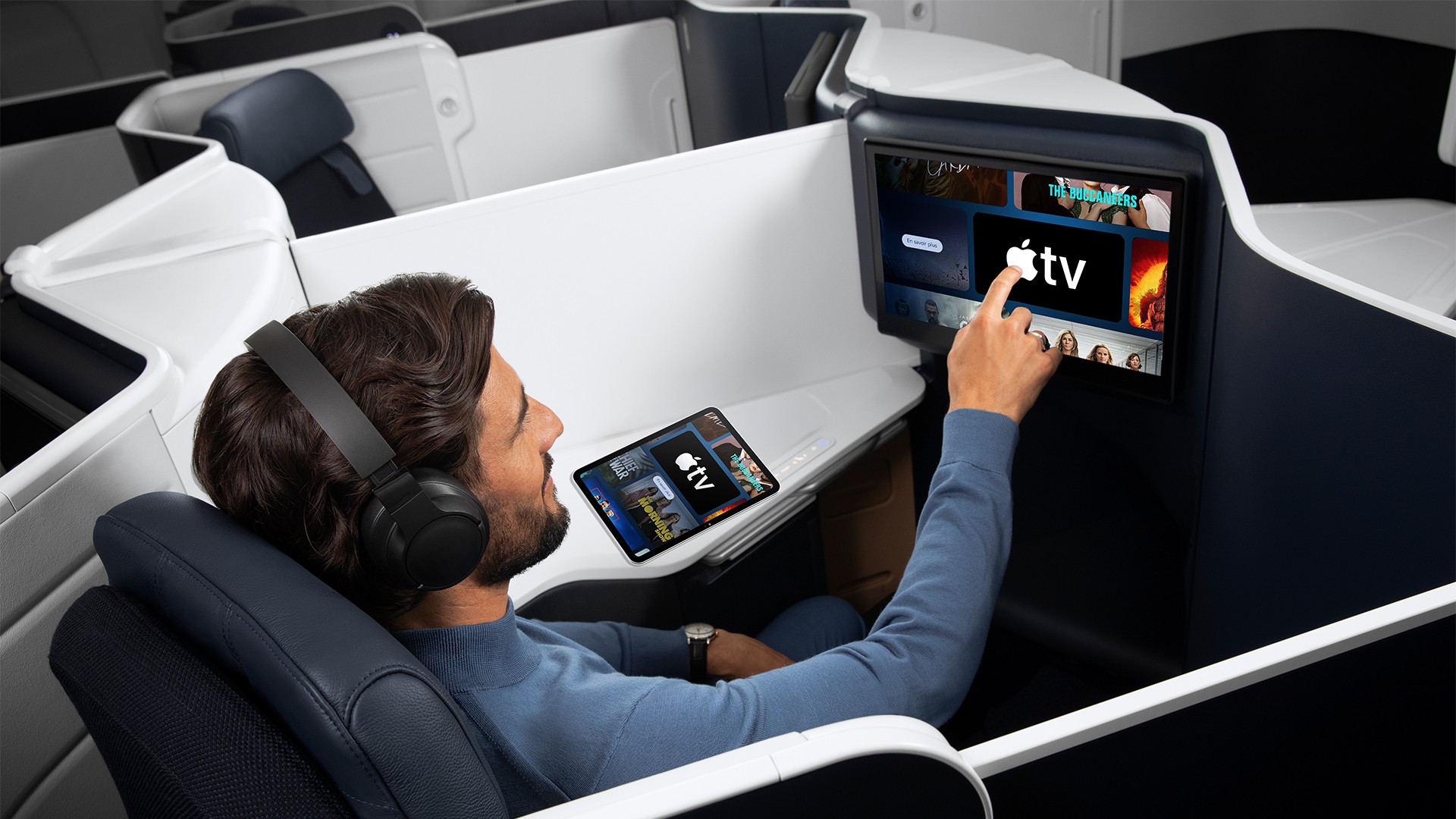
The complimentary in-flight selection includes the first three episodes of Ted Lasso, The Morning Show, Severance, Prehistoric Planet, The Snoopy Show, and more. The shows are accessible on each passenger's individual screen, in French and English.
Air France has also started offering one week of free access to Apple TV content via its new high-speed Wi-Fi portal, for streaming on your own devices. The airline will roll out this new Wi-Fi portal across its entire fleet by the end of the year.
American Airlines and United are among the other airlines that offer free Apple TV streaming.
This article, "Air France Announces New Apple TV Perks" first appeared on MacRumors.com
Discuss this article in our forums
The complimentary in-flight selection includes the first three episodes of Ted Lasso, The Morning Show, Severance, Prehistoric Planet, The Snoopy Show, and more. The shows are accessible on each passenger's individual screen, in French and English.
Air France has also started offering one week of free access to Apple TV content via its new high-speed Wi-Fi portal, for streaming on your own devices. The airline will roll out this new Wi-Fi portal across its entire fleet by the end of the year.
American Airlines and United are among the other airlines that offer free Apple TV streaming.
Tag: Apple TV Plus
This article, "Air France Announces New Apple TV Perks" first appeared on MacRumors.com
Discuss this article in our forums
Recommended Comments
Join the conversation
You can post now and register later. If you have an account, sign in now to post with your account.