_811205.png)
_e196d8.png)
_32b3d9.png)
_1c53fe.png)

Starting today, the AirPods Max 2 are available for purchase at many Apple Store locations around the world, and deliveries to customers have also begun.
Apple's website shows same-day pickup availability at many Apple Stores in the U.S. and abroad.
AirPods Max 2 are equipped with the H2 chip that debuted in the AirPods Pro 2. Compared to the previous generation, the new AirPods Max feature up to 1.5× more active noise cancellation, enhanced sound quality, and features such as Adaptive Audio, Conversation Awareness, Voice Isolation, and Live Translation.
AirPods Max 2 feature a new high dynamic range amplifier for "even cleaner audio," and Apple says Spatial Audio content "sounds better than ever." The headphones also have reduced wireless audio latency compared to the previous generation.
A new Camera Remote feature allows users to press the Digital Crown on the AirPods Max 2 to take a photo and start or stop video recording while using Apple's Camera app or compatible third-party camera apps on an iPhone or iPad.
The headphones still have a USB-C port and up to 20 hours of battery life on a single charge with active noise cancellation enabled.
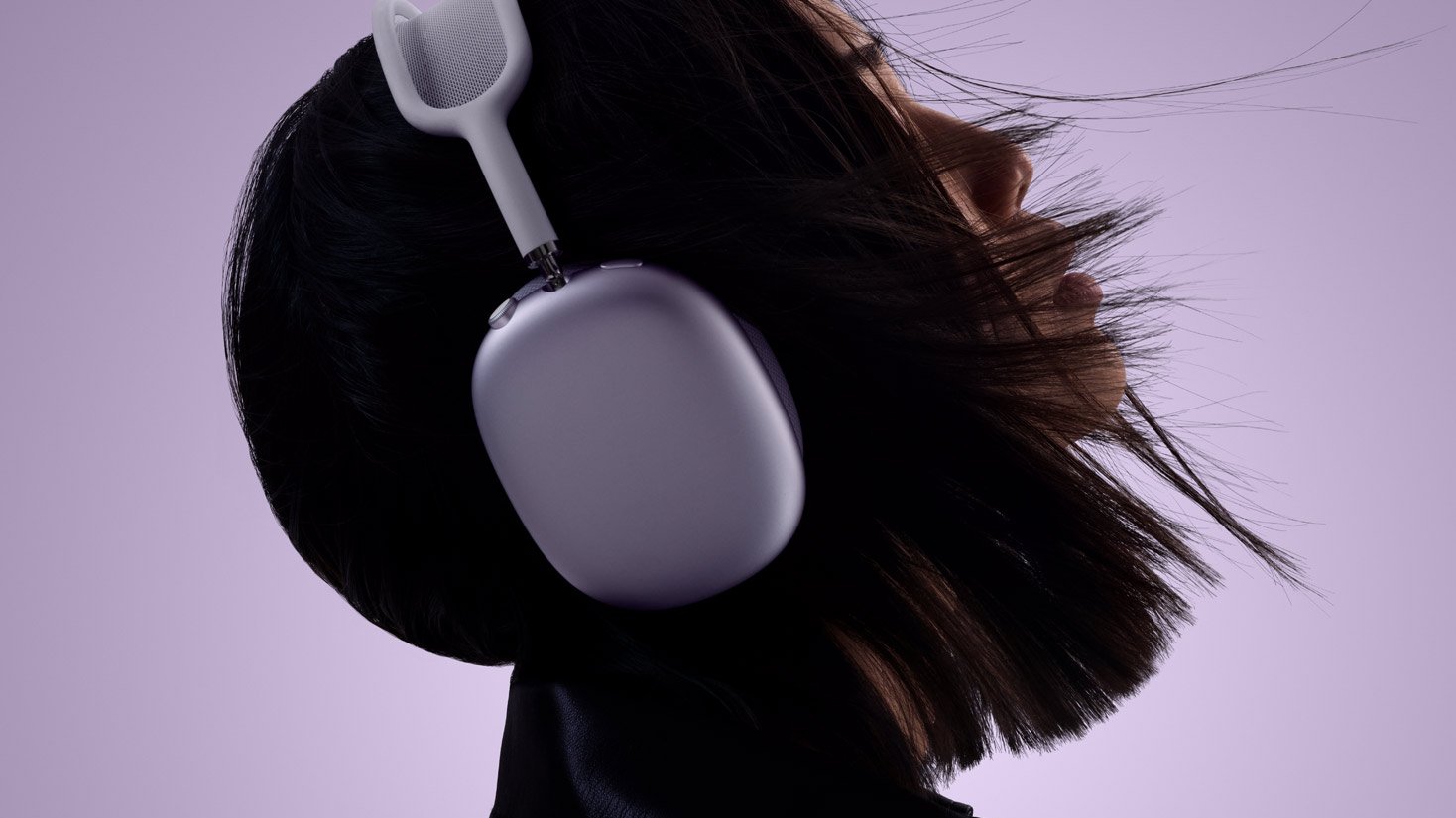
Color options remain Midnight, Starlight, Orange, Purple, and Blue, and pricing remains set at $549 in the U.S., although there is already an Amazon sale.
This article, "AirPods Max 2 Now Available at Apple Stores" first appeared on MacRumors.com
Discuss this article in our forums
Apple's website shows same-day pickup availability at many Apple Stores in the U.S. and abroad.
AirPods Max 2 are equipped with the H2 chip that debuted in the AirPods Pro 2. Compared to the previous generation, the new AirPods Max feature up to 1.5× more active noise cancellation, enhanced sound quality, and features such as Adaptive Audio, Conversation Awareness, Voice Isolation, and Live Translation.
AirPods Max 2 feature a new high dynamic range amplifier for "even cleaner audio," and Apple says Spatial Audio content "sounds better than ever." The headphones also have reduced wireless audio latency compared to the previous generation.
A new Camera Remote feature allows users to press the Digital Crown on the AirPods Max 2 to take a photo and start or stop video recording while using Apple's Camera app or compatible third-party camera apps on an iPhone or iPad.
The headphones still have a USB-C port and up to 20 hours of battery life on a single charge with active noise cancellation enabled.
Color options remain Midnight, Starlight, Orange, Purple, and Blue, and pricing remains set at $549 in the U.S., although there is already an Amazon sale.
Related Roundup: AirPods Max 2
Tag: Apple Store
Buyer's Guide: AirPods Max (Buy Now)
Related Forum: AirPods
This article, "AirPods Max 2 Now Available at Apple Stores" first appeared on MacRumors.com
Discuss this article in our forums
Recommended Comments
Join the conversation
You can post now and register later. If you have an account, sign in now to post with your account.