_811205.png)
_e196d8.png)
_32b3d9.png)
_1c53fe.png)

Since the AirPods Pro 3 launched, there have been complaints from users who have noticed a static-like sound or a crackling issue when using the earbuds, particularly when Active Noise Cancellation is on but no media is playing. Users have also run into strange high-pitched whistling sounds that happen intermittently.
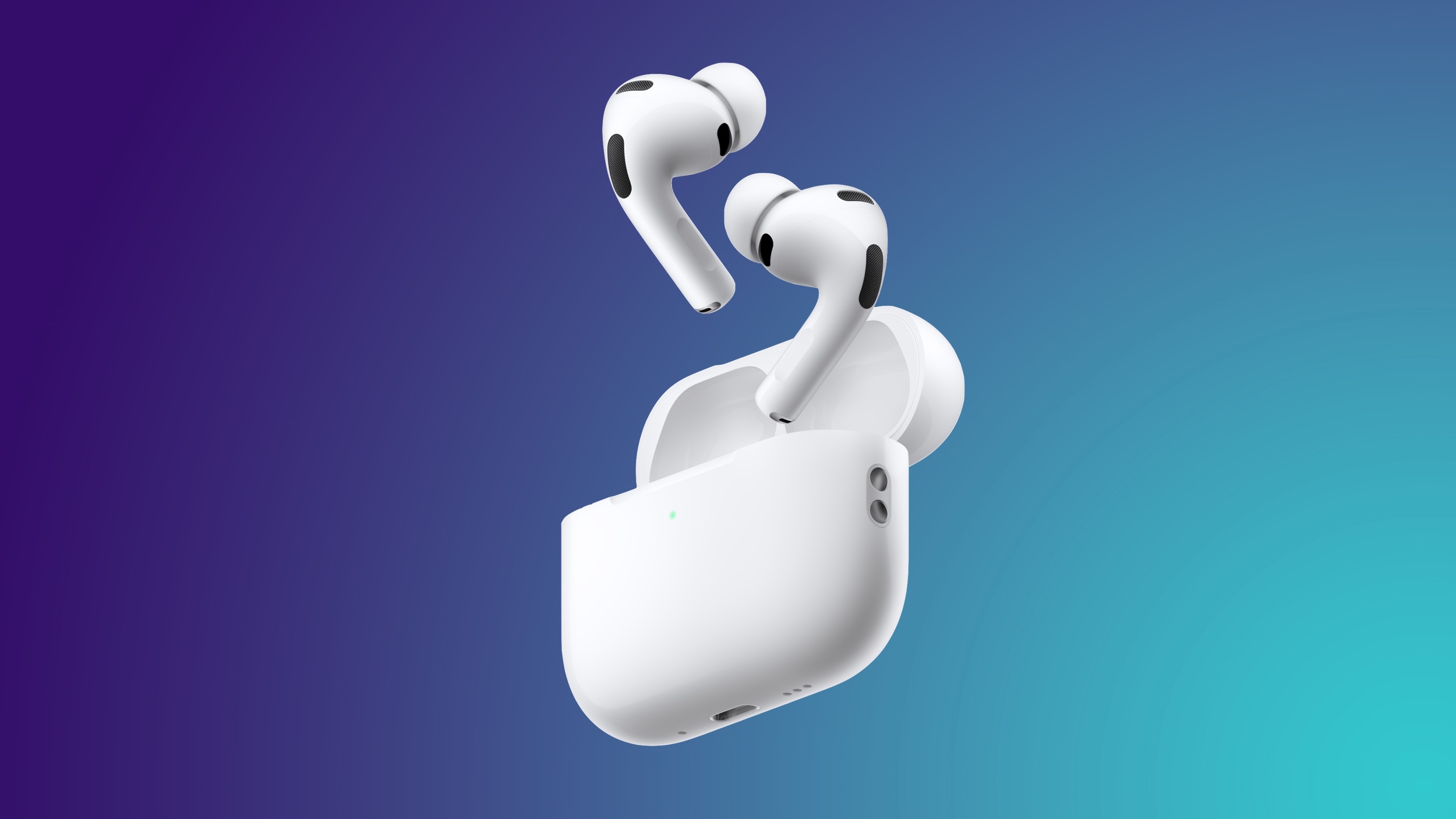
We shared the issues back in late October, and despite two subsequent firmware updates, the problems haven't been solved. Apple released AirPods Pro 3 firmware version 8B25 in November, and firmware version 8B30 on December 10.
Feedback from users who have installed the firmware updates indicate that the noise issues have not been addressed. Affected users are hearing static noises with Active Noise Cancellation on, sometimes with media playing and sometimes without. There have also been reports of problems with latency and sound syncing when watching videos.
Some AirPods Pro 3 users have had their AirPods replaced by Apple, but replacement earbuds have had the same issue, so it's not clear if there is a hardware fix for the problem.
Apple's latest firmware updates have not provided details on what's included, specifying only "bug fixes and other improvements."
This article, "AirPods Pro 3's Static and Noise Issues Haven't Been Resolved" first appeared on MacRumors.com
Discuss this article in our forums
We shared the issues back in late October, and despite two subsequent firmware updates, the problems haven't been solved. Apple released AirPods Pro 3 firmware version 8B25 in November, and firmware version 8B30 on December 10.
Feedback from users who have installed the firmware updates indicate that the noise issues have not been addressed. Affected users are hearing static noises with Active Noise Cancellation on, sometimes with media playing and sometimes without. There have also been reports of problems with latency and sound syncing when watching videos.
Some AirPods Pro 3 users have had their AirPods replaced by Apple, but replacement earbuds have had the same issue, so it's not clear if there is a hardware fix for the problem.
Apple's latest firmware updates have not provided details on what's included, specifying only "bug fixes and other improvements."
This article, "AirPods Pro 3's Static and Noise Issues Haven't Been Resolved" first appeared on MacRumors.com
Discuss this article in our forums
Recommended Comments
Join the conversation
You can post now and register later. If you have an account, sign in now to post with your account.