_811205.png)
_e196d8.png)
_32b3d9.png)
_1c53fe.png)

Amazon today announced that it is bringing more high-speed Wi-Fi to Delta Air Lines customers via its Amazon Leo technology, which is powered by a constellation of thousands of satellites in low Earth orbit – roughly 370 miles above the planet's surface.
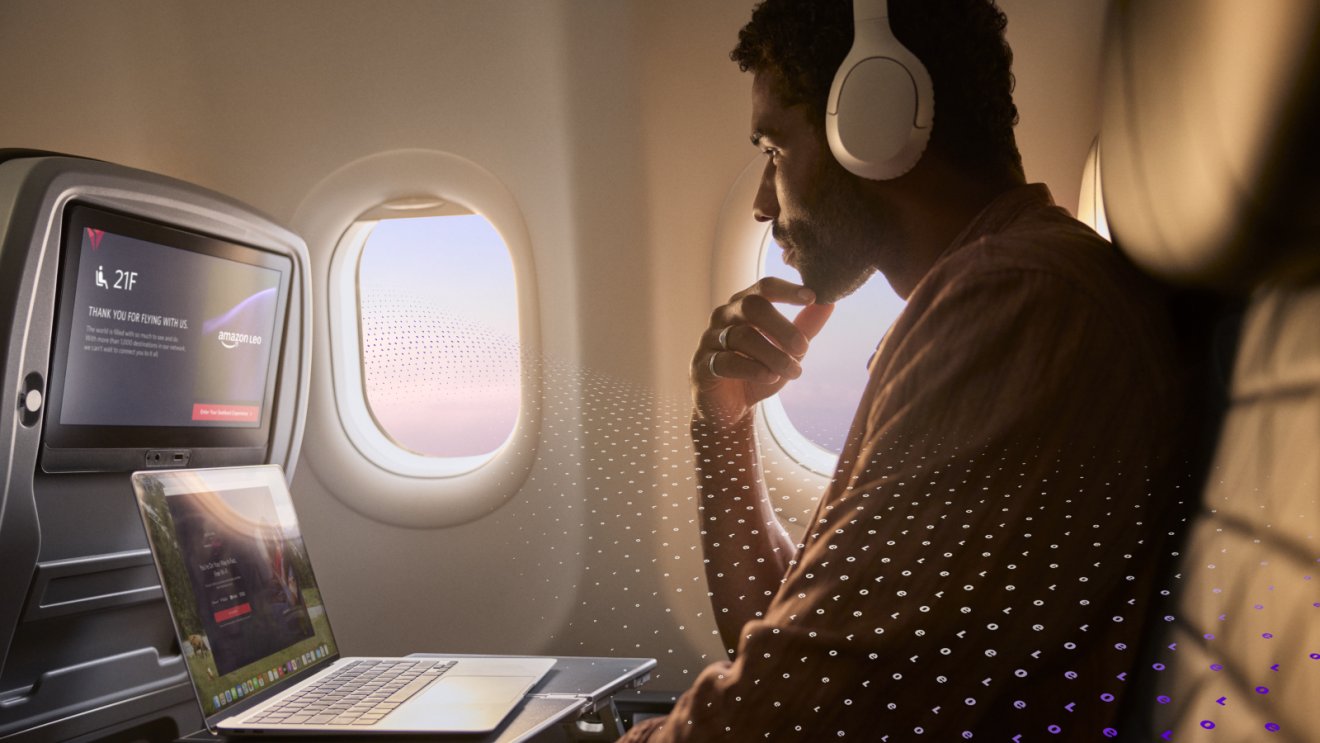
Under the multi-year agreement, Delta will begin rolling out Amazon Leo in 2028 with an initial installation on 500 aircraft, "providing customers with high-speed, low-latency Wi-Fi from gate-to-gate."
Each Delta aircraft will be equipped with a single purpose-built phased array antenna that supports download speeds up to 1 Gbps and upload speeds up to 400 Mbps.
This article, "Amazon Leo Satellite Internet Coming to Delta Flights in 2028" first appeared on MacRumors.com
Discuss this article in our forums
Under the multi-year agreement, Delta will begin rolling out Amazon Leo in 2028 with an initial installation on 500 aircraft, "providing customers with high-speed, low-latency Wi-Fi from gate-to-gate."
Each Delta aircraft will be equipped with a single purpose-built phased array antenna that supports download speeds up to 1 Gbps and upload speeds up to 400 Mbps.
"We've designed Leo to provide high-speed internet to the billions of people on Earth without reliable connectivity, and this agreement with Delta is a great example of the impact and scale of the technology – bringing even faster in-flight Wi-Fi to tens of millions of passengers who fly Delta every year," said Andy Jassy, President and CEO of Amazon. "People increasingly want to stay connected wherever they are in the world, and Leo's speed and reliability is going to have a big impact for businesses, governments, and consumers. It's going to make the in-flight experience so much better, and it's going to change what's possible while traveling."Like Delta's existing commitment to passengers, Leo-powered in-flight Wi-Fi will be free for all Delta SkyMiles members.
Tag: Delta Airlines
This article, "Amazon Leo Satellite Internet Coming to Delta Flights in 2028" first appeared on MacRumors.com
Discuss this article in our forums
Recommended Comments
Join the conversation
You can post now and register later. If you have an account, sign in now to post with your account.