_811205.png)
_e196d8.png)
_32b3d9.png)
_1c53fe.png)

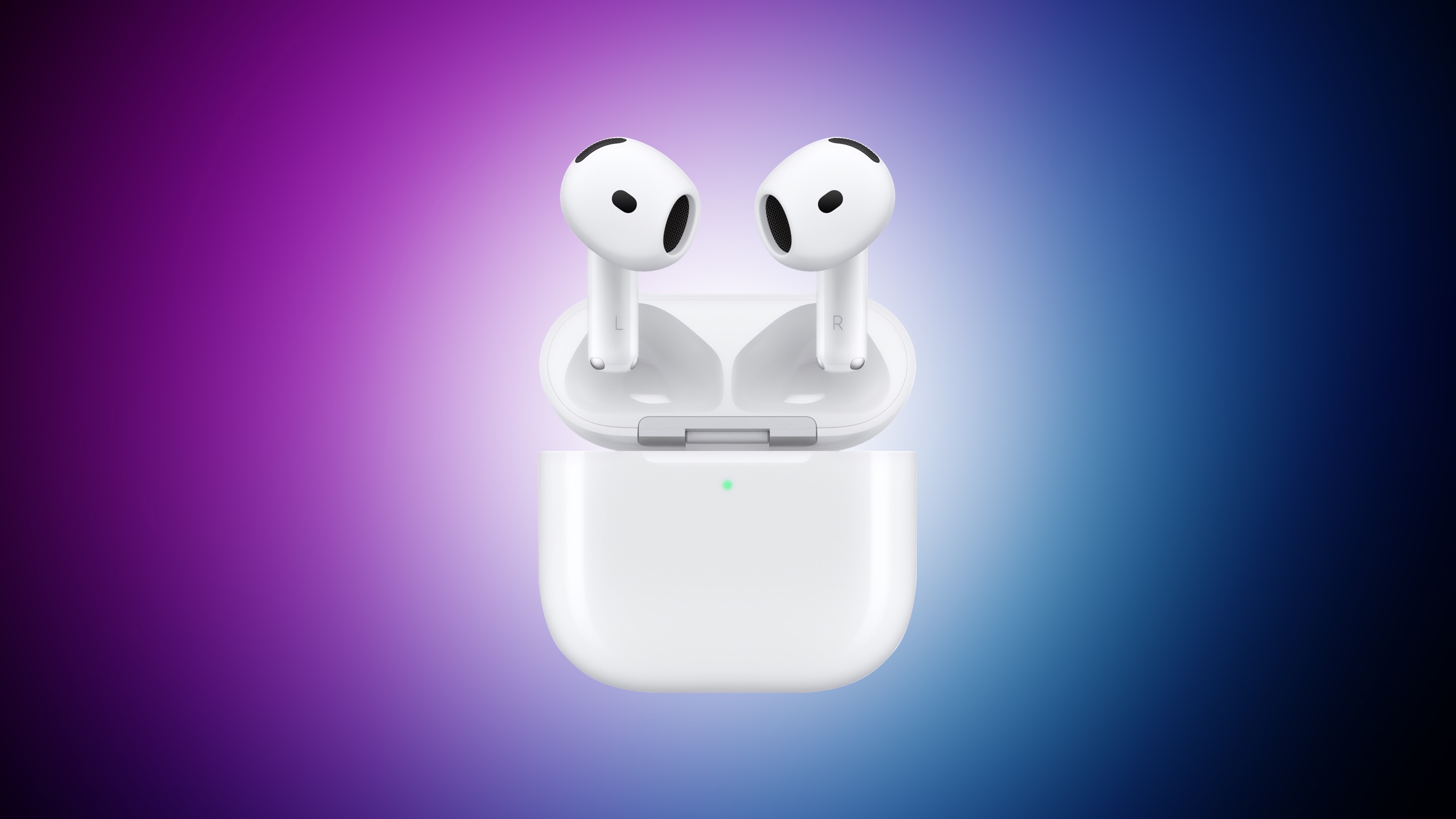
Amazon today has the AirPods 4 available for $99.00, down from $129.00. This is a second-best price on the AirPods 4, which is the base model without Active Noise Cancellation, and it's accompanied by a deal on the AirPods 4 with ANC.
 Note: MacRumors is an affiliate partner with some of these vendors. When you click a link and make a purchase, we may receive a small payment, which helps us keep the site running.
Amazon provides a July 19 estimated delivery date for free shipping, with faster delivery options for Prime members. This model hasn't hit its all-time low price since last holiday season, so Amazon's price today remains one of the best we've seen all year on the AirPods 4 base model.
Additionally, you can get the AirPods 4 with ANC on sale for $148.99 right now on Amazon, down from $179.00. Similar to the base model, we haven't tracked a record low price on the AirPods 4 with ANC in months, making today's deal a solid second-best option for anyone shopping for AirPods this summer.
Head to our full Deals Roundup to get caught up with all of the latest deals and discounts that we've been tracking over the past week.
Interested in hearing more about the best deals you can find in 2026? Sign up for our Deals Newsletter and we'll keep you updated so you don't miss the biggest deals of the season!
This article, "Amazon Takes $30 Off AirPods 4 Models This Week" first appeared on MacRumors.com
Discuss this article in our forums
Note: MacRumors is an affiliate partner with some of these vendors. When you click a link and make a purchase, we may receive a small payment, which helps us keep the site running.
Amazon provides a July 19 estimated delivery date for free shipping, with faster delivery options for Prime members. This model hasn't hit its all-time low price since last holiday season, so Amazon's price today remains one of the best we've seen all year on the AirPods 4 base model.
Additionally, you can get the AirPods 4 with ANC on sale for $148.99 right now on Amazon, down from $179.00. Similar to the base model, we haven't tracked a record low price on the AirPods 4 with ANC in months, making today's deal a solid second-best option for anyone shopping for AirPods this summer.
Head to our full Deals Roundup to get caught up with all of the latest deals and discounts that we've been tracking over the past week.
Deals Newsletter
Interested in hearing more about the best deals you can find in 2026? Sign up for our Deals Newsletter and we'll keep you updated so you don't miss the biggest deals of the season!
Related Roundup: Apple Deals
This article, "Amazon Takes $30 Off AirPods 4 Models This Week" first appeared on MacRumors.com
Discuss this article in our forums
Recommended Comments
Join the conversation
You can post now and register later. If you have an account, sign in now to post with your account.