_811205.png)
_e196d8.png)
_32b3d9.png)
_1c53fe.png)

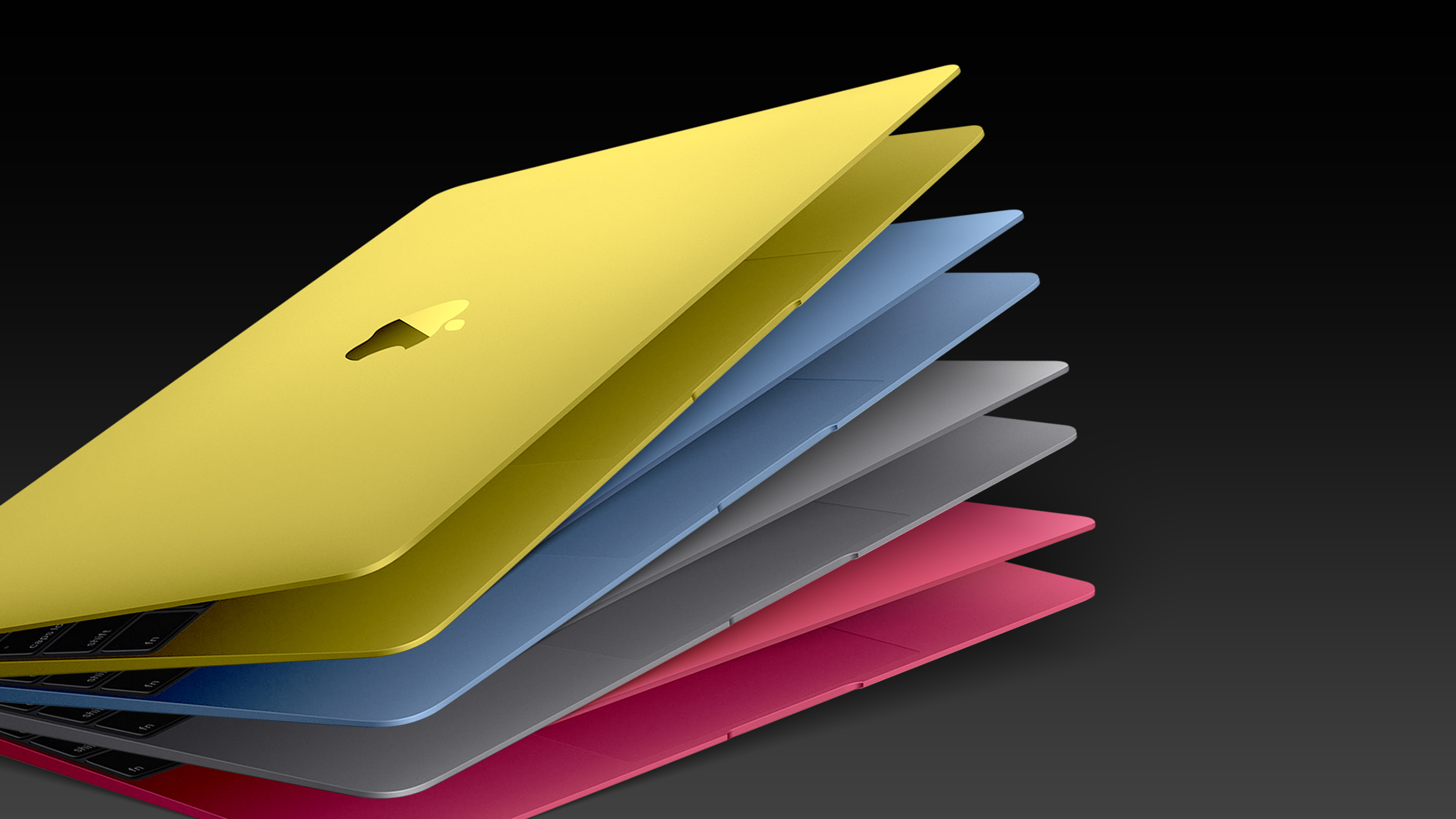
Apple appears to have prematurely revealed the name of its rumored lower-cost MacBook model, which is expected to be announced this Wednesday.
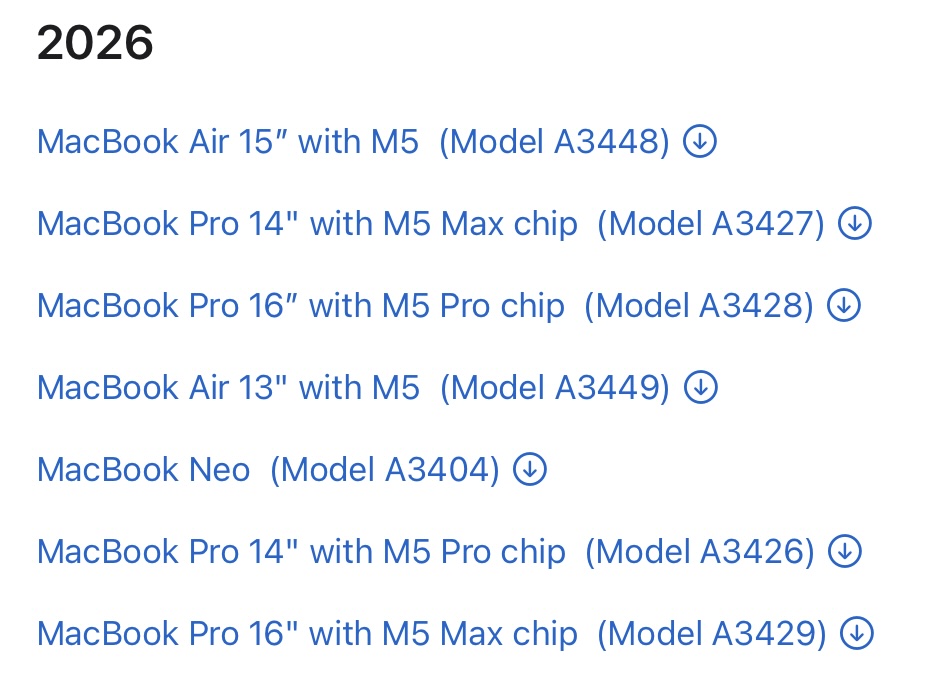
A regulatory document for a "MacBook Neo" (Model A3404) has appeared on Apple's website. Unfortunately, there are no further details or images available yet.
Update: Just a few minutes after we published, Apple removed the "MacBook Neo" document link.
This article, "Apple Accidentally Leaks 'MacBook Neo'" first appeared on MacRumors.com
Discuss this article in our forums
A regulatory document for a "MacBook Neo" (Model A3404) has appeared on Apple's website. Unfortunately, there are no further details or images available yet.
Update: Just a few minutes after we published, Apple removed the "MacBook Neo" document link.
Tag: MacBook (A18 Pro)
This article, "Apple Accidentally Leaks 'MacBook Neo'" first appeared on MacRumors.com
Discuss this article in our forums
Recommended Comments
Join the conversation
You can post now and register later. If you have an account, sign in now to post with your account.