_811205.png)
_e196d8.png)
_32b3d9.png)
_1c53fe.png)

Apple today acquired the major Final Cut Pro plugin company MotionVFX.
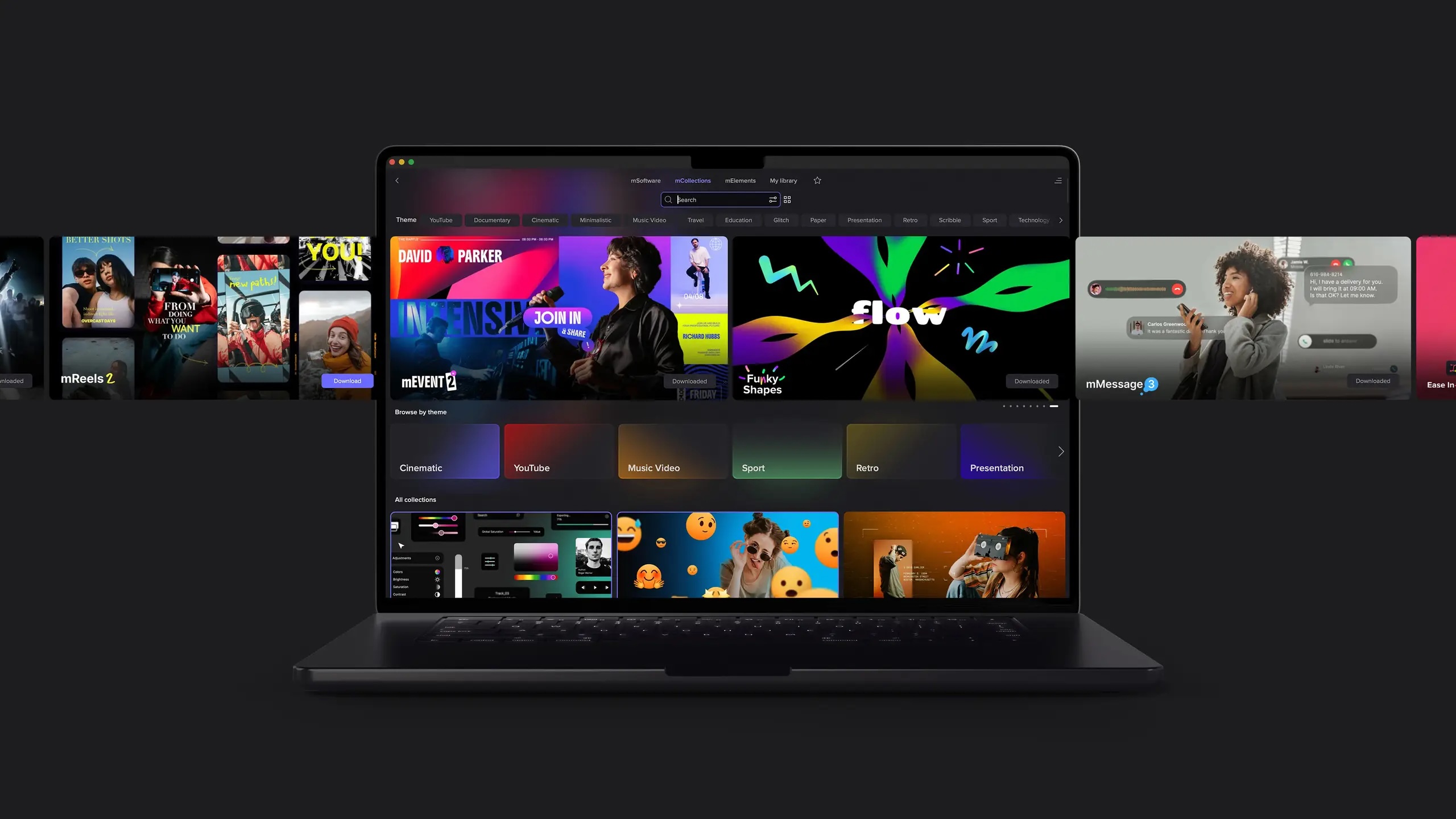
MotionVFX is a Polish company founded by Szymon Masiak in 2009. It creates high-quality plugins, transitions, templates, and visual effects (VFX) for video editors. The company specializes in tools for Final Cut Pro, DaVinci Resolve, and Apple Motion, such as mFilmLook, mO2, and the Design Studio extension. From MotionVFX's website today:
MotionVFX's 70 employees today joined Apple as part of the acquisition. The company was already a worldwide partner of Apple.
More to follow...
This article, "Apple Acquires Final Cut Pro Plugin Company MotionVFX" first appeared on MacRumors.com
Discuss this article in our forums
MotionVFX is a Polish company founded by Szymon Masiak in 2009. It creates high-quality plugins, transitions, templates, and visual effects (VFX) for video editors. The company specializes in tools for Final Cut Pro, DaVinci Resolve, and Apple Motion, such as mFilmLook, mO2, and the Design Studio extension. From MotionVFX's website today:
We are extremely excited to share that MotionVFX is joining the Apple team to continue to empower creators and editors to do their best work.
For over 15 years, we've been on a mission to create world-class, visually inspiring content and effects for video editors. From the very beginning, we’ve been all about quality, ease of use, and great design. These are also the values that we admire most in Apple’s products, and we’re thrilled to be able to embrace them together.
We'd like to take this opportunity to thank all our amazing customers and supporters who have been with us through all these years. You inspired us, you challenged us, and you helped our products become what they are today. We are incredibly grateful to be part of this amazing community and excited to continue our work to serve you.
This is the beginning of something truly wonderful!
MotionVFX's 70 employees today joined Apple as part of the acquisition. The company was already a worldwide partner of Apple.
More to follow...
This article, "Apple Acquires Final Cut Pro Plugin Company MotionVFX" first appeared on MacRumors.com
Discuss this article in our forums
Recommended Comments
Join the conversation
You can post now and register later. If you have an account, sign in now to post with your account.