_811205.png)
_e196d8.png)
_32b3d9.png)
_1c53fe.png)

Apple has quietly reduced the price of the Studio Display XDR when configured with the VESA mount adapter, dropping it from $3,299 to $2,899 – a $400 cut. The nano-texture VESA version has also dropped from $3,599 to $3,199.
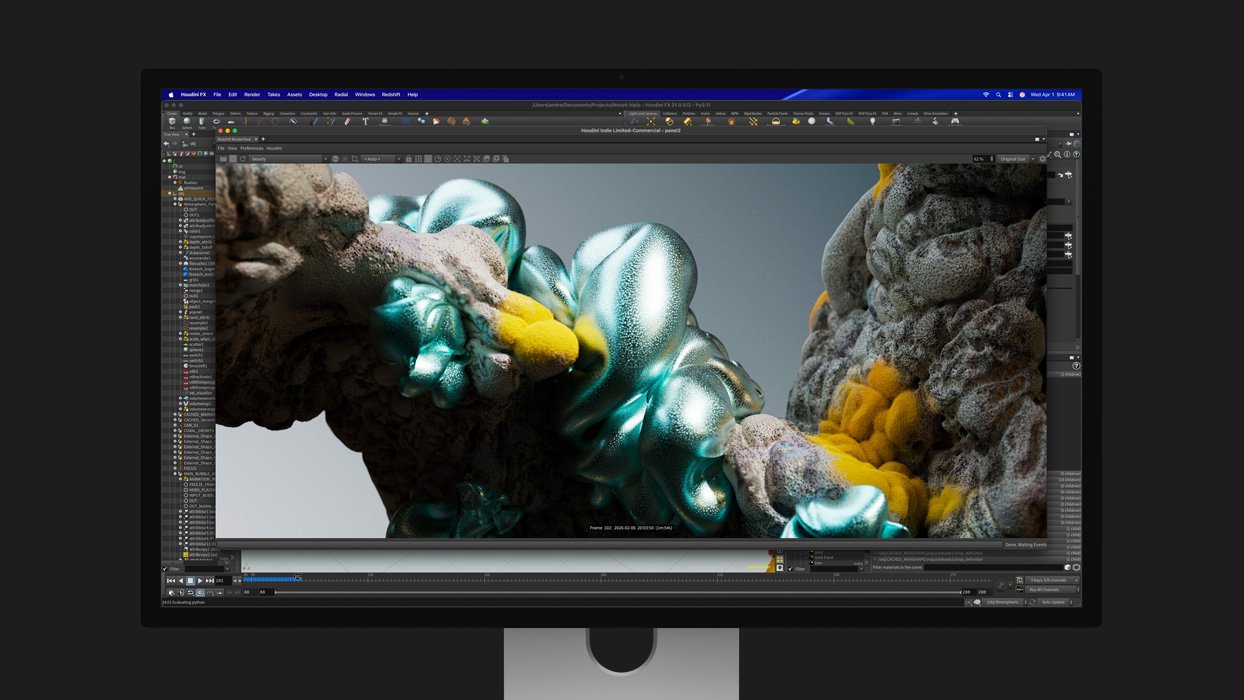
Apple has also reworked the purchasing pattern on its website, making the stand choice the first step in the configuration process instead of the glass selection.
When the Studio Display XDR launched last month, both stand options cost the same $3,299. That felt unfair to a lot of people, since the VESA mount adapter is just a flat metal plate that lets you attach the display to a monitor arm or wall mount, whereas the alternative stand is both height- and tilt-adjustable.
VESA mount options are normally priced lower than the fancier stand versions on most displays (including Apple's own Pro Display XDR, for which the VESA option was always cheaper). The price change for the Studio Display XDR is therefore more in line with how these things are typically priced.
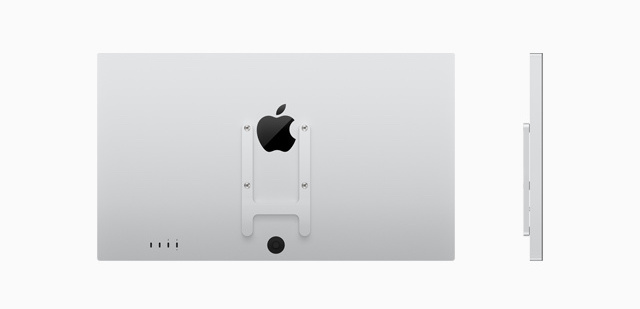
The standard Studio Display has not received a similar adjustment – both the stand and VESA mount configurations of the non-XDR model remain priced at $1,499 – but the cheaper tilt-adjustable stand is usually considered price-equivalent to the VESA mount.
This article, "Apple Adjusts Studio Display XDR Pricing Weeks After Launch" first appeared on MacRumors.com
Discuss this article in our forums
Apple has also reworked the purchasing pattern on its website, making the stand choice the first step in the configuration process instead of the glass selection.
When the Studio Display XDR launched last month, both stand options cost the same $3,299. That felt unfair to a lot of people, since the VESA mount adapter is just a flat metal plate that lets you attach the display to a monitor arm or wall mount, whereas the alternative stand is both height- and tilt-adjustable.
VESA mount options are normally priced lower than the fancier stand versions on most displays (including Apple's own Pro Display XDR, for which the VESA option was always cheaper). The price change for the Studio Display XDR is therefore more in line with how these things are typically priced.
The standard Studio Display has not received a similar adjustment – both the stand and VESA mount configurations of the non-XDR model remain priced at $1,499 – but the cheaper tilt-adjustable stand is usually considered price-equivalent to the VESA mount.
This article, "Apple Adjusts Studio Display XDR Pricing Weeks After Launch" first appeared on MacRumors.com
Discuss this article in our forums
Recommended Comments
Join the conversation
You can post now and register later. If you have an account, sign in now to post with your account.