_811205.png)
_e196d8.png)
_32b3d9.png)
_1c53fe.png)

Apple is working to settle an antitrust lawsuit with the U.S. Department of Justice, reports Bloomberg. Apple has proposed several offers and is now in early settlement talks with the DOJ.
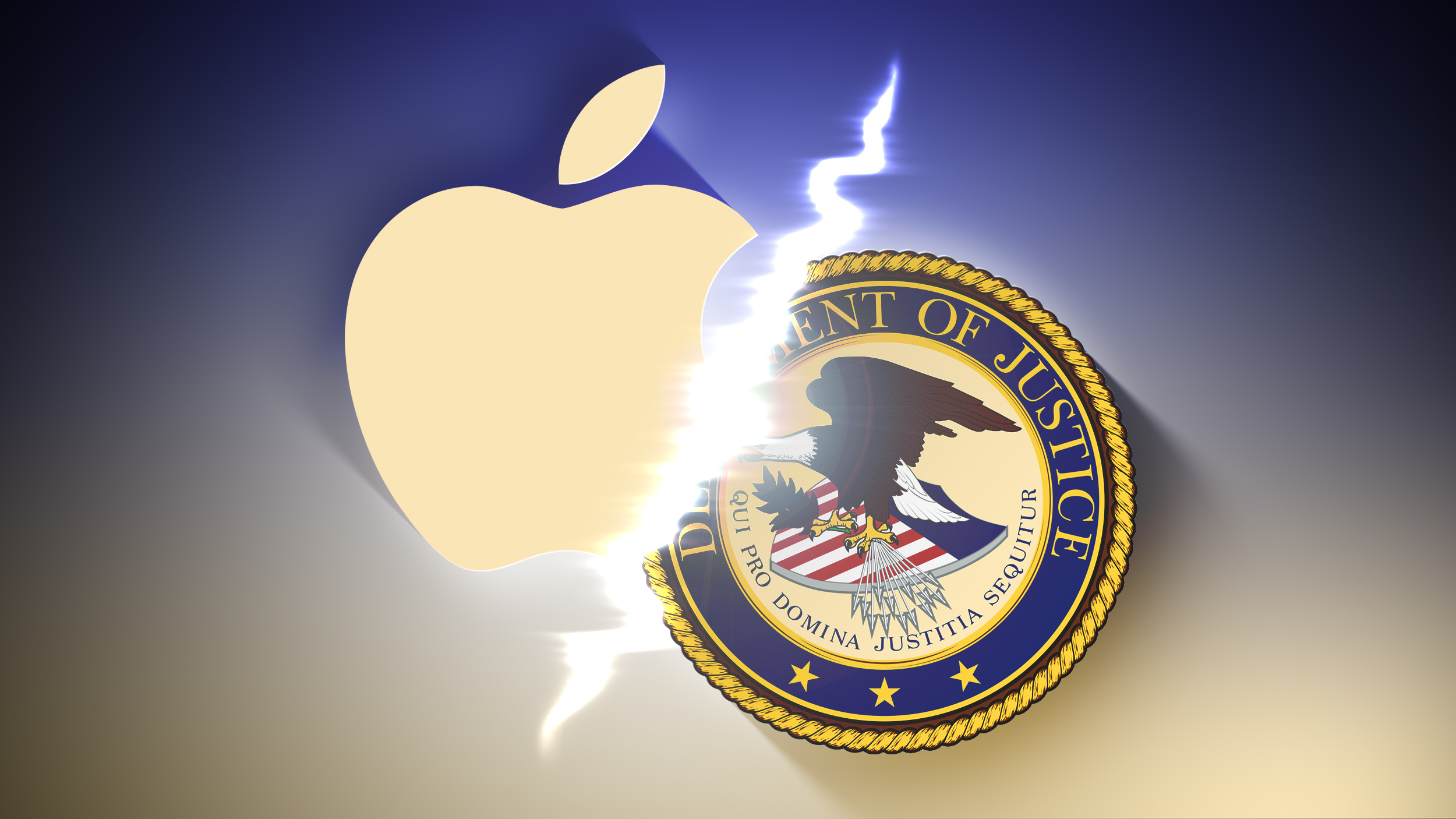
The DOJ sued Apple for antitrust violations in 2024 as part of an expansive antitrust investigation into major tech companies. The government accused Apple of getting customers "hooked" on its platform through a long-running history of anti-competitive behavior.
The lawsuit accused Apple of restricting "super apps" with broad capabilities, limiting cloud gaming, preferencing its own Messages app over third-party apps, and limiting the function of third-party digital wallets and smartwatches.
Since the lawsuit was filed in 2024, Apple policy changes have addressed many of the claims, weakening the DOJ's position.
While the talks are ongoing, Bloomberg says there's no guarantee an agreement will be reached. Apple attempted to have the lawsuit dismissed last year, but was unsuccessful. So far, no trial has been scheduled.
This article, "Apple and DOJ Hold Early Settlement Talks in iPhone Antitrust Case" first appeared on MacRumors.com
Discuss this article in our forums
The DOJ sued Apple for antitrust violations in 2024 as part of an expansive antitrust investigation into major tech companies. The government accused Apple of getting customers "hooked" on its platform through a long-running history of anti-competitive behavior.
The lawsuit accused Apple of restricting "super apps" with broad capabilities, limiting cloud gaming, preferencing its own Messages app over third-party apps, and limiting the function of third-party digital wallets and smartwatches.
Since the lawsuit was filed in 2024, Apple policy changes have addressed many of the claims, weakening the DOJ's position.
While the talks are ongoing, Bloomberg says there's no guarantee an agreement will be reached. Apple attempted to have the lawsuit dismissed last year, but was unsuccessful. So far, no trial has been scheduled.
This article, "Apple and DOJ Hold Early Settlement Talks in iPhone Antitrust Case" first appeared on MacRumors.com
Discuss this article in our forums
Recommended Comments
Join the conversation
You can post now and register later. If you have an account, sign in now to post with your account.