_811205.png)
_e196d8.png)
_32b3d9.png)
_1c53fe.png)

Apple today announced that it plans to celebrate its 50th anniversary, which is on April 1.
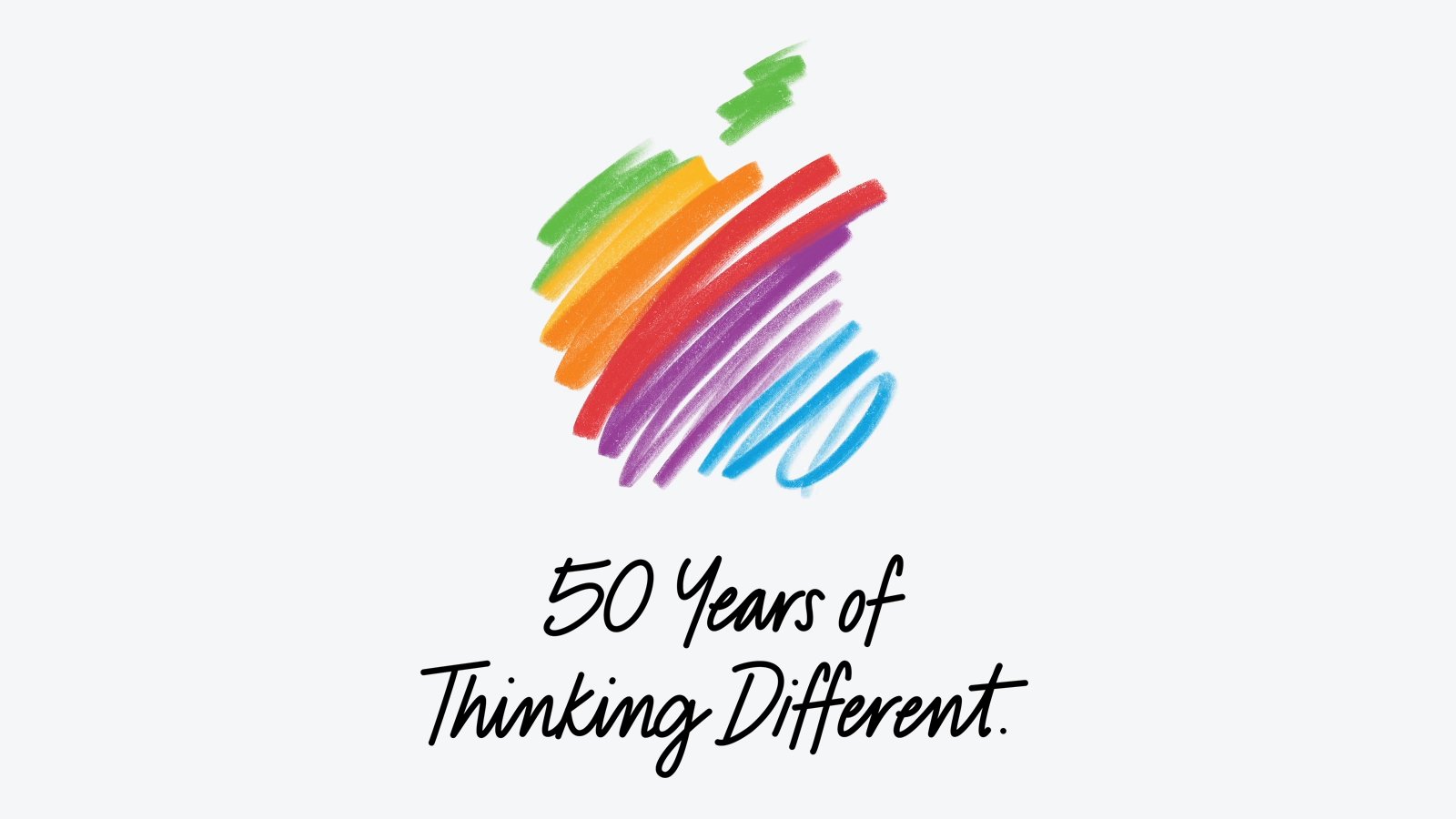
In addition, Apple CEO Tim Cook shared a "50 Years of Thinking Different" letter.
"While Apple is known for looking forward, this milestone offers a special moment to reflect on the journey that has brought the company here, to celebrate the people and communities who have thought different with us, and to honor the enduring values that continue to guide our work," said Apple, in a press release.
In the coming weeks, Apple said it "will celebrate the company's 50th anniversary, recognizing the creativity, innovation, and impact that people around the world have made possible with Apple technology." The specific plans remain to be seen.
"Thinking different has always been at the heart of Apple," said Cook. "It's what has driven us to create products that empower people to express themselves, to connect, and to create something wonderful. As we celebrate 50 years, we are deeply grateful to everyone who has been part of this journey and who continues to inspire what comes next."
This article, "Apple Announces 50th Anniversary Plans" first appeared on MacRumors.com
Discuss this article in our forums
In addition, Apple CEO Tim Cook shared a "50 Years of Thinking Different" letter.
"While Apple is known for looking forward, this milestone offers a special moment to reflect on the journey that has brought the company here, to celebrate the people and communities who have thought different with us, and to honor the enduring values that continue to guide our work," said Apple, in a press release.
In the coming weeks, Apple said it "will celebrate the company's 50th anniversary, recognizing the creativity, innovation, and impact that people around the world have made possible with Apple technology." The specific plans remain to be seen.
"Thinking different has always been at the heart of Apple," said Cook. "It's what has driven us to create products that empower people to express themselves, to connect, and to create something wonderful. As we celebrate 50 years, we are deeply grateful to everyone who has been part of this journey and who continues to inspire what comes next."
This article, "Apple Announces 50th Anniversary Plans" first appeared on MacRumors.com
Discuss this article in our forums
Recommended Comments
Join the conversation
You can post now and register later. If you have an account, sign in now to post with your account.