_811205.png)
_e196d8.png)
_32b3d9.png)
_1c53fe.png)

Apple today announced the iPhone 17e, featuring the A19 chip, MagSafe connectivity, and more.
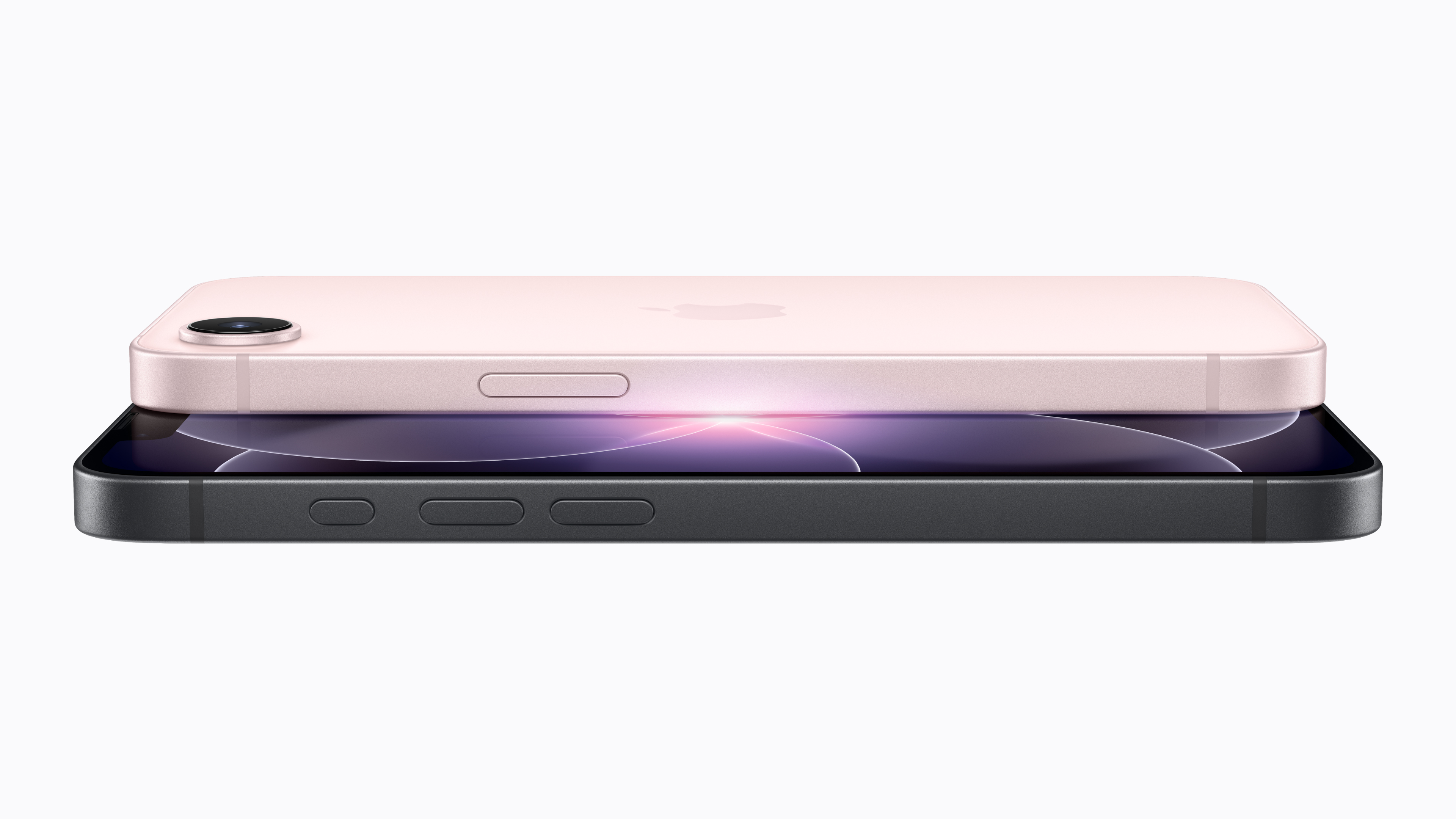
The iPhone 17e contains the A19 chip from the iPhone 17. It also contains Apple's latest-generation C1X modem from the iPhone Air, delivery up to 2x faster cellular performance than the iPhone 16e.
The front of the device now features Ceramic Shield 2, offering 3x better scratch resistance than the previous generation.
The iPhone 17e starts with 256GB of storage, but with the same $599 price as the 128GB iPhone 16e.
More to follow...
This article, "Apple Announces iPhone 17e With A19 Chip, MagSafe, and More" first appeared on MacRumors.com
Discuss this article in our forums
The iPhone 17e contains the A19 chip from the iPhone 17. It also contains Apple's latest-generation C1X modem from the iPhone Air, delivery up to 2x faster cellular performance than the iPhone 16e.
The front of the device now features Ceramic Shield 2, offering 3x better scratch resistance than the previous generation.
The iPhone 17e starts with 256GB of storage, but with the same $599 price as the 128GB iPhone 16e.
More to follow...
This article, "Apple Announces iPhone 17e With A19 Chip, MagSafe, and More" first appeared on MacRumors.com
Discuss this article in our forums
Recommended Comments
Join the conversation
You can post now and register later. If you have an account, sign in now to post with your account.