_811205.png)
_e196d8.png)
_32b3d9.png)
_1c53fe.png)

Apple today announced that macOS 27 is named macOS Golden Gate.
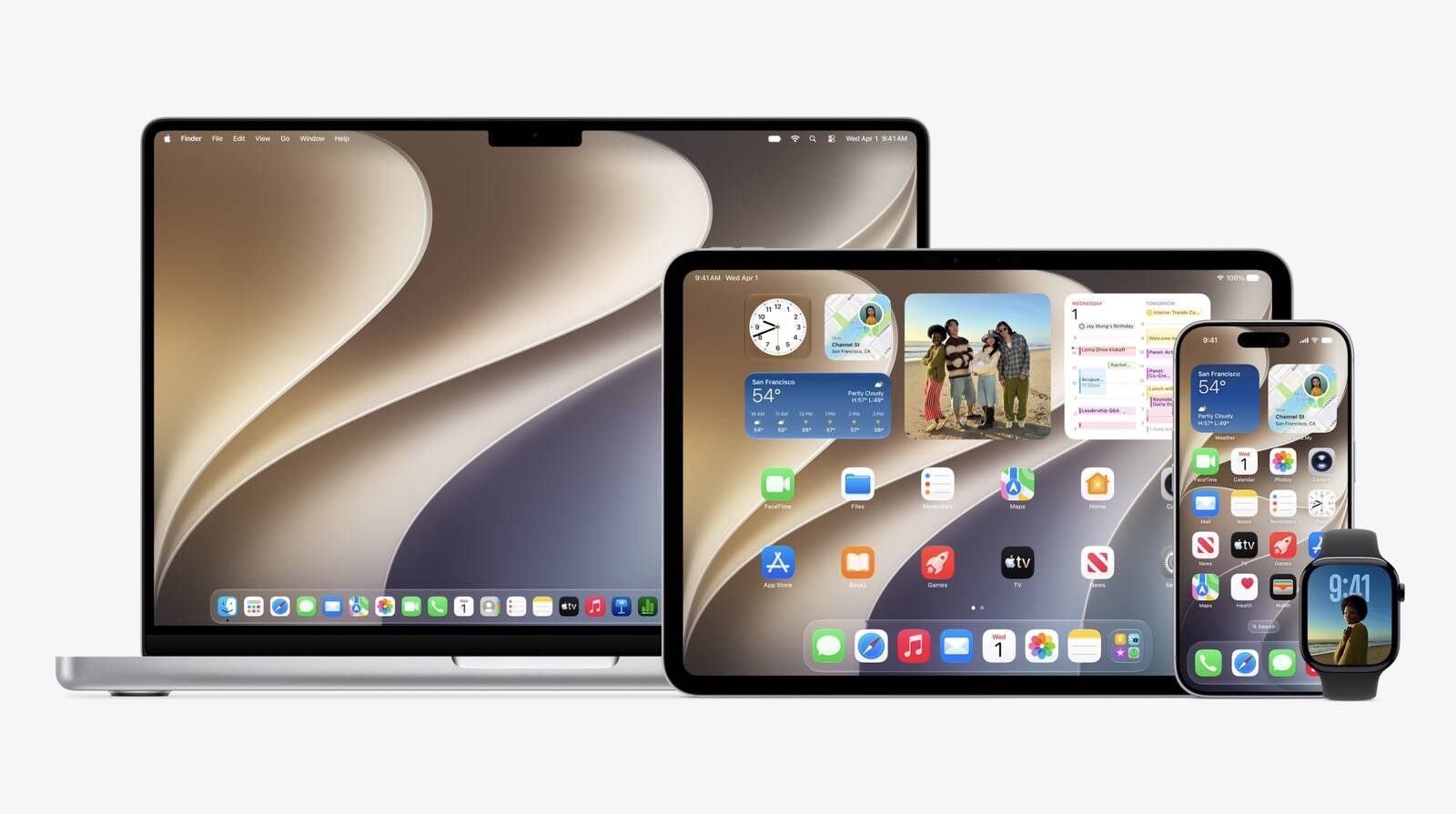
macOS Golden Gate has some Liquid Glass design changes. For example, apps now have a unified toolbar at the top, and the sidebar now expands to the edge of the window.
Much like Mac OS X Snow Leopard in 2009, Apple said it focused on improving macOS's performance and dozens of underlying technologies.
More details to follow.
This article, "Apple Announces macOS Golden Gate" first appeared on MacRumors.com
Discuss this article in our forums
macOS Golden Gate has some Liquid Glass design changes. For example, apps now have a unified toolbar at the top, and the sidebar now expands to the edge of the window.
Much like Mac OS X Snow Leopard in 2009, Apple said it focused on improving macOS's performance and dozens of underlying technologies.
More details to follow.
Related Forum: Apple, Inc and Tech Industry
This article, "Apple Announces macOS Golden Gate" first appeared on MacRumors.com
Discuss this article in our forums
Recommended Comments
Join the conversation
You can post now and register later. If you have an account, sign in now to post with your account.