_811205.png)
_e196d8.png)
_32b3d9.png)
_1c53fe.png)

Apple today announced a "special Apple Experience" in New York, taking place on March 4, 2026 at 9:00am ET.
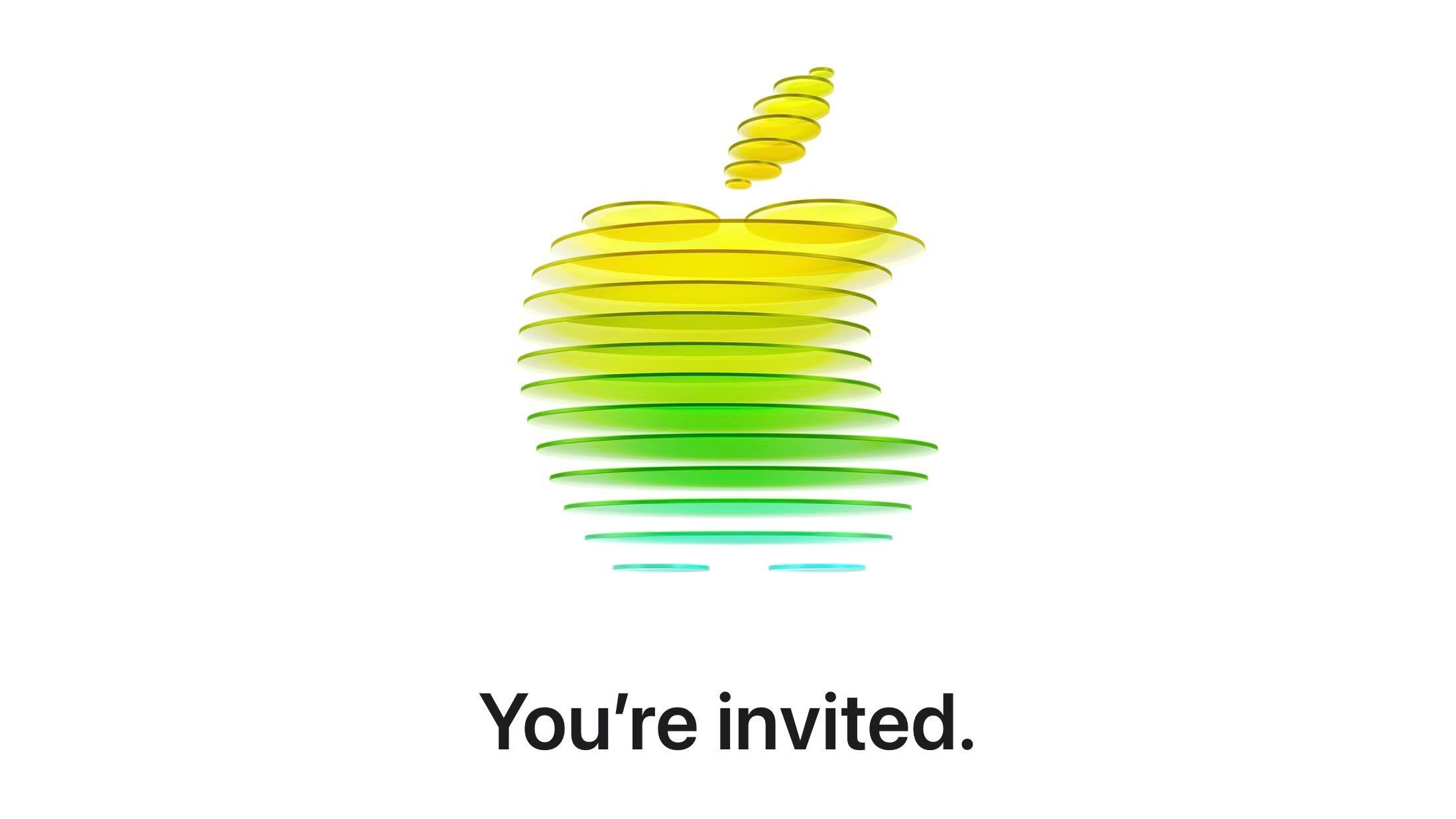
Apple invited select members of the media to the event. It is simply described as a "special Apple Experience," and there is no further information about what it may entail. The invitation features a 3D Apple logo design composed of yellow, green, and blue discs.
It is notable that Apple is specifically using the word "experience," rather than "event." Unlike a full live-streamed event from Apple Park, the March 4 event in New York is likely to be smaller in scale.
The announcement of several new Apple products is believed to be imminent, including the iPhone 17e, MacBook Pro with M5 Pro and M5 Max chips, eighth-generation, iPad Air, 12th-generation iPad, and more. A refreshed Studio Display and an all-new low-cost MacBook with the A18 chip are also possibilities.
This "Apple Experience" could involve Apple's announcement of some of these products and provide an opportunity for the media to get hands-on with the new devices.
The New York Apple Experience commences at 9:00am ET on March 4, 2026.
More to follow...
This article, "Apple Announces Special Event in New York on March 4" first appeared on MacRumors.com
Discuss this article in our forums
Apple invited select members of the media to the event. It is simply described as a "special Apple Experience," and there is no further information about what it may entail. The invitation features a 3D Apple logo design composed of yellow, green, and blue discs.
It is notable that Apple is specifically using the word "experience," rather than "event." Unlike a full live-streamed event from Apple Park, the March 4 event in New York is likely to be smaller in scale.
The announcement of several new Apple products is believed to be imminent, including the iPhone 17e, MacBook Pro with M5 Pro and M5 Max chips, eighth-generation, iPad Air, 12th-generation iPad, and more. A refreshed Studio Display and an all-new low-cost MacBook with the A18 chip are also possibilities.
This "Apple Experience" could involve Apple's announcement of some of these products and provide an opportunity for the media to get hands-on with the new devices.
The New York Apple Experience commences at 9:00am ET on March 4, 2026.
More to follow...
This article, "Apple Announces Special Event in New York on March 4" first appeared on MacRumors.com
Discuss this article in our forums
Recommended Comments
Join the conversation
You can post now and register later. If you have an account, sign in now to post with your account.