_811205.png)
_e196d8.png)
_32b3d9.png)
_1c53fe.png)

WWDC is set to start on Monday, June 8, and ahead of the keynote event, Apple has announced the winners of its annual Apple Design Awards. The Apple Design Awards recognize apps and games for their innovation, ingenuity, and technical achievement.
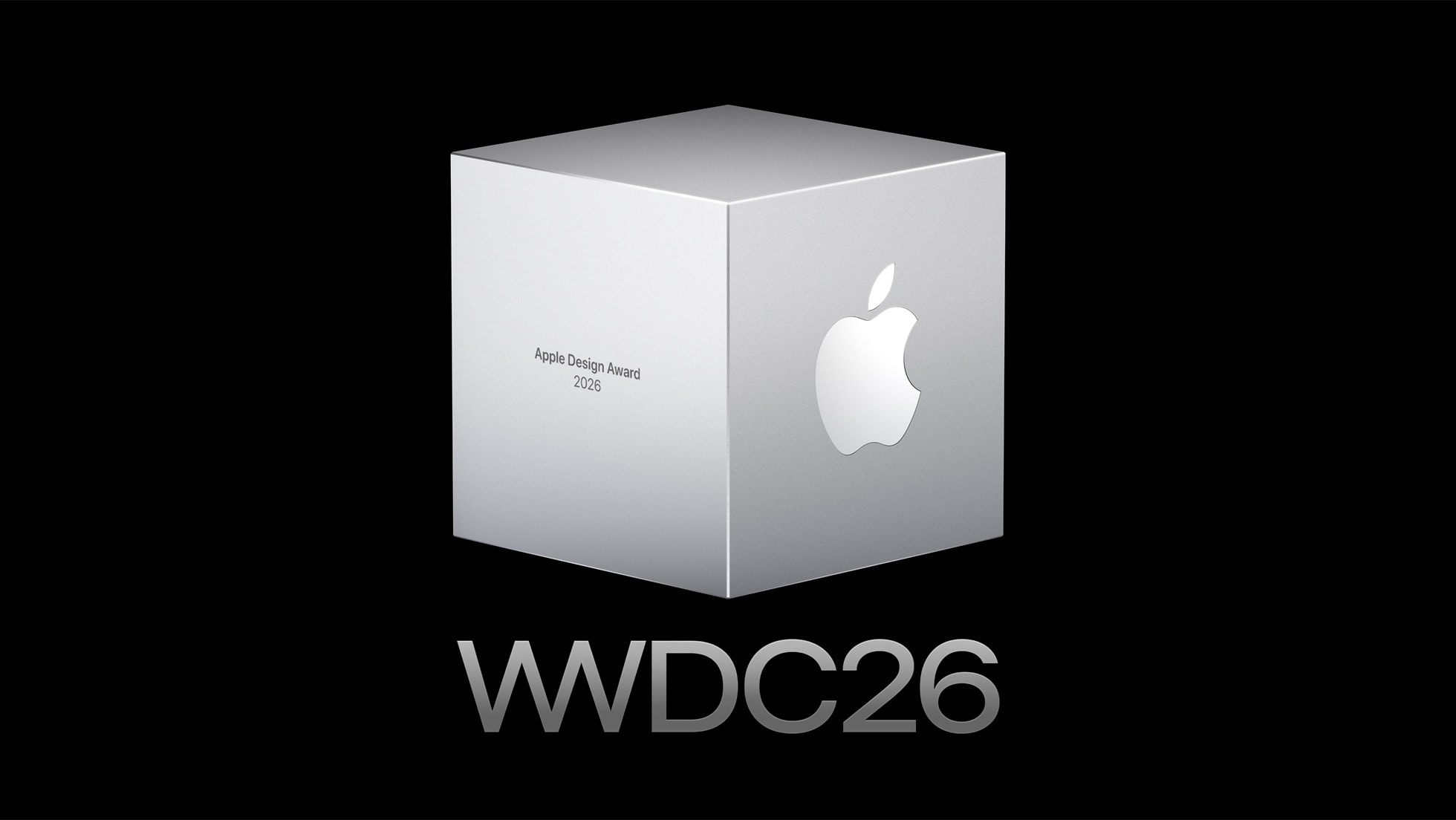
Apple chose one app and one game for each of the six award categories.
Delight and Fun - Grug (App) and Is This Seat Taken? (Game)
Innovation - NBA: Live Games and Scores (App) and Blue Prince (Game)
Interaction - Moonlitt: Moon Phase Tracker (App) and Sago Mini Jinja's Garden (Game)
Inclusivity - Guitar Wiz (App) and Pine Hearts (Game)
Social Impact - Primary: News in Depth (App) and Consume Me (Game)
Visuals and Graphics - Tide Guide: Charts and Tables (App) and Cyberpunk 2077: Ultimate Edition (Game)
More details on the winning apps and games and the developers behind them can be found on Apple's website. Apple also has a selection of apps and games that were selected as finalists before the winners were chosen.
WWDC will begin on Monday, June 8 at 10:00 a.m. Pacific Time.
This article, "Apple Announces This Year's App Design Award Winners Ahead of WWDC 2026" first appeared on MacRumors.com
Discuss this article in our forums
Apple chose one app and one game for each of the six award categories.
Delight and Fun - Grug (App) and Is This Seat Taken? (Game)
Innovation - NBA: Live Games and Scores (App) and Blue Prince (Game)
Interaction - Moonlitt: Moon Phase Tracker (App) and Sago Mini Jinja's Garden (Game)
Inclusivity - Guitar Wiz (App) and Pine Hearts (Game)
Social Impact - Primary: News in Depth (App) and Consume Me (Game)
Visuals and Graphics - Tide Guide: Charts and Tables (App) and Cyberpunk 2077: Ultimate Edition (Game)
More details on the winning apps and games and the developers behind them can be found on Apple's website. Apple also has a selection of apps and games that were selected as finalists before the winners were chosen.
WWDC will begin on Monday, June 8 at 10:00 a.m. Pacific Time.
Related Roundup: WWDC 2026
Tags: App Store, Apple Design Awards
Related Forum: Apple, Inc and Tech Industry
This article, "Apple Announces This Year's App Design Award Winners Ahead of WWDC 2026" first appeared on MacRumors.com
Discuss this article in our forums
Recommended Comments
Join the conversation
You can post now and register later. If you have an account, sign in now to post with your account.