_811205.png)
_e196d8.png)
_32b3d9.png)
_1c53fe.png)

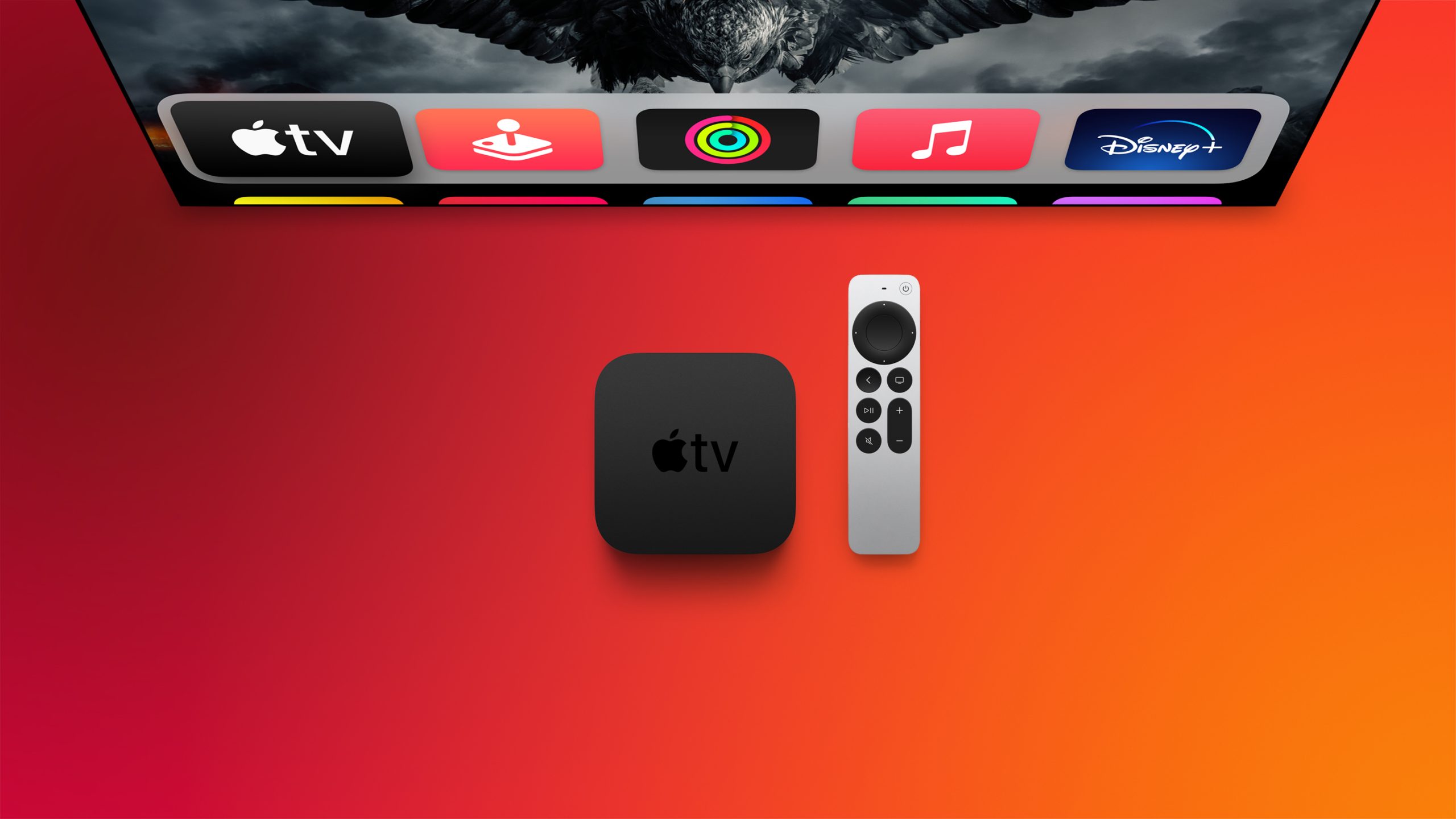
Apple barely touched on tvOS 27 during its WWDC 2026 keynote today, but the update exists, and it adds some new features to the Apple TV.
In a slide that was shown very briefly during the keynote, Apple revealed some of tvOS 27's new features and enhancements:
A redesigned Podcasts app
Smoother app launches and animations
Faster AirPlay connectivity with other Apple devices
Smart downloads
A new Larger Text accessibility option in the Settings app, which increases the size of text across the tvOS interface
AppleCare coverage details in the Settings appApple's website does not offer a tvOS 27 preview page like it does for iOS 27 and the other new software updates, and the "what's new in tvOS" page on Apple's developer website has yet to be updated, so no further details about these features are available right now. Stay tuned for more tvOS 27 information over the coming days.
The first tvOS 27 developer beta is available today, and a public beta will follow in July. The update will be released later this year — likely in September.
This article, "Apple Announces tvOS 27 With These New Features" first appeared on MacRumors.com
Discuss this article in our forums
In a slide that was shown very briefly during the keynote, Apple revealed some of tvOS 27's new features and enhancements:
A redesigned Podcasts app
Smoother app launches and animations
Faster AirPlay connectivity with other Apple devices
Smart downloads
A new Larger Text accessibility option in the Settings app, which increases the size of text across the tvOS interface
AppleCare coverage details in the Settings appApple's website does not offer a tvOS 27 preview page like it does for iOS 27 and the other new software updates, and the "what's new in tvOS" page on Apple's developer website has yet to be updated, so no further details about these features are available right now. Stay tuned for more tvOS 27 information over the coming days.
The first tvOS 27 developer beta is available today, and a public beta will follow in July. The update will be released later this year — likely in September.
Buyer's Guide: Apple TV (Don't Buy)
Related Forums: Apple TV and Home Theater, Apple, Inc and Tech Industry
This article, "Apple Announces tvOS 27 With These New Features" first appeared on MacRumors.com
Discuss this article in our forums
Recommended Comments
Join the conversation
You can post now and register later. If you have an account, sign in now to post with your account.