_811205.png)
_e196d8.png)
_32b3d9.png)
_1c53fe.png)

Apple Arcade will be adding another four games on Thursday, February 5, with complete details about each game outlined in Apple's announcement.
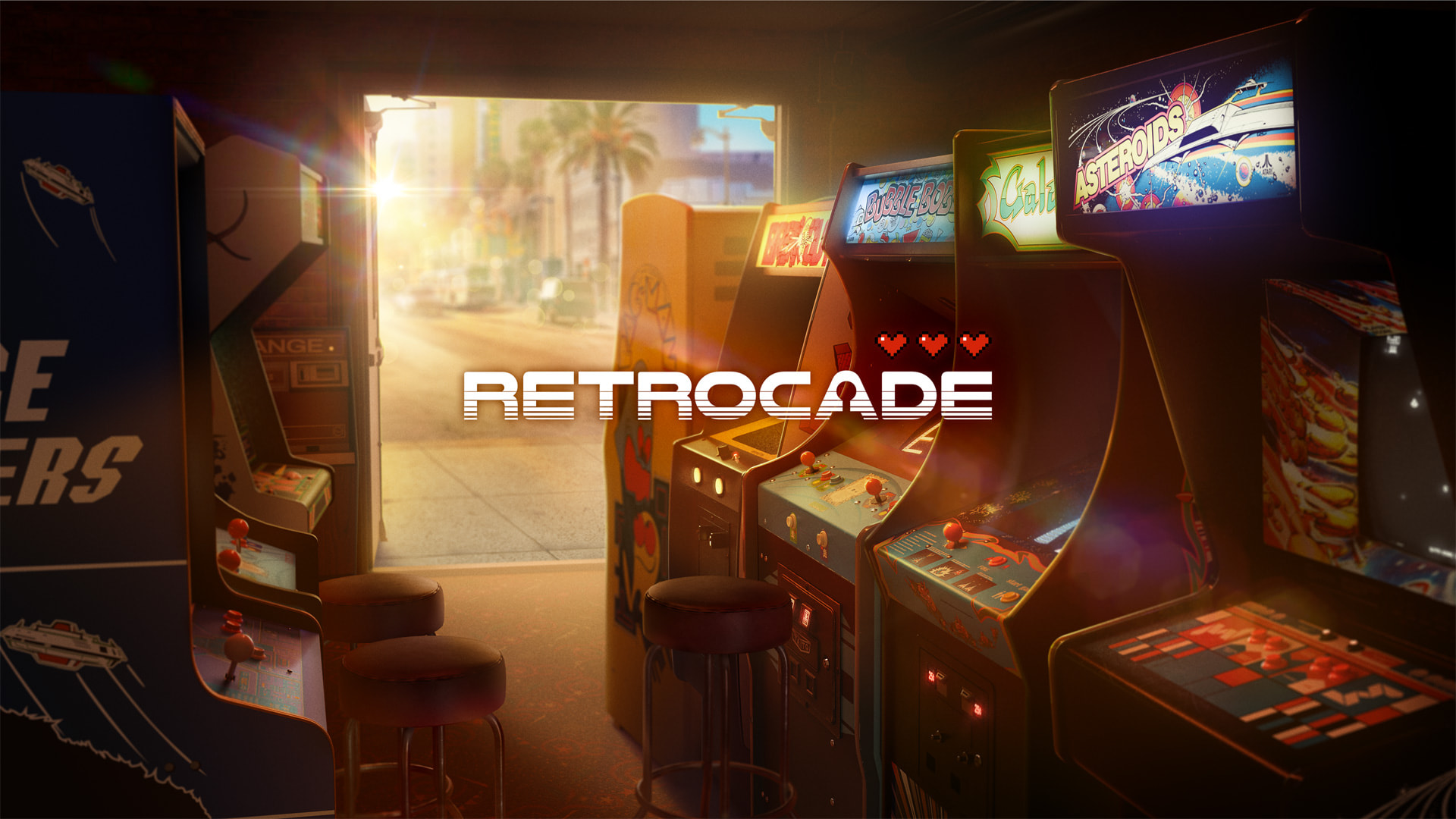
Retrocade will allow Apple Vision Pro users to play classic arcade games like Asteroids, PAC-MAN, Breakout, Galaga, and Space Invaders in an immersive 3D environment, complete with leaderboards, daily challenges, and more.
An arcade edition of the popular PC game Sid Meier's Civilization VII is also coming to Apple Arcade next month, across the Mac, iPad, and iPhone. The award-winning strategy game tasks players with building the greatest empire in the world.
The other two games coming to Apple Arcade next month are I Love Hue Too+, in which you arrange colorful tiles, and rhythm game Felicity's Door.
Apple Arcade is a subscription service that provides access to hundreds of games across the iPhone, iPad, Mac, Apple TV, and Apple Vision Pro. All of the games are free of ads and in-app purchases. In the U.S., Apple Arcade costs $6.99 per month, and it is also bundled with other Apple services in all Apple One plans.
Apple Arcade can be accessed through the App Store and the Apple Games app.
This article, "Apple Arcade Adding These Four Games in February" first appeared on MacRumors.com
Discuss this article in our forums
Retrocade will allow Apple Vision Pro users to play classic arcade games like Asteroids, PAC-MAN, Breakout, Galaga, and Space Invaders in an immersive 3D environment, complete with leaderboards, daily challenges, and more.
An arcade edition of the popular PC game Sid Meier's Civilization VII is also coming to Apple Arcade next month, across the Mac, iPad, and iPhone. The award-winning strategy game tasks players with building the greatest empire in the world.
The other two games coming to Apple Arcade next month are I Love Hue Too+, in which you arrange colorful tiles, and rhythm game Felicity's Door.
Apple Arcade is a subscription service that provides access to hundreds of games across the iPhone, iPad, Mac, Apple TV, and Apple Vision Pro. All of the games are free of ads and in-app purchases. In the U.S., Apple Arcade costs $6.99 per month, and it is also bundled with other Apple services in all Apple One plans.
Apple Arcade can be accessed through the App Store and the Apple Games app.
Tag: Apple Arcade
This article, "Apple Arcade Adding These Four Games in February" first appeared on MacRumors.com
Discuss this article in our forums
Recommended Comments
Join the conversation
You can post now and register later. If you have an account, sign in now to post with your account.