_811205.png)
_e196d8.png)
_32b3d9.png)
_1c53fe.png)

A judge in Paris today decided not to suspend Apple's App Tracking Transparency privacy feature in France, according to the French newspaper La Tribune.
In a statement shared with the publication, Apple said it welcomed the court's decision and will continue to support strong privacy protections for users.
Last year, Apple was fined €150 million by France's competition regulator, after it determined that the company's decision to implement App Tracking Transparency was an abuse of market dominance. Specifically, the regulator said the feature unfairly disadvantaged both third-party app developers and advertisers.
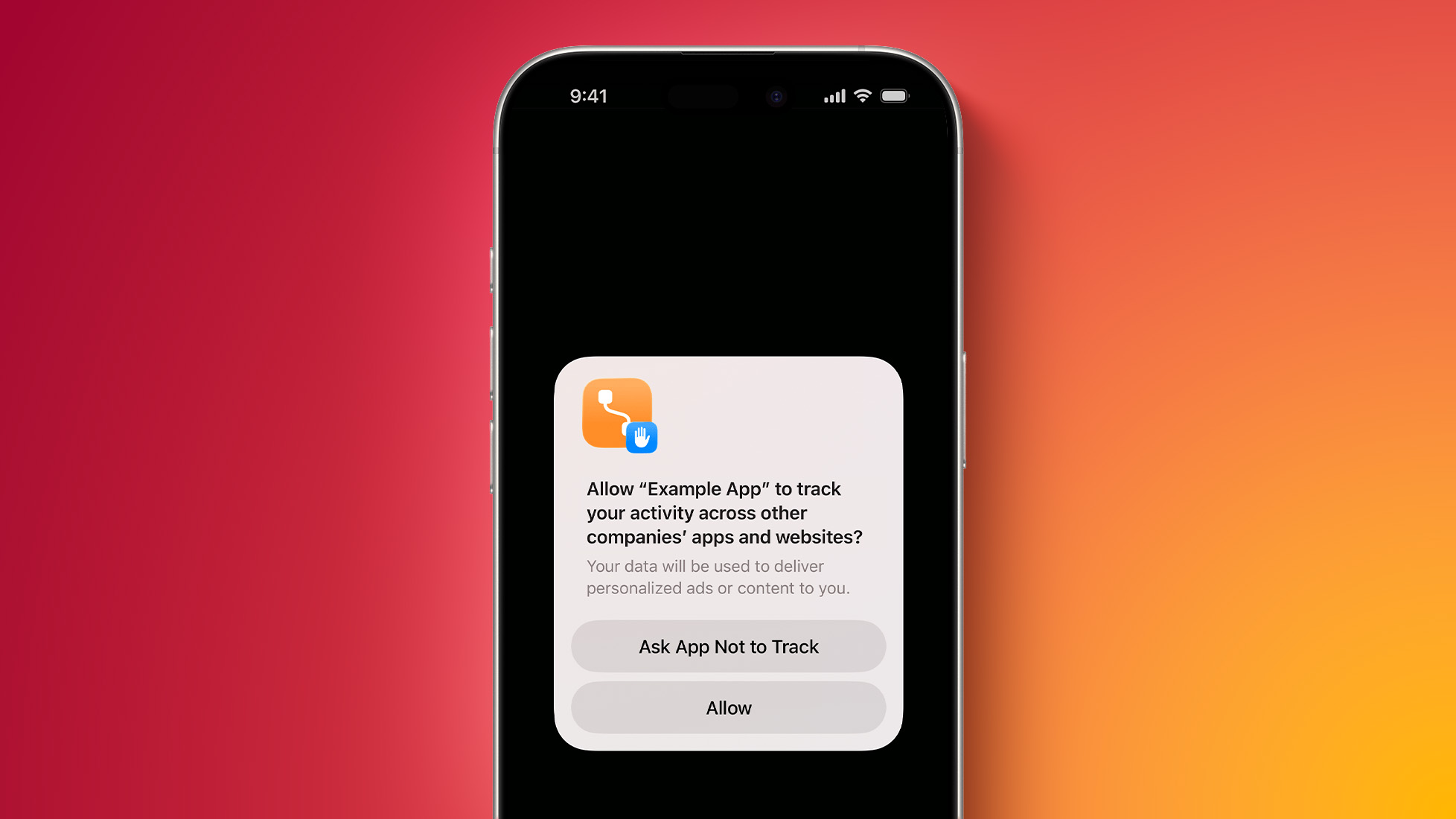
Since the release of iOS 14.5 in April 2021, Apple has required apps to ask for permission before tracking a user's activity across other apps and websites for personalized advertising. If a user selects the "Ask App Not to Track" option, the app is unable to access the device's advertising identifier. The feature enhances user privacy, but some advertisers have complained that it has significantly impacted revenue.
Last year, Apple warned that it may be forced to stop offering App Tracking Transparency in the EU due to regulatory pressures in countries such as France, Italy, Germany, and Poland, and from the overarching European Commission. But, it appears that the feature will live on in France for now following Apple's victory today.
This article, "Apple Can Still Offer a Key iPhone Privacy Feature in France, Says Judge" first appeared on MacRumors.com
Discuss this article in our forums
In a statement shared with the publication, Apple said it welcomed the court's decision and will continue to support strong privacy protections for users.
Last year, Apple was fined €150 million by France's competition regulator, after it determined that the company's decision to implement App Tracking Transparency was an abuse of market dominance. Specifically, the regulator said the feature unfairly disadvantaged both third-party app developers and advertisers.
Since the release of iOS 14.5 in April 2021, Apple has required apps to ask for permission before tracking a user's activity across other apps and websites for personalized advertising. If a user selects the "Ask App Not to Track" option, the app is unable to access the device's advertising identifier. The feature enhances user privacy, but some advertisers have complained that it has significantly impacted revenue.
Last year, Apple warned that it may be forced to stop offering App Tracking Transparency in the EU due to regulatory pressures in countries such as France, Italy, Germany, and Poland, and from the overarching European Commission. But, it appears that the feature will live on in France for now following Apple's victory today.
This article, "Apple Can Still Offer a Key iPhone Privacy Feature in France, Says Judge" first appeared on MacRumors.com
Discuss this article in our forums
Recommended Comments
Join the conversation
You can post now and register later. If you have an account, sign in now to post with your account.