_811205.png)
_e196d8.png)
_32b3d9.png)
_1c53fe.png)

Evidence suggests Apple is preparing to bring Car Key support to Lexus vehicles, MacRumors has discovered.
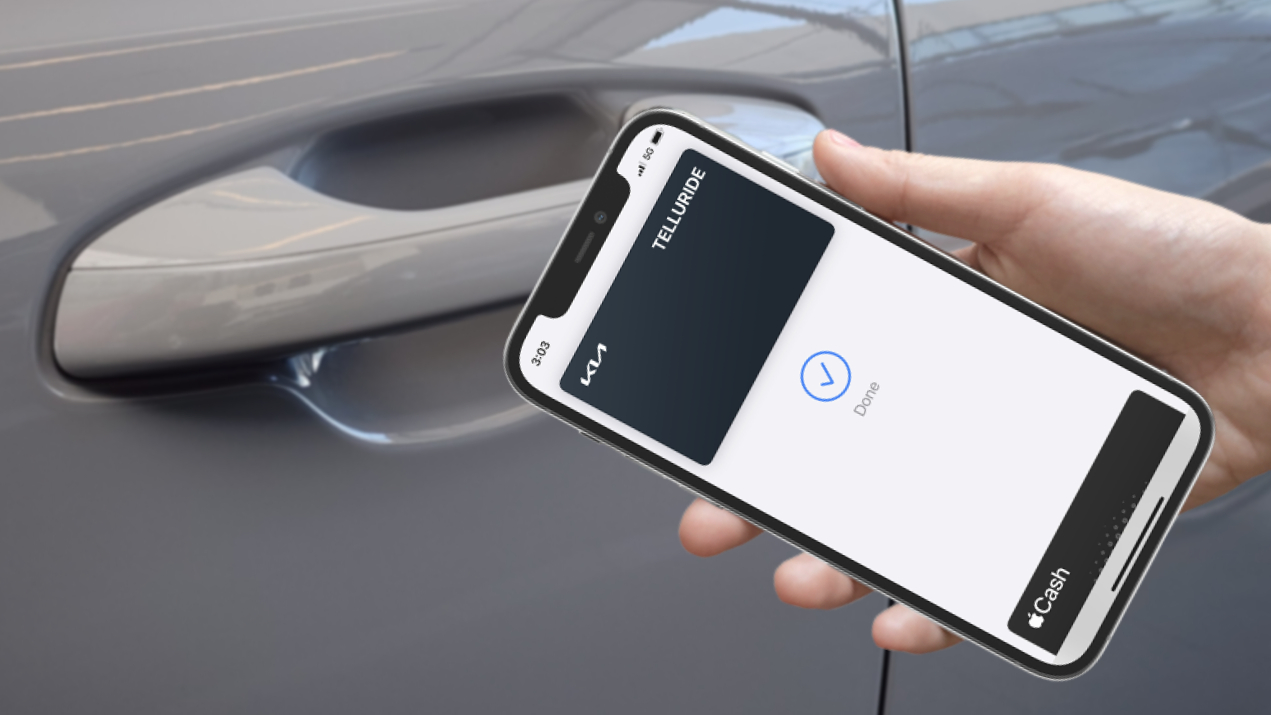
Code references to Lexus were found in Apple's backend code, indicating the Toyota-owned luxury brand is being added to Apple's Car Key backend. The discovery mirrors how Toyota's own Car Key support was first uncovered, before the feature went live for the 2026 RAV4 in February. It is unclear when the feature will roll out to customers.
Lexus already offers its own app-based Digital Key system, but unlike Apple Car Key, it requires an active connection to Toyota's servers to function and has not historically worked via Apple Wallet. Apple Car Key stores a digital key directly in the Wallet app and uses NFC for unlocking, with an Express Mode that allows access without authentication. On compatible devices, it continues to work for up to five hours after a phone's battery has died.
Toyota confirmed to Carscoops in February that the 2026 Lexus ES will be the first Lexus model to receive the enhanced Digital Key functionality as part of a new-generation infotainment system, with the vehicle expected later this year. It is likely that the code references relate to that upcoming rollout.
Car Key support has been expanding steadily across the industry. Vehicles from BMW, Genesis, Kia, Hyundai, Lotus, Mercedes, Volvo, and more already offer the feature, and a full list is available on MacRumors.
This article, "Apple Car Key Support Coming to Lexus Vehicles" first appeared on MacRumors.com
Discuss this article in our forums
Code references to Lexus were found in Apple's backend code, indicating the Toyota-owned luxury brand is being added to Apple's Car Key backend. The discovery mirrors how Toyota's own Car Key support was first uncovered, before the feature went live for the 2026 RAV4 in February. It is unclear when the feature will roll out to customers.
Lexus already offers its own app-based Digital Key system, but unlike Apple Car Key, it requires an active connection to Toyota's servers to function and has not historically worked via Apple Wallet. Apple Car Key stores a digital key directly in the Wallet app and uses NFC for unlocking, with an Express Mode that allows access without authentication. On compatible devices, it continues to work for up to five hours after a phone's battery has died.
Toyota confirmed to Carscoops in February that the 2026 Lexus ES will be the first Lexus model to receive the enhanced Digital Key functionality as part of a new-generation infotainment system, with the vehicle expected later this year. It is likely that the code references relate to that upcoming rollout.
Car Key support has been expanding steadily across the industry. Vehicles from BMW, Genesis, Kia, Hyundai, Lotus, Mercedes, Volvo, and more already offer the feature, and a full list is available on MacRumors.
Tags: iPhone Car Keys, Lexus
This article, "Apple Car Key Support Coming to Lexus Vehicles" first appeared on MacRumors.com
Discuss this article in our forums
Recommended Comments
Join the conversation
You can post now and register later. If you have an account, sign in now to post with your account.