_811205.png)
_e196d8.png)
_32b3d9.png)
_1c53fe.png)

Starting as early as next week, customers who sign up for an Apple Card at Apple's retail stores in the U.S. will receive $249 cash back when they purchase AirPods Pro 3, according to Bloomberg's Mark Gurman. The promotion has yet to be officially announced by Apple, so exact terms and conditions are not available at this time.
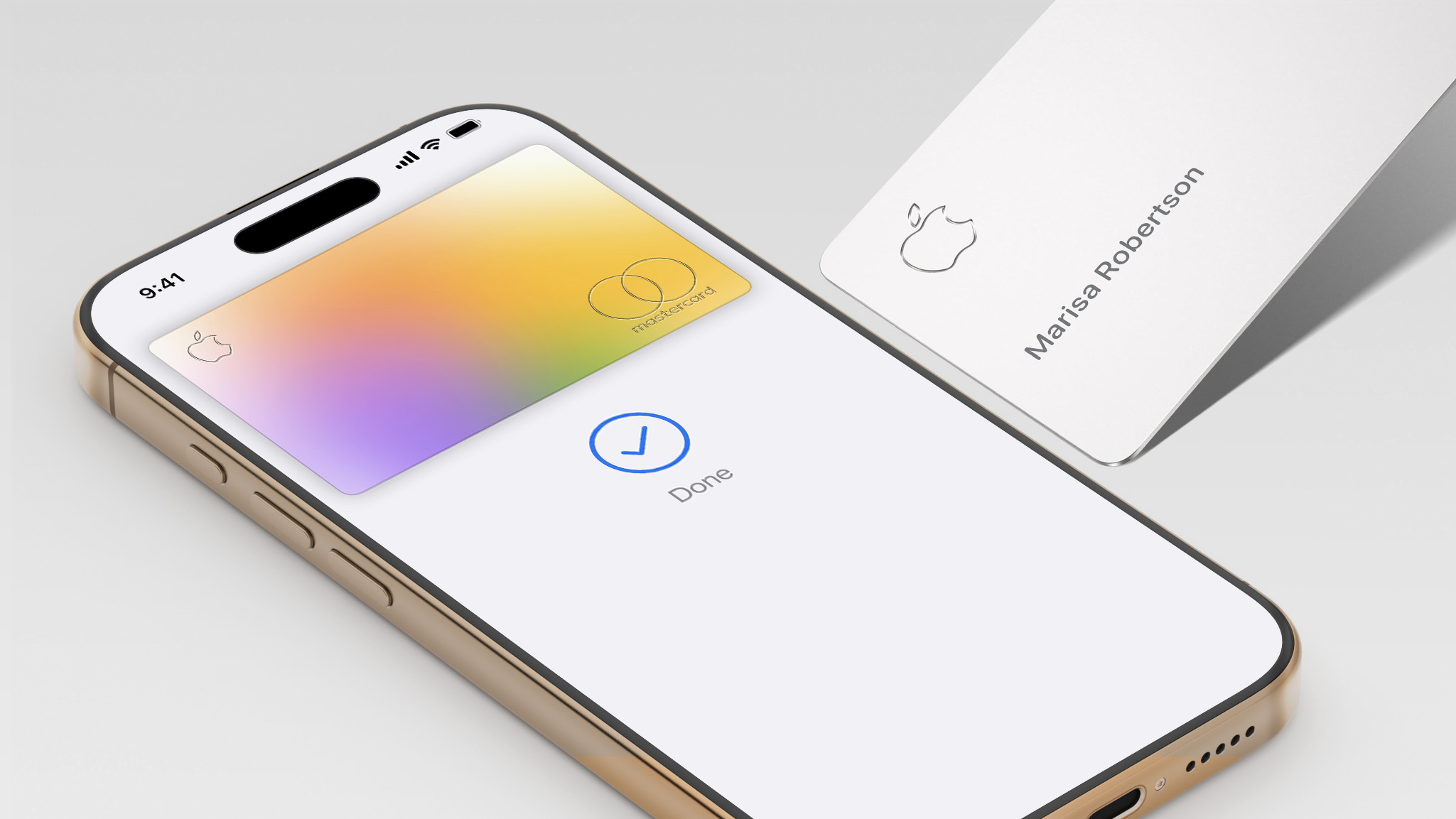
AirPods Pro 3 are priced at $249 in the U.S., so customers who sign up for an Apple Card will effectively get free AirPods Pro through this promotion.
Apple Card cash back is known as Daily Cash, so customers would receive the $249 cash back on the same day as they sign up for the card.
As a refresher, the Apple Card launched in 2019, and it remains available in the U.S. only. The credit card can be managed in the iPhone's Wallet app, with color-coded spending summaries. The card has no annual fee, and it offers 2% to 3% cash back on purchases via Apple Pay and 1% back on purchases with the physical card.
Apple Card holders can also open a high-yield savings account.
Currently, the Apple Card is issued by Goldman Sachs, but Apple previously announced that Chase will be taking over the credit card by early 2028.
This article, "Apple Card Promo to Offer Free AirPods Pro 3" first appeared on MacRumors.com
Discuss this article in our forums
AirPods Pro 3 are priced at $249 in the U.S., so customers who sign up for an Apple Card will effectively get free AirPods Pro through this promotion.
Apple Card cash back is known as Daily Cash, so customers would receive the $249 cash back on the same day as they sign up for the card.
As a refresher, the Apple Card launched in 2019, and it remains available in the U.S. only. The credit card can be managed in the iPhone's Wallet app, with color-coded spending summaries. The card has no annual fee, and it offers 2% to 3% cash back on purchases via Apple Pay and 1% back on purchases with the physical card.
Apple Card holders can also open a high-yield savings account.
Currently, the Apple Card is issued by Goldman Sachs, but Apple previously announced that Chase will be taking over the credit card by early 2028.
Related Roundup: AirPods Pro 3
Buyer's Guide: AirPods Pro (Neutral)
Related Forum: AirPods
This article, "Apple Card Promo to Offer Free AirPods Pro 3" first appeared on MacRumors.com
Discuss this article in our forums
Recommended Comments
Join the conversation
You can post now and register later. If you have an account, sign in now to post with your account.