_811205.png)
_e196d8.png)
_32b3d9.png)
_1c53fe.png)

Apple CEO Tim Cook disclosed a roughly $3 million open-market purchase of Nike shares this week (via Reuters).
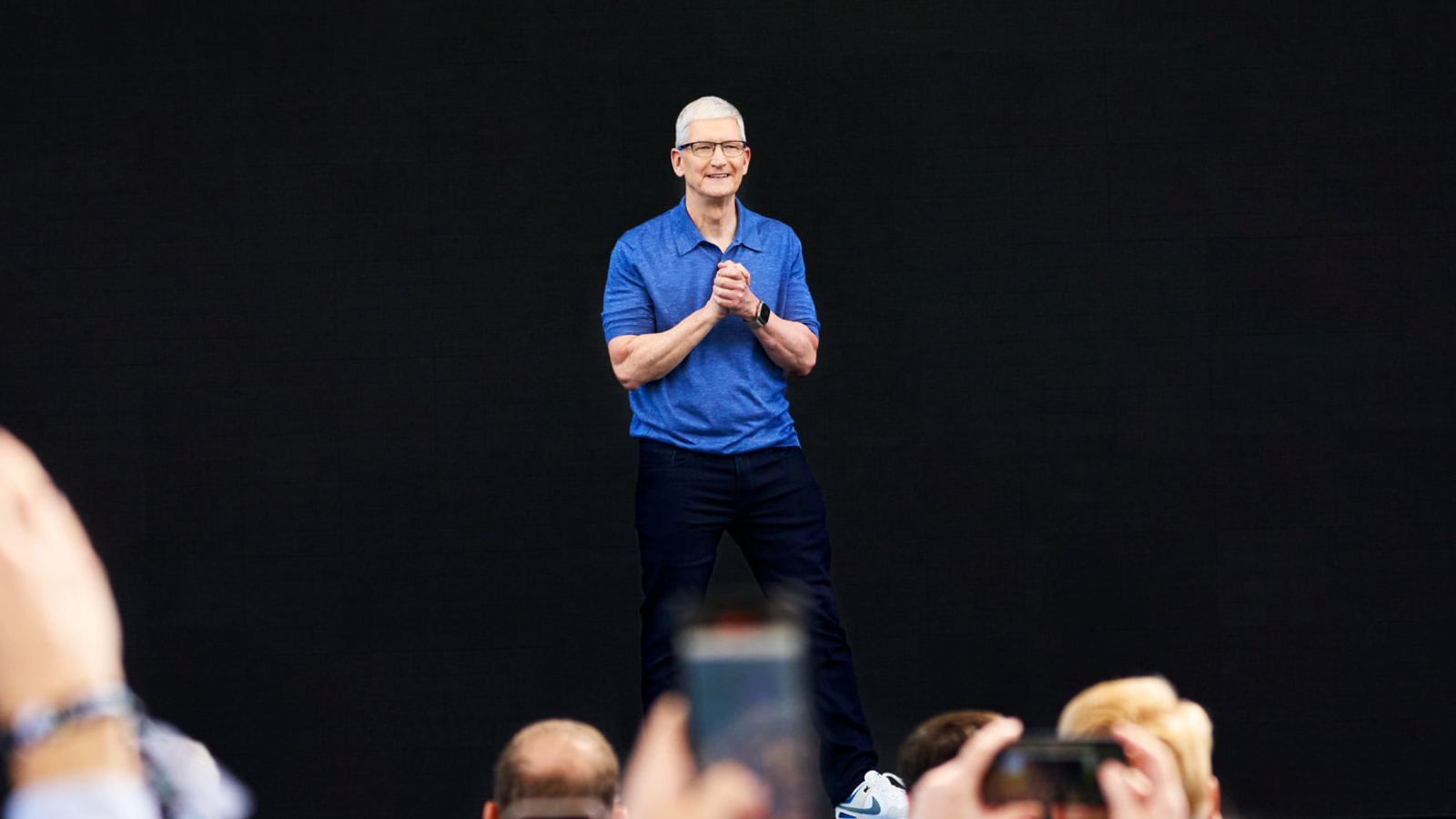
According to a regulatory filing published yesterday, Cook purchased 50,000 Class B shares of Nike on December 22 at an average price of $58.97 per share, for a total investment of approximately $2.95 million. The filing shows that Cook now holds about 105,000 Nike shares, a position valued at nearly $6 million.
Nike shares rose following the disclosure, gaining between about 2% and 5% in premarket and early regular-session activity, after the stock had fallen sharply in the days following the company's most recent earnings report, which highlighted ongoing challenges in its business, particularly in China. Nike is currently in the early stages of a turnaround effort under CEO Elliott Hill, who returned to the company last year after retiring.
Cook has served on Nike's board of directors since 2005 and is its lead independent director, a role he assumed in 2016 after Nike co-founder Phil Knight stepped down as chairman. In addition to his position at Apple, Cook also chairs Nike's compensation committee, placing him in a central governance role at the apparel maker. The December 22 transaction represents Cook's largest open-market purchase of Nike shares in years and comes at a time when the company is under pressure from investors following a prolonged decline in its stock price.
This article, "Apple CEO Tim Cook Buys $3 Million of Nike Shares" first appeared on MacRumors.com
Discuss this article in our forums
According to a regulatory filing published yesterday, Cook purchased 50,000 Class B shares of Nike on December 22 at an average price of $58.97 per share, for a total investment of approximately $2.95 million. The filing shows that Cook now holds about 105,000 Nike shares, a position valued at nearly $6 million.
Nike shares rose following the disclosure, gaining between about 2% and 5% in premarket and early regular-session activity, after the stock had fallen sharply in the days following the company's most recent earnings report, which highlighted ongoing challenges in its business, particularly in China. Nike is currently in the early stages of a turnaround effort under CEO Elliott Hill, who returned to the company last year after retiring.
Cook has served on Nike's board of directors since 2005 and is its lead independent director, a role he assumed in 2016 after Nike co-founder Phil Knight stepped down as chairman. In addition to his position at Apple, Cook also chairs Nike's compensation committee, placing him in a central governance role at the apparel maker. The December 22 transaction represents Cook's largest open-market purchase of Nike shares in years and comes at a time when the company is under pressure from investors following a prolonged decline in its stock price.
Tag: Tim Cook
This article, "Apple CEO Tim Cook Buys $3 Million of Nike Shares" first appeared on MacRumors.com
Discuss this article in our forums
Recommended Comments
Join the conversation
You can post now and register later. If you have an account, sign in now to post with your account.