_811205.png)
_e196d8.png)
_32b3d9.png)
_1c53fe.png)

Apple CEO Tim Cook earned $74.3 million in 2025, down slightly from $74.6 million in 2024, Apple said in its annual proxy filing released today.
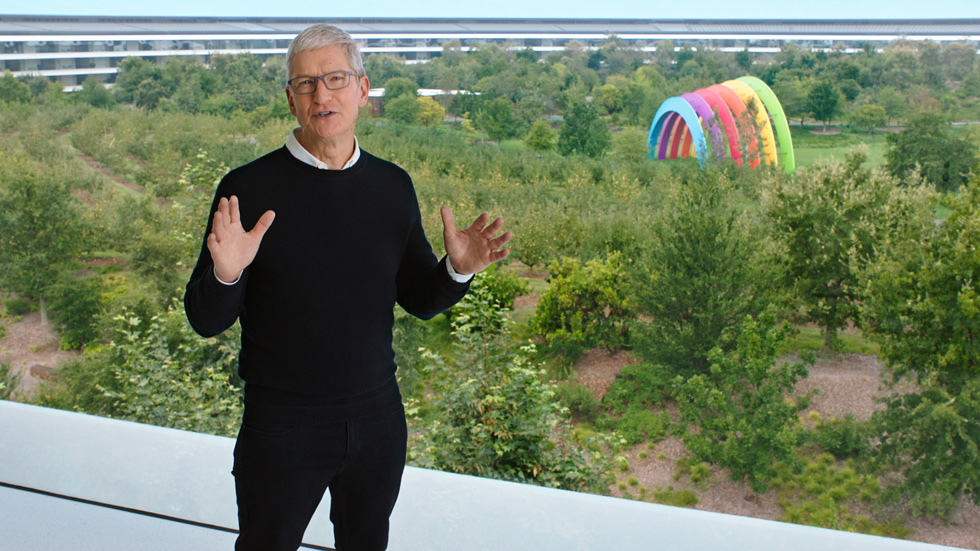
Cook's earnings included a $3 million base salary that has remained the same since 2016, $57.5 million in stock awards, $12 million in performance-based cash awards, and $1.76 million in other compensation, such as 401(k) contributions, life insurance premiums, vacation cash-out, security expenses, and personal air travel expenses. For efficiency and security purposes, Cook is required by Apple to use private aircraft for both business and personal travel.
Apple set a target compensation of $59 million for Cook, the same as in 2024, but Cook earned above that level through the incentive payouts that executives receive when Apple performs well.
Other key senior Apple executives, including outgoing general counsel Kate Adams, chief operating officer Sabih Khan, and retail and people chief Deirdre O'Brien each earned total compensation packages of around $27 million in 2025. Apple saw a chief financial officer transition in 2025, with former CFO Luca Maestri earning $15.5 million in 2025 and new CFO Kevan Parekh earning $22.5 million.
This article, "Apple CEO Tim Cook Earned $74.3 Million in 2025" first appeared on MacRumors.com
Discuss this article in our forums
Cook's earnings included a $3 million base salary that has remained the same since 2016, $57.5 million in stock awards, $12 million in performance-based cash awards, and $1.76 million in other compensation, such as 401(k) contributions, life insurance premiums, vacation cash-out, security expenses, and personal air travel expenses. For efficiency and security purposes, Cook is required by Apple to use private aircraft for both business and personal travel.
Apple set a target compensation of $59 million for Cook, the same as in 2024, but Cook earned above that level through the incentive payouts that executives receive when Apple performs well.
Other key senior Apple executives, including outgoing general counsel Kate Adams, chief operating officer Sabih Khan, and retail and people chief Deirdre O'Brien each earned total compensation packages of around $27 million in 2025. Apple saw a chief financial officer transition in 2025, with former CFO Luca Maestri earning $15.5 million in 2025 and new CFO Kevan Parekh earning $22.5 million.
Tag: Tim Cook
This article, "Apple CEO Tim Cook Earned $74.3 Million in 2025" first appeared on MacRumors.com
Discuss this article in our forums
Recommended Comments
Join the conversation
You can post now and register later. If you have an account, sign in now to post with your account.