_811205.png)
_e196d8.png)
_32b3d9.png)
_1c53fe.png)

In an interview with Good Morning America's Michael Strahan this week, Apple's CEO Tim Cook responded to rumors about his potential retirement.
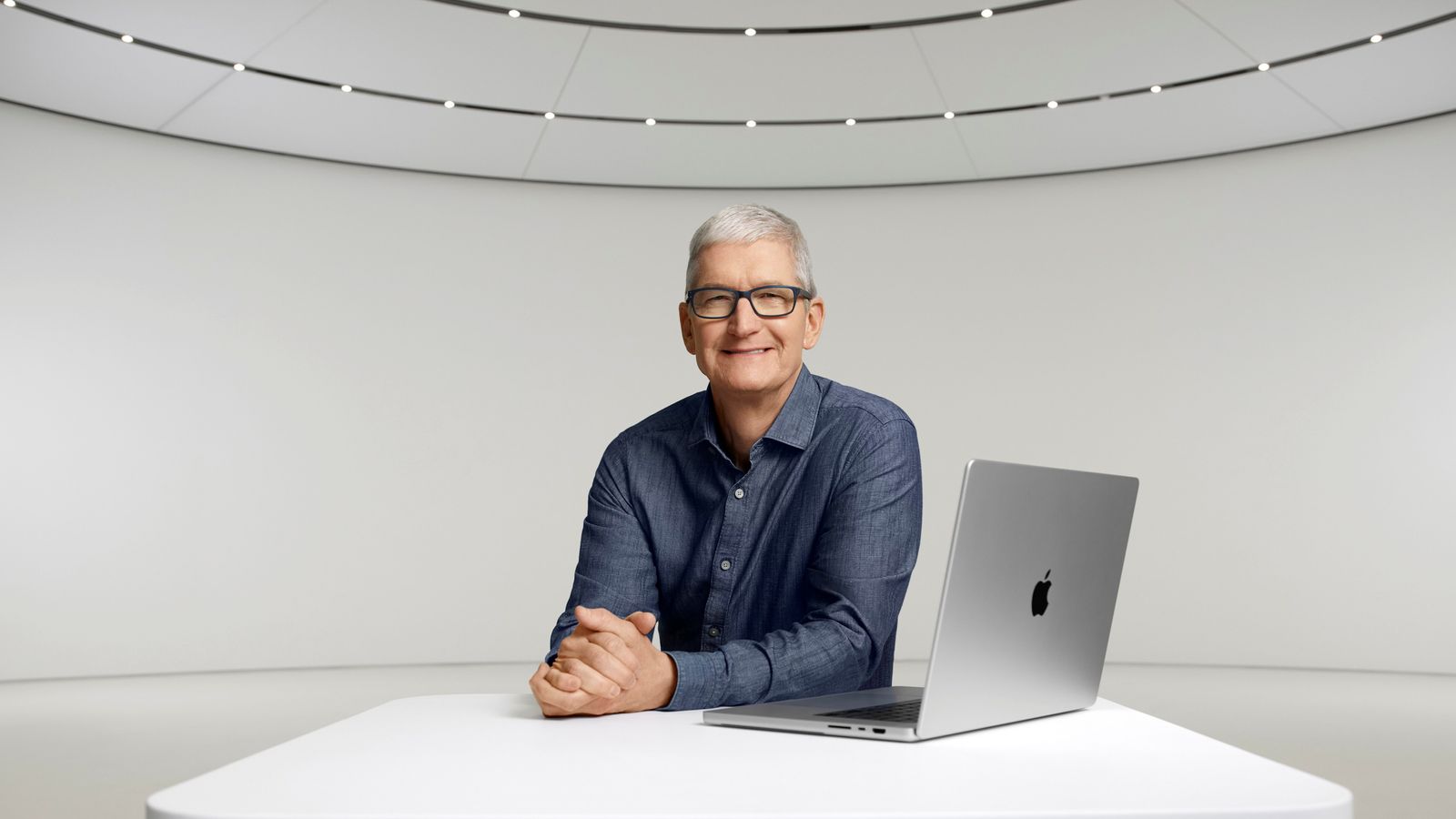
Cook said the idea that he wants to step back at Apple is merely "a rumor."
Cook did not explicitly confirm or deny that he will be stepping down as CEO any time soon, but he said "I can't imagine life without Apple."
The full interview clip is available on YouTube below.
Last year, the Financial Times reported that Apple was preparing for Cook to step down as soon as early 2026, but it is already mid-March, and Cook has made no public indication that he plans to give up his position in the near future.
Apple's Senior Vice President of Hardware Engineering, John Ternus, is widely viewed as Cook's most likely successor. Cook reportedly gave oversight of Apple's design teams to Ternus at the end of last year, and Ternus has been making a lot more public appearances in interviews and in product introduction videos over the past few years.
Cook has been Apple's CEO since August 2011, and he reached the typical retirement age of 65 last year. His time in charge of the company might be inching to an end, but his comments suggest that a change in guard is not imminent.
This article, "Apple CEO Tim Cook Responds to Retirement Rumors" first appeared on MacRumors.com
Discuss this article in our forums
Cook said the idea that he wants to step back at Apple is merely "a rumor."
Cook did not explicitly confirm or deny that he will be stepping down as CEO any time soon, but he said "I can't imagine life without Apple."
The full interview clip is available on YouTube below.
Last year, the Financial Times reported that Apple was preparing for Cook to step down as soon as early 2026, but it is already mid-March, and Cook has made no public indication that he plans to give up his position in the near future.
Apple's Senior Vice President of Hardware Engineering, John Ternus, is widely viewed as Cook's most likely successor. Cook reportedly gave oversight of Apple's design teams to Ternus at the end of last year, and Ternus has been making a lot more public appearances in interviews and in product introduction videos over the past few years.
Cook has been Apple's CEO since August 2011, and he reached the typical retirement age of 65 last year. His time in charge of the company might be inching to an end, but his comments suggest that a change in guard is not imminent.
Tag: Tim Cook
This article, "Apple CEO Tim Cook Responds to Retirement Rumors" first appeared on MacRumors.com
Discuss this article in our forums
Recommended Comments
Join the conversation
You can post now and register later. If you have an account, sign in now to post with your account.