_811205.png)
_e196d8.png)
_32b3d9.png)
_1c53fe.png)

In a statement shared with CNBC today, Apple confirmed that Google Gemini will power the next-generation version of Siri that is slated to launch later this year.
"After careful evaluation, we determined that Google's technology provides the most capable foundation for Apple Foundation Models and we're excited about the innovative new experiences it will unlock for our users," the statement said.
The report explicitly mentioned that Google Gemini will power Siri, as was expected. Apple's decision to lean on Google's artificial intelligence technology should result in the revamped Siri being more capable and advanced than it otherwise would have been, as Gemini's large language model is significantly larger than Apple's own model.
The next-generation version of Siri is expected to be introduced with iOS 26.4, which will likely be released to the general public in March or April.
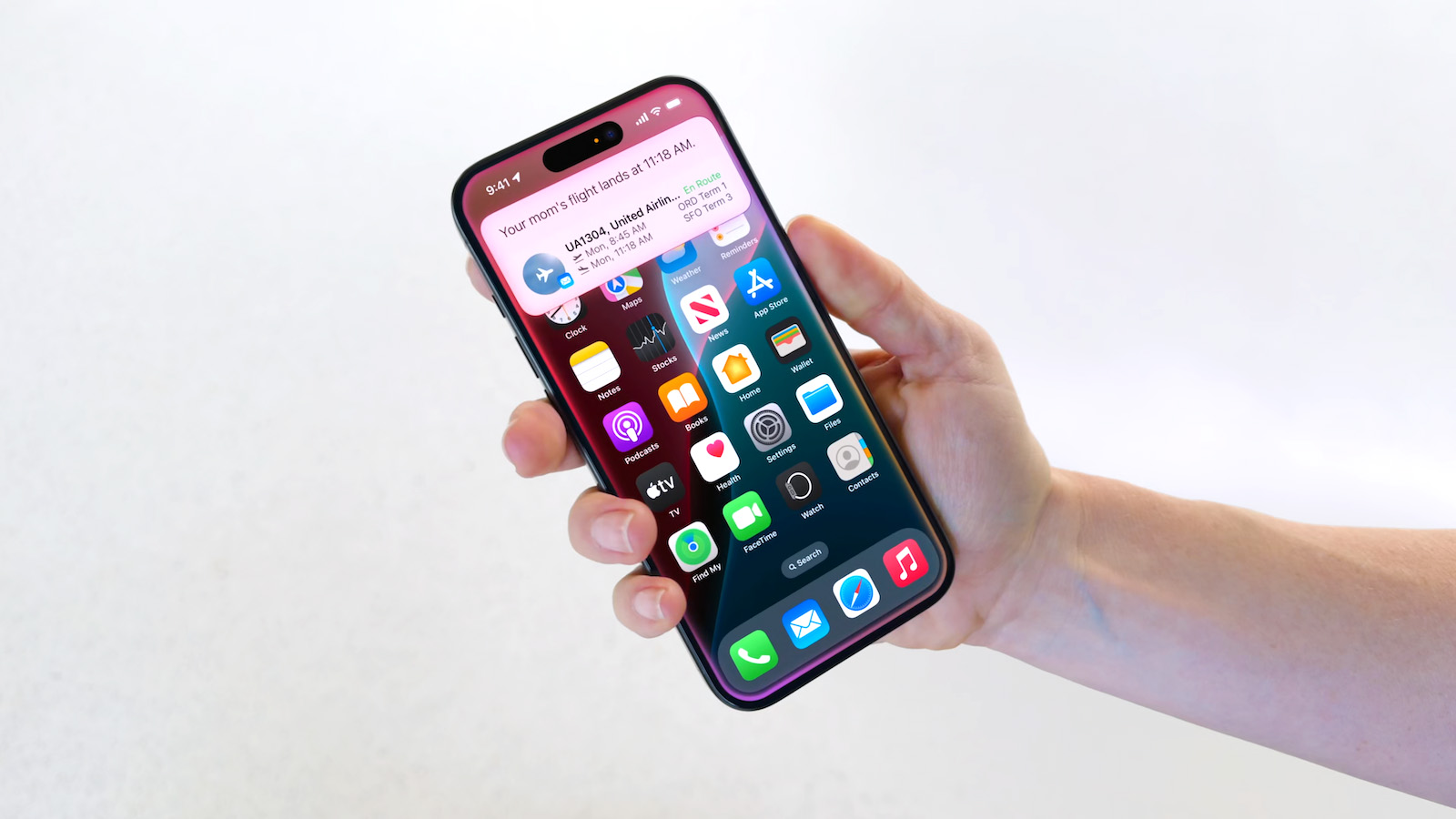
Apple first announced the personalized Siri features during its WWDC 2024 keynote, but last year it announced that they were delayed. The new capabilities will include better understanding of a user's personal context, on-screen awareness, and deeper per-app controls. For example, Apple showed an iPhone user asking Siri about their mother's flight and lunch reservation plans based on info from the Mail and Messages apps.
This article, "Apple Confirms Google Gemini Will Power Next-Generation Siri This Year" first appeared on MacRumors.com
Discuss this article in our forums
"After careful evaluation, we determined that Google's technology provides the most capable foundation for Apple Foundation Models and we're excited about the innovative new experiences it will unlock for our users," the statement said.
The report explicitly mentioned that Google Gemini will power Siri, as was expected. Apple's decision to lean on Google's artificial intelligence technology should result in the revamped Siri being more capable and advanced than it otherwise would have been, as Gemini's large language model is significantly larger than Apple's own model.
The next-generation version of Siri is expected to be introduced with iOS 26.4, which will likely be released to the general public in March or April.
Apple first announced the personalized Siri features during its WWDC 2024 keynote, but last year it announced that they were delayed. The new capabilities will include better understanding of a user's personal context, on-screen awareness, and deeper per-app controls. For example, Apple showed an iPhone user asking Siri about their mother's flight and lunch reservation plans based on info from the Mail and Messages apps.
Tag: Siri
Related Forum: iOS 26
This article, "Apple Confirms Google Gemini Will Power Next-Generation Siri This Year" first appeared on MacRumors.com
Discuss this article in our forums
Recommended Comments
Join the conversation
You can post now and register later. If you have an account, sign in now to post with your account.