_811205.png)
_e196d8.png)
_32b3d9.png)
_1c53fe.png)

Apple today unveiled the M5 Pro and M5 Max chips, featuring a new Fusion Architecture.
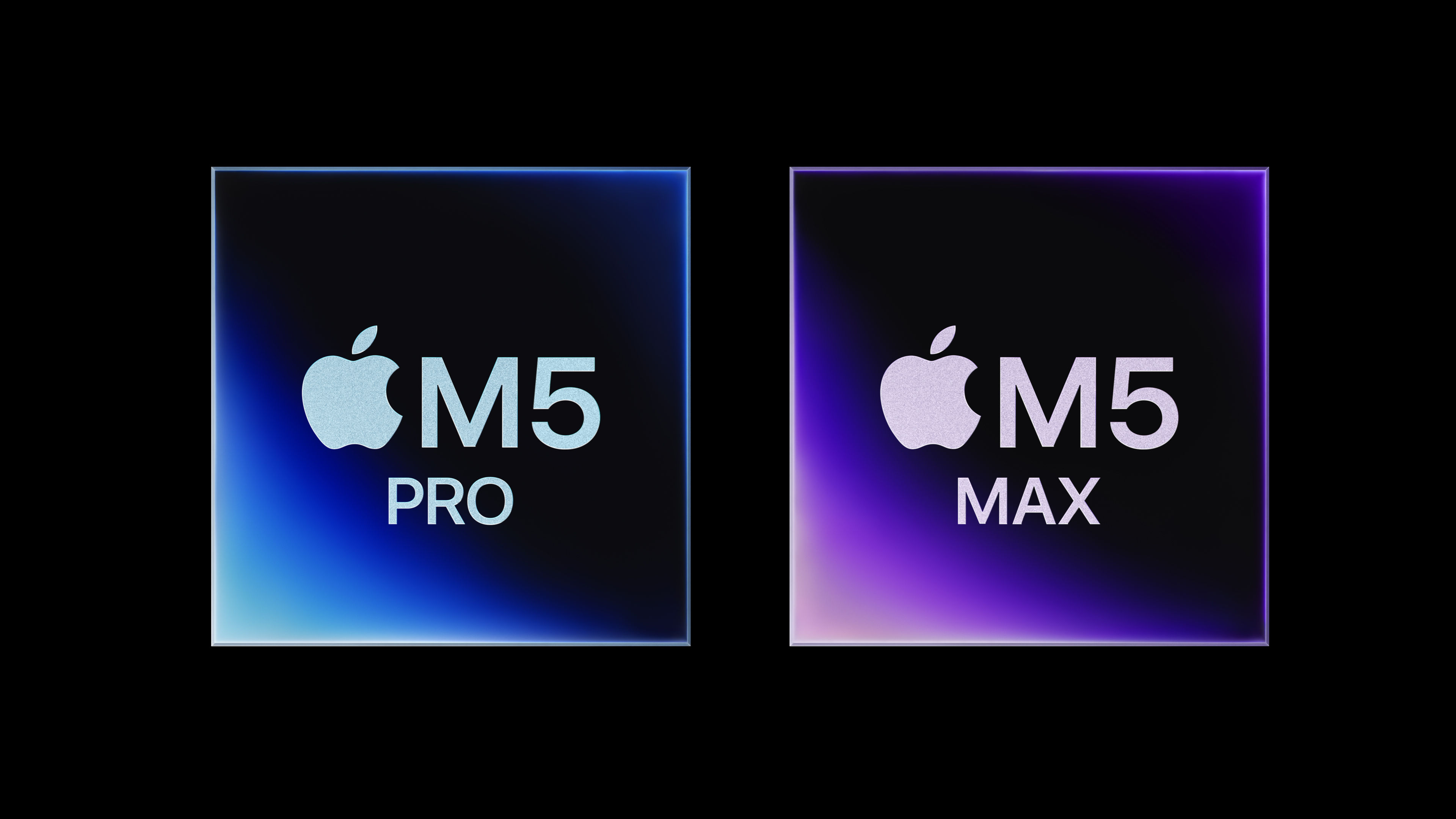
The chips are made using a new Apple-designed Fusion Architecture, which combines two dies into a single system on a chip (SoC).
Both chips feature a new 18-core CPU architecture, including six high-performance cores that Apple now calls "super cores." They are joined by 12 all-new performance cores optimized for power efficiency. Together, they boost CPU performance by up to 30%.
More to follow...
This article, "Apple Debuts M5 Pro and M5 Max Chips" first appeared on MacRumors.com
Discuss this article in our forums
The chips are made using a new Apple-designed Fusion Architecture, which combines two dies into a single system on a chip (SoC).
Both chips feature a new 18-core CPU architecture, including six high-performance cores that Apple now calls "super cores." They are joined by 12 all-new performance cores optimized for power efficiency. Together, they boost CPU performance by up to 30%.
More to follow...
This article, "Apple Debuts M5 Pro and M5 Max Chips" first appeared on MacRumors.com
Discuss this article in our forums
Recommended Comments
Join the conversation
You can post now and register later. If you have an account, sign in now to post with your account.